Trying Out MuJoCo Part 2 (Unitree MuJoCo)
 管理人
管理人Introduction
In this post, I tried out the Unitree MuJoCo sample.
Recently, I’ve been seeing Unitree-related robots frequently at exhibitions and other events. While it’s difficult to get my hands on the actual hardware, I want to at least try running the simulator.
▼The Unitree Robotics GitHub repository is here. There are various other projects besides this Unitree MuJoCo.
https://github.com/unitreerobotics
▼I have used MuJoCo in a previous article, but I am setting up the environment again for this specific case.
Trying Out MuJoCo Part 1 (Environment Setup and Running Sample Programs)
Info This article is translated from Japanese to English. Introduction In this post, I tried out a software called MuJoCo, which can perform physics simulation…
 趣味的ロボット研究所
▼Previous articles are here:
Trying Out Unreal Engine 5 Part 9 (Remote Control API and Node-RED)
Info This article is translated from Japanese to English. Introduction Previously, I used the HTTP Blueprint to test communication from Unreal Engine 5 (UE5) t…
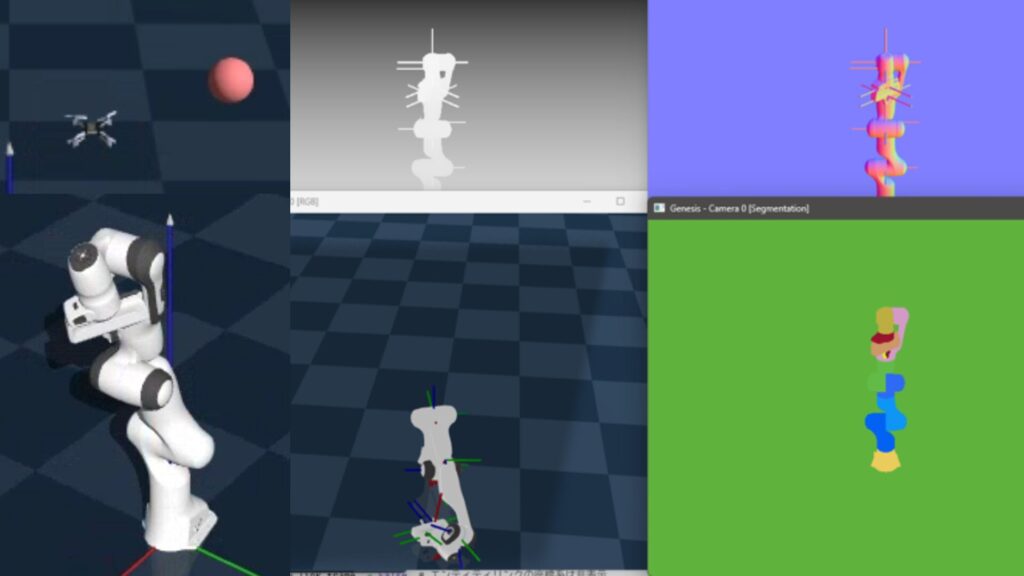
Trying Out Genesis Part 1 (Environment Setup and Running Sample Programs)
Info This article is translated from Japanese to English. Introduction In this post, I tried out a physics simulation software called Genesis.It was released o…
Setting Up the Environment
There seems to be a C++ simulator as well, but this time I will run it with Python.
▼The README page is here:
I tried to set up the environment on Windows, but I encountered errors related to environment variables. Therefore, I am running it in a WSL2 Ubuntu 22.04 environment this time.
▼WSL2 Ubuntu 22.04 was already installed in the following article:
Trying Out WSL2 Part 1 (Ubuntu 22.04, Node-RED, and Memory Limits)
Info This article is translated from Japanese to English. Introduction In this post, I set up a WSL (Windows Subsystem for Linux) environment, which allows you…
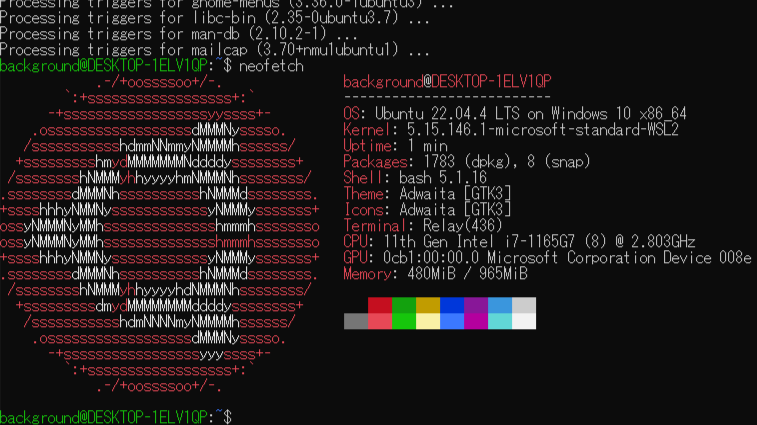
Basically, I followed the commands in the README, but first, I created a Python virtual environment.
git clone https://github.com/unitreerobotics/unitree_mujoco.git
cd unitree_mujoco/
sudo apt install python3.10-venv
python3.10 -m venv pyenv
source pyenv/bin/activate
▼The activation worked, although some conda environment details are mixed in.

▼For more information on Python virtual environments, please see the following article:
Create Python Virtual Environments (venv, Windows)
Info This article is translated from Japanese to English. Introduction In this post, I have summarized how to create a Python virtual environment.I was researc…

While installing the necessary packages, I encountered an error.
cd ~
sudo apt install python3-pip
git clone https://github.com/unitreerobotics/unitree_sdk2_python.git
cd unitree_sdk2_python
pip3 install -e .
▼This is an error asking to set CYCLONEDDS_HOME or CMAKE_PREFIX_PATH.
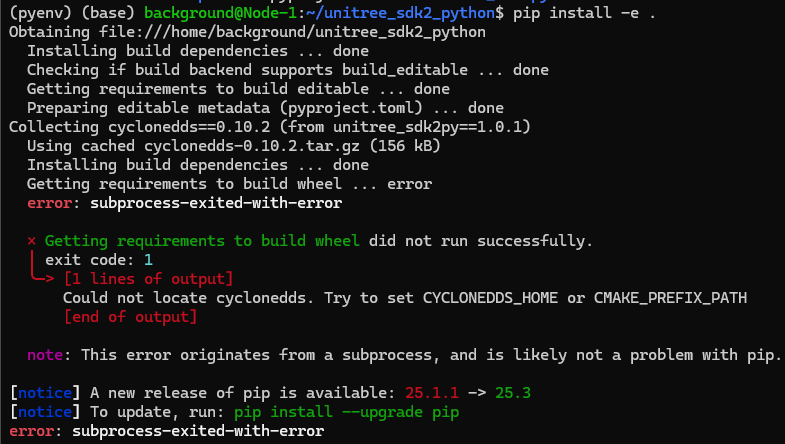
It seemed that cmake was not installed, so I installed it.
sudo apt install cmakeI also installed Cyclone DDS.
cd ~
git clone https://github.com/eclipse-cyclonedds/cyclonedds -b releases/0.10.x
cd cyclonedds && mkdir build install && cd build
cmake .. -DCMAKE_INSTALL_PREFIX=../install
cmake --build . --target install
then tried to set the environment variables and reinstall. The README specified "~/cyclonedds/install", but CYCLONEDDS_HOME didn't seem to be recognized that way. It worked once I replaced the "~" with the absolute path.
cd ~/unitree_sdk2_python
export CYCLONEDDS_HOME="/home/<User Name>/cyclonedds/install"
pip3 install -e .
When I was setting up the environment on Windows, I was also stuck on environment variables; using an absolute path might solve it there as well.
I also installed other necessary packages.
pip3 install mujoco
pip3 install pygame
Running the Sample
I ran the simulate_python file.
cd ~
cd unitree_mujoco/
cd ./simulate_python
python3 ./unitree_mujoco.py
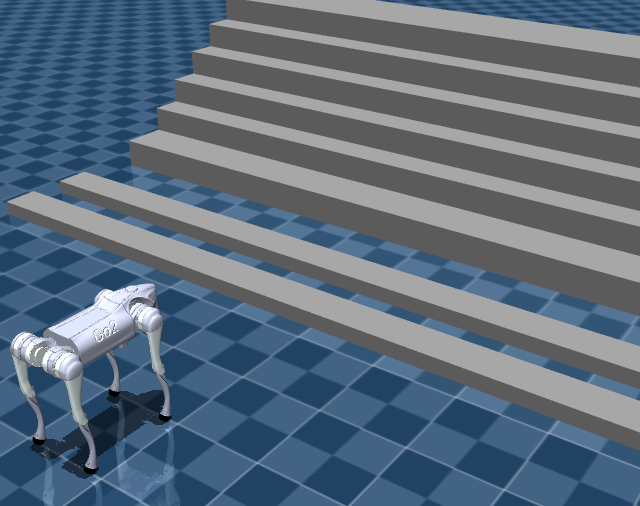
▼The Unitree GO2 model appeared in MuJoCo.
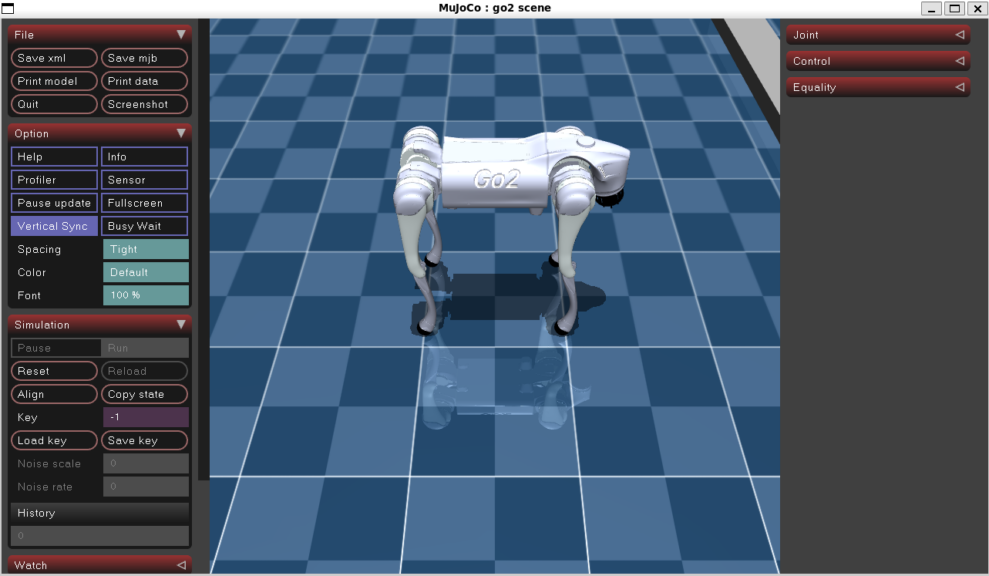
▼There were stairs set up in front of it.
In a separate terminal, I ran test_unitree_sdk2.py.
cd ~
cd unitree_mujoco/
cd ./simulate_python
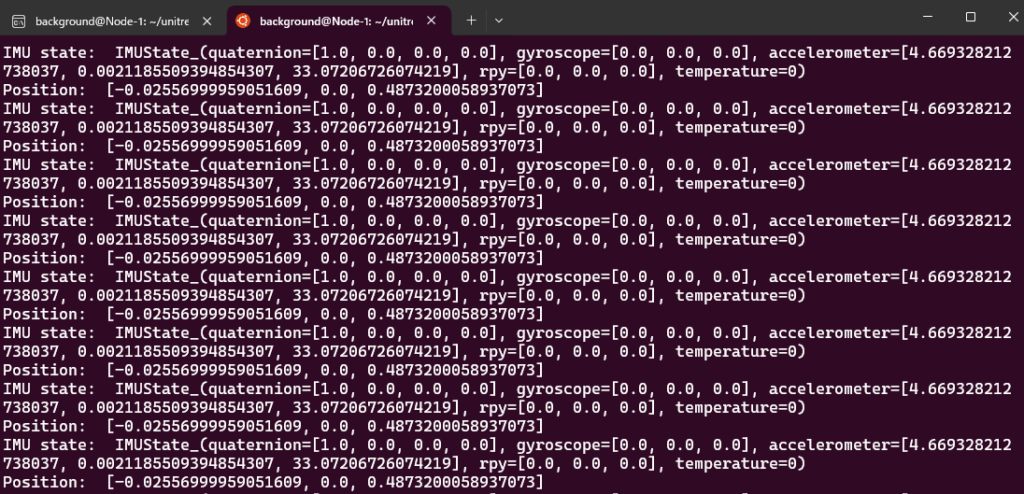
python3 ./test/test_unitree_sdk2.py
▼Sensor values were being displayed continuously.
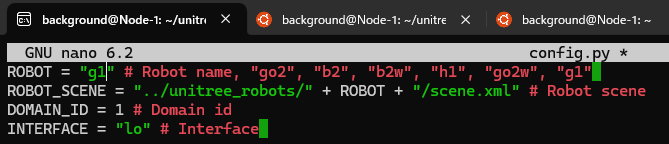
By editing the contents of config.py in simulate_python, I was able to display a different model.
▼I switched from GO2 to G1.
▼A humanoid robot was displayed.
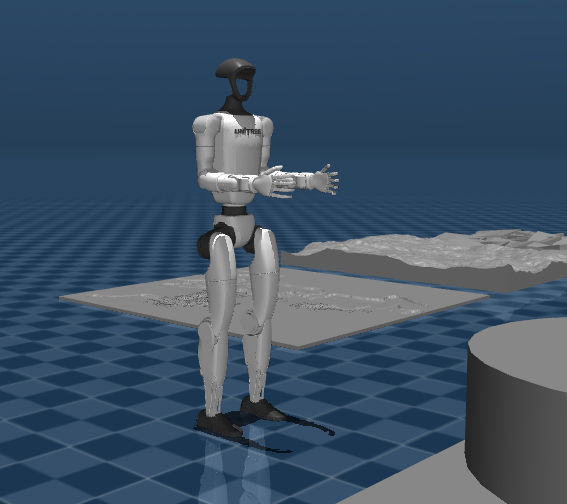
▼Various models for walking are available.
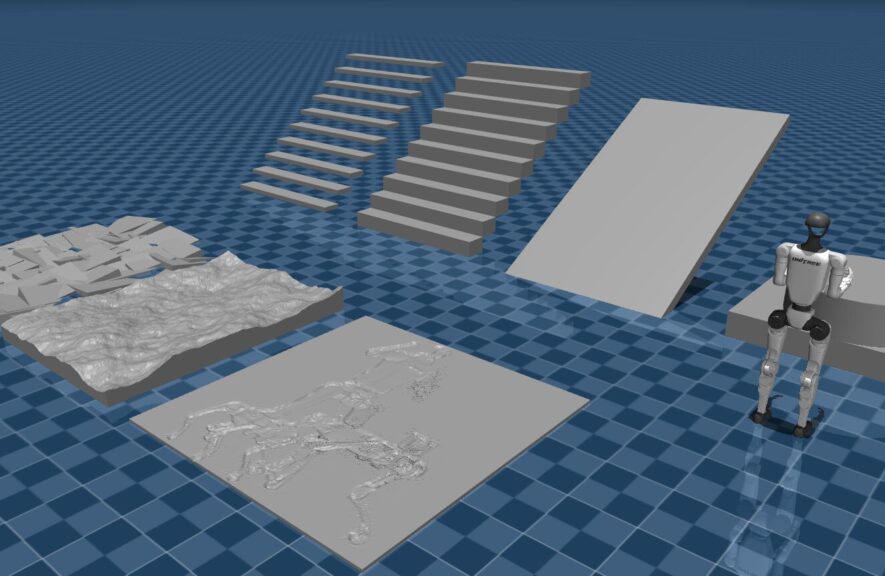
I ran a file found in the example directory.
python3 ../example/python/stand_go2.py▼It is performing movements like squats. Looking at the file contents, it is designed to control joint angles for two different states.
There seemed to be code prepared for operation with controllers like an Xbox controller, but it didn't seem very functional.
▼There are reports on this in the GitHub issues:
https://github.com/unitreerobotics/unitree_mujoco/issues/57
https://github.com/unitreerobotics/unitree_mujoco/issues/70
Looking at other issues, it seems actual movement isn't well-supported yet, so it feels best used as a simulation environment alongside other tools.
Finally
By referring to the samples, it seems possible to control models in MuJoCo. I plan to try other learning-related tools from Unitree Robotics as well.
▼I saw the actual machine at TechShare's booth at a robotics conference, and they have an article about development that seems helpful.