Trying Out Jetson Xavier Part 3 (ROS Environment Setup and Publishing USB Camera Video)
 管理人
管理人Introduction
In this post, I set up a ROS environment on the Jetson Xavier and tried publishing video from a USB camera.
My goal is to send images via ROS communication to test things like object detection and remote control.
▼Previous articles are here:
Trying Out Jetson Xavier Part 1 (JetPack 5.1.5 Setup)
Info This article is translated from Japanese to English. Introduction I’ve been participating in the TechSeeker Hackathon 2025 recently, and as a participant …
 趣味的ロボット研究所
Trying Out Jetson Xavier Part 2 (Communication Settings, Node-RED, and Tailscale)
Info This article is translated from Japanese to English. Introduction In this post, I configured the communication settings for the Jetson Xavier, following t…
Setting Up the Environment
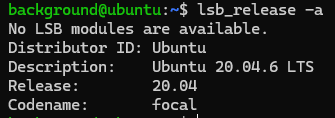
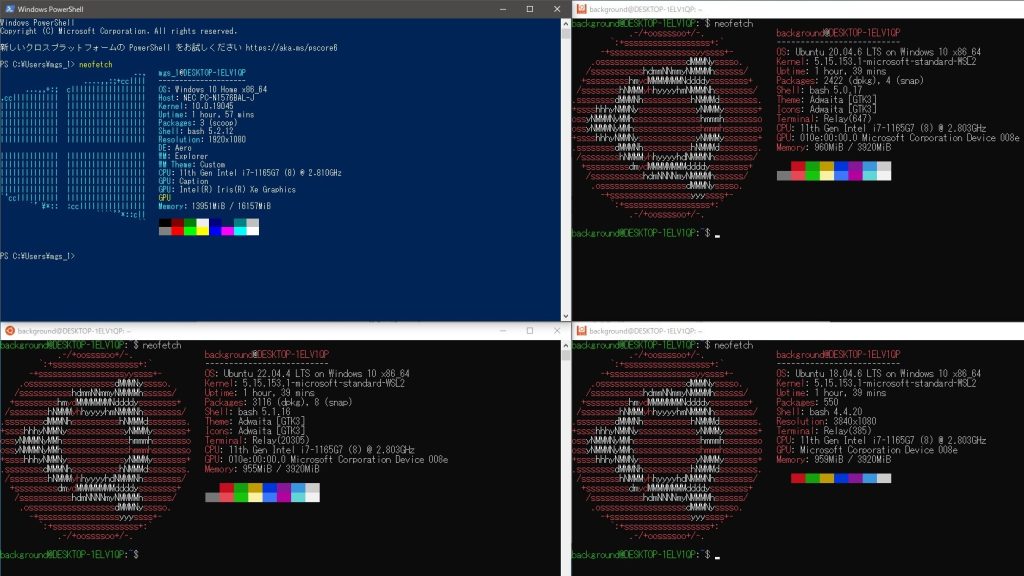
First, I checked the OS version.
▼It is Ubuntu 20.04.
I proceeded to install ROS Noetic, which is compatible with Ubuntu 20.04.
▼I followed the same steps I used when setting up ROS on WSL2.
Trying Out WSL2 Part 3 (Ubuntu 20.04, ROS Noetic, Open Manipulator)
Info This article is translated from Japanese to English. Introduction In this post, I tried installing ROS on Ubuntu 20.04 within WSL2.The environment I built…
Since it's easier to use the installation script for Open Manipulator-related packages, I used it again this time.
▼The installation reference page is here:
I ran the following commands to perform the installation:
sudo apt update
wget https://raw.githubusercontent.com/ROBOTIS-GIT/robotis_tools/master/install_ros_noetic.sh
chmod 755 ./install_ros_noetic.sh
bash ./install_ros_noetic.sh
Next, I installed other necessary packages:
source ~/.bashrc
sudo apt-get install ros-noetic-ros-controllers ros-noetic-gazebo* ros-noetic-moveit* ros-noetic-industrial-core
sudo apt install ros-noetic-dynamixel-sdk ros-noetic-dynamixel-workbench*
sudo apt install ros-noetic-robotis-manipulator
While I don't currently plan to control the Open Manipulator with the Jetson Xavier, I went ahead and downloaded/built the related repositories since I was already at it:
cd ~/catkin_ws/src/
git clone -b noetic https://github.com/ROBOTIS-GIT/open_manipulator.git
git clone -b noetic https://github.com/ROBOTIS-GIT/open_manipulator_msgs.git
git clone -b noetic https://github.com/ROBOTIS-GIT/open_manipulator_simulations.git
git clone -b noetic https://github.com/ROBOTIS-GIT/open_manipulator_dependencies.git
cd ~/catkin_ws && catkin_make
The environment setup was completed without any issues.
Checking the USB Camera Video
I connected a USB camera to the Jetson Xavier to verify the video feed.
▼I use Logicool C920n.

 ポチップ
ポチップ
I asked ChatGPT for the necessary commands. First, install the required package:
sudo apt update
sudo apt install ros-noetic-usb-cam
Next, check the device name of the USB camera:
ls /dev/video*▼When the USB camera was disconnected, /dev/video* did not exist. Once connected, /dev/video0 and /dev/video1 appeared.

I wasn't sure which one to specify, but /dev/video0 worked fine in this case.
I ran roscore in one terminal and executed the following command in another:
rosrun usb_cam usb_cam_node _video_device:=/dev/video0 _pixel_format:=yuyv _image_width:=640 _image_height:=480 _framerate:=30▼It seems to have launched successfully.

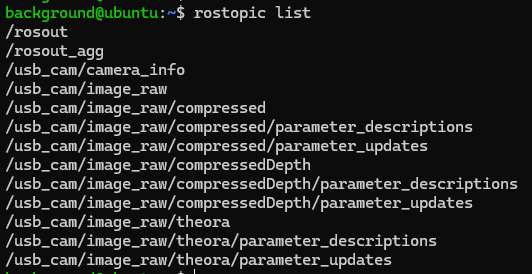
▼rostopic list also shows topics related to usb_cam.
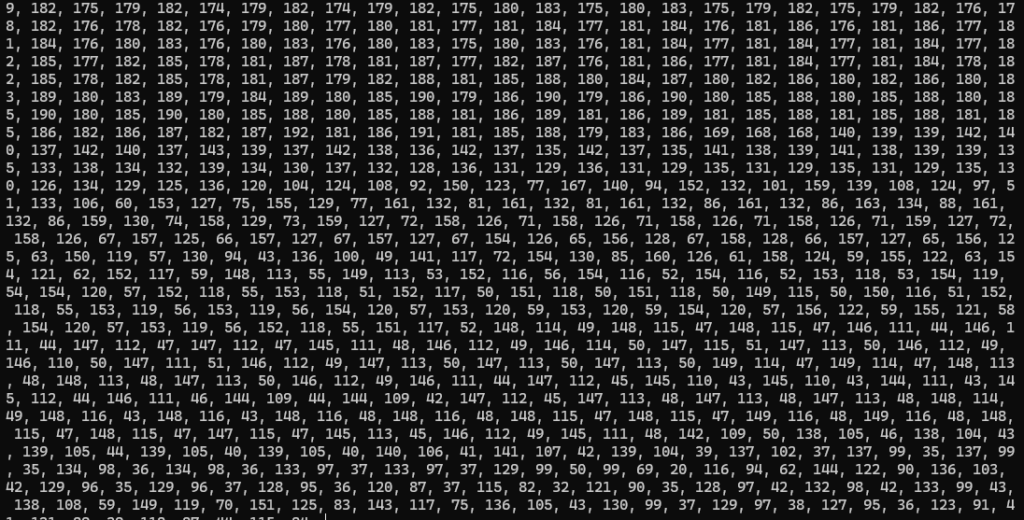
I checked the data stream using rostopic echo:
rostopic echo /usb_cam/image_raw▼Data was flowing through the terminal.
Since I use the Jetson Xavier as a server and don't typically look at its desktop screen, I decided to verify the feed from another PC.
Checking the Video from Another PC
I used the ROS environment set up on Windows via WSL2 to communicate with the Jetson Xavier. This communication happens within the local network.
▼The ROS setup for WSL2 was covered in the previous article mentioned earlier:
Trying Out WSL2 Part 3 (Ubuntu 20.04, ROS Noetic, Open Manipulator)
Info This article is translated from Japanese to English. Introduction In this post, I tried installing ROS on Ubuntu 20.04 within WSL2.The environment I built…
I edited the .bashrc file so that the Jetson acts as the ROS Master.
▼First, I confirmed the IP address of the Jetson.

▼Then, I edited the ROS IP addresses in the Jetson's .bashrc.

▼I also changed the ROS IP addresses in the WSL2 .bashrc.

After running source .bashrc on the Jetson, I restarted roscore and the camera node:
source .bashrc
rosrun usb_cam usb_cam_node _video_device:=/dev/video0 _pixel_format:=yuyv _image_width:=640 _image_height:=480 _framerate:=30
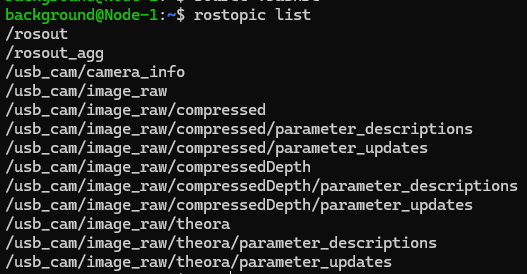
On the WSL2 side, I also ran source .bashrc and checked the topics.
▼I ran rostopic list on WSL2 and could see the topics successfully.
In this state, I launched rviz on the WSL2 side to use the GUI.
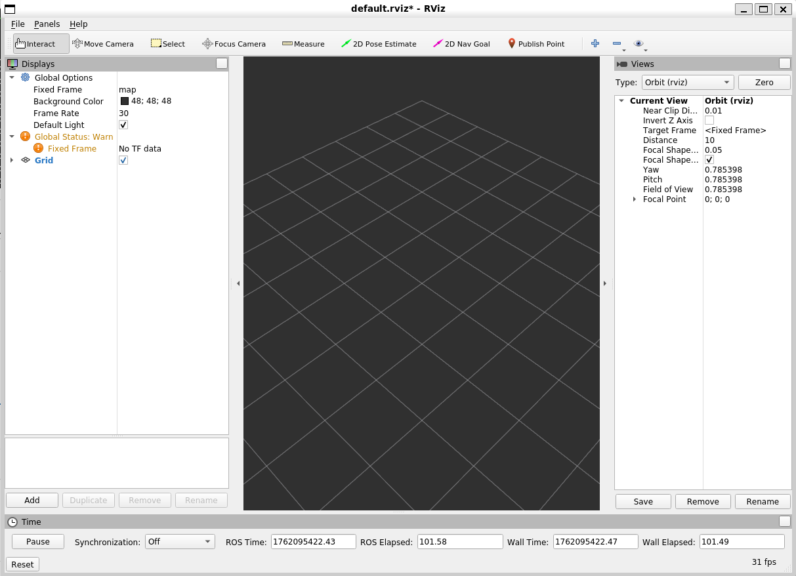
▼RViz started up.
▼When selecting "Add" and looking at the topics, usb_cam was there.
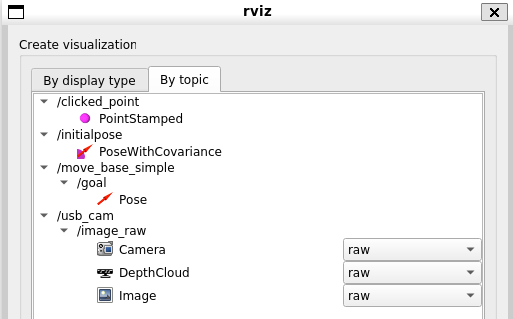
I added the "Image" display for the image_raw topic.
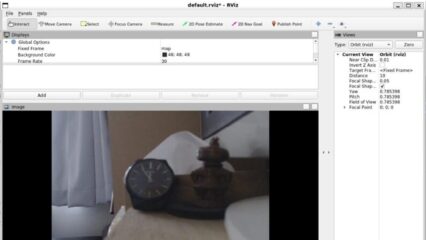
▼I was able to see the camera feed!
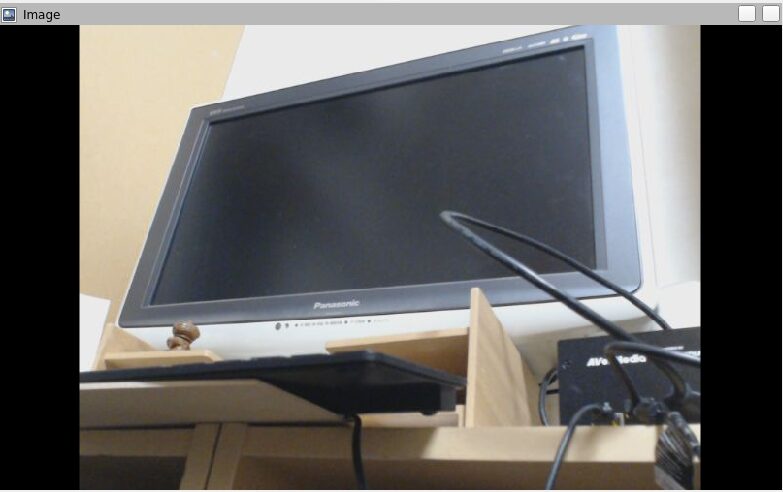
Perhaps because it was over a local network, the response was very fast. When I waved my hand, the movement was reflected almost instantly.
Finally
Now that I've confirmed communication works over the local network, I'm curious about the communication speed when using a VPN like Tailscale, which I've been using frequently lately. I'm also planning to try remote control using Unity, so I look forward to experimenting with that.