Trying Out 3D Gaussian Splatting Part 5 (GS2Mesh Environment Setup, WSL2 Ubuntu 22.04)
 管理人
管理人Introduction
In this post, I rebuilt the GS2Mesh environment from scratch.
In my previous articles, I set up a system to install multiple instances of WSL2 Ubuntu 22.04 and switch between different CUDA versions. Based on that, I am constructing an environment specifically dedicated to running GS2Mesh.
Many other 3D Gaussian Splatting (3DGS) related softwares support similar versions, so I plan to test various tools in this setup.
▼Previous articles are here:
Trying Out 3D Gaussian Splatting Part 1 (Environment Setup, WSL2 Ubuntu 20.04)
Info This article is translated from Japanese to English. Introduction In this post, I set up the environment to use 3D Gaussian Splatting.I have been creating…
 趣味的ロボット研究所
Trying Out 3D Gaussian Splatting Part 3 (GS2Mesh Environment Setup and Mesh Model Creation, WSL2 Ubuntu 20.04)
Info This article is translated from Japanese to English. Introduction In this post, I tried creating a mesh model using GS2Mesh.This technology builds upon 3D…
Setting Up the GS2Mesh Environment
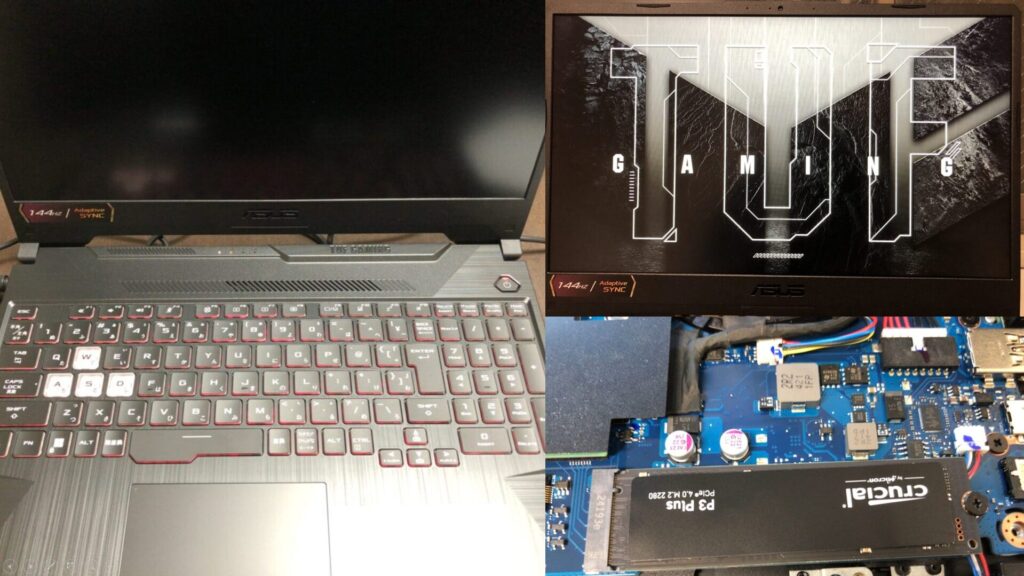
When I previously built the 3DGS environment, I used a desktop PC. This time, I am using a gaming laptop, which has slightly lower GPU performance.
▼I am using a gaming laptop purchased for around 100,000 yen, running Windows 11.
Shopping: New Laptop and SSD Expansion (ASUS TUF Gaming A15)
Info This article is translated from Japanese to English. Introduction In this post, I’ll be talking about replacing my PC after my previous one broke down. I …

 ポチップ
ポチップ
▼I will be running this in a newly installed WSL2 Ubuntu 22.04 environment.
Using WSL2 Part 5 (Installing Multiple Instances of the Same Distribution, Ubuntu 22.04)
Info This article is translated from Japanese to English. Introduction In this post, I installed a second instance of the same Ubuntu version on WSL2.I didn't …

▼The CUDA version has already been switched to 11.8 using environment variables.
Switching Between Multiple CUDA Versions (WSL2 Ubuntu 22.04)
Info This article is translated from Japanese to English. Introduction In this post, I experimented with switching CUDA versions within a WSL2 Ubuntu 22.04 env…
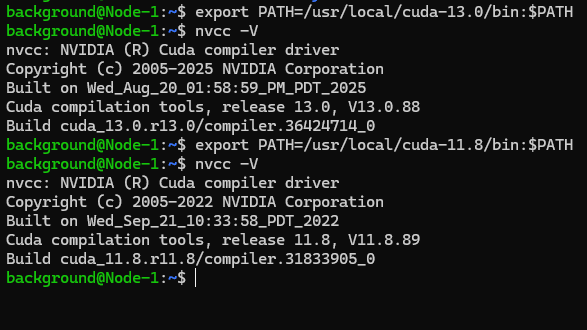
I followed the commands from my previous posts. First, install Miniconda.
wget https://repo.anaconda.com/miniconda/Miniconda3-latest-Linux-x86_64.sh
bash ~/Miniconda3-latest-Linux-x86_64.sh
source .bashrc
I skipped initialization during installation this time, but I was still able to activate the environment via command.
▼By running miniconda3/bin/activate (similar to pyenv), the conda environment was enabled.

Now, activate the GS2Mesh environment.
git clone https://github.com/yanivw12/gs2mesh.git
cd gs2mesh
conda create --name gs2mesh python=3.8
conda activate gs2mesh
conda install pytorch==2.3.1 torchvision==0.18.1 torchaudio==2.3.1 pytorch-cuda=11.8 cudatoolkit=11.8 colmap -c pytorch -c nvidia -c conda-forge
pip install -r requirements.txt
I also downloaded the necessary weights.
cd ~/gs2mesh/third_party/DLNR
mkdir pretrained
cd pretrained
wget https://github.com/David-Zhao-1997/High-frequency-Stereo-Matching-Network/releases/download/v1.0.0/DLNR_Middlebury.pth
wget https://github.com/David-Zhao-1997/High-frequency-Stereo-Matching-Network/releases/download/v1.0.0/DLNR_SceneFlow.pth
cd ~/gs2mesh/third_party/segment-anything-2/checkpoints
wget https://dl.fbaipublicfiles.com/segment_anything_2/072824/sam2_hiera_large.ptcd ~/gs2mesh/third_party/GroundingDINO
mkdir weights
cd weights
wget https://github.com/IDEA-Research/GroundingDINO/releases/download/v0.1.0-alpha/groundingdino_swint_ogc.pthGenerating a 3D Model from a Video File
Once again, I will generate a 3D model based on the same video of my Haniwa figure.
▼This is the approximately 30-second video:
I created a "Haniwa" folder in gs2mesh/data/custom and placed Haniwa.mp4 inside.
cd ~/gs2mesh
mkdir ./data/custom -p
▼On Windows, you can access folders in the WSL2 environment through the "Linux" section in File Explorer.
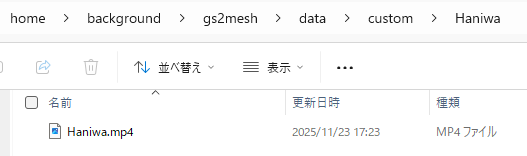
As in my previous post, I tried running the following command:
python run_single.py --colmap_name Haniwa --video_extension mp4 --GS_iterations 7000 --video_interval 6 --TSDF_voxel 4 --TSDF_sdf_trunc 0.08▼The process up to the mesh output seemed to run without issues.
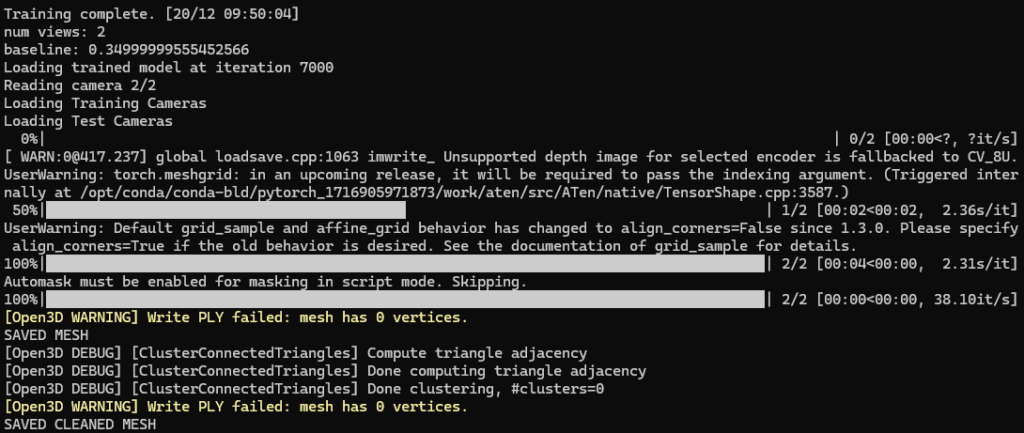
▼However, when I checked the 3DGS output file in SuperSplat, the reconstruction appeared to have failed.
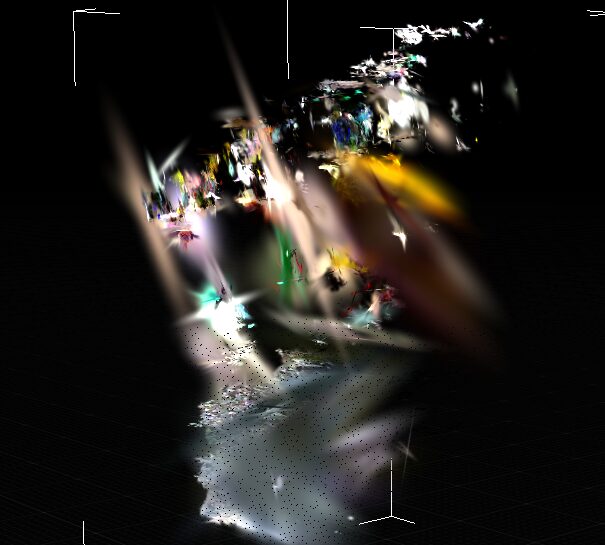
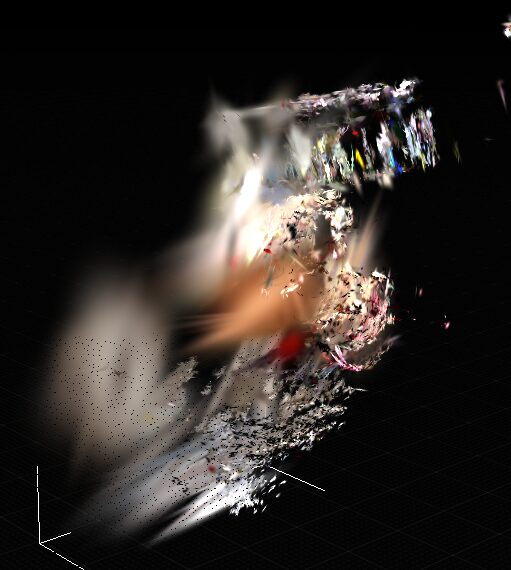
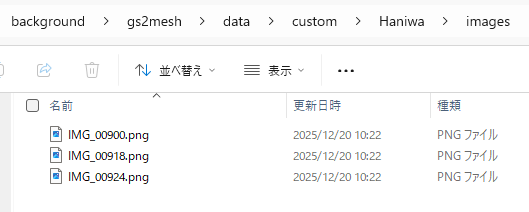
Upon checking the images extracted from the video file, the number of images was clearly insufficient.
▼There were only 3 images in the images folder.
▼In the images_raw folder, there were 156 images, same as before.
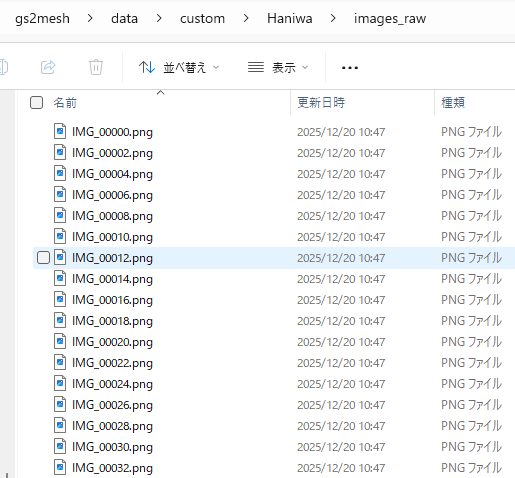
It seems they were discarded as unnecessary images during the camera position estimation phase. I was able to bypass this issue by adding the --skip_masking option.
Ultimately, I was able to run it successfully with this command:
python run_single.py --colmap_name Haniwa --video_extension mp4 --GS_iterations 7000 --video_interval 6 --skip_masking▼I obtained the same 3DGS output as before.
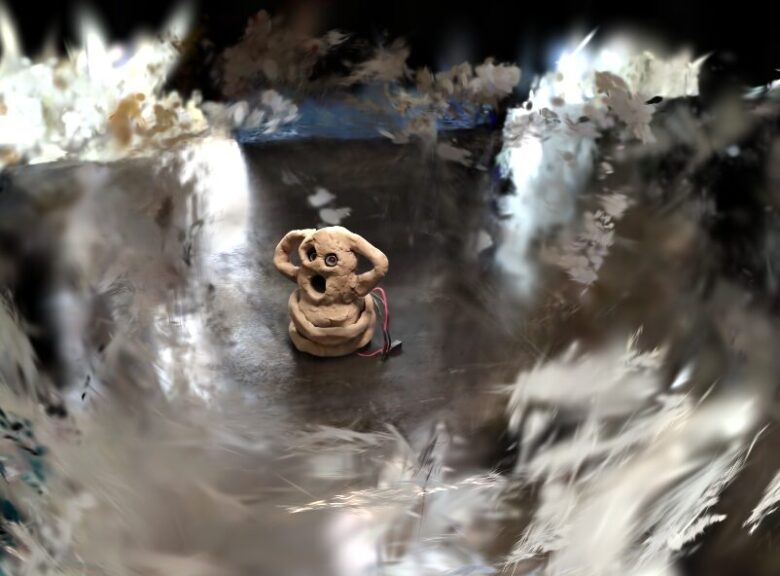
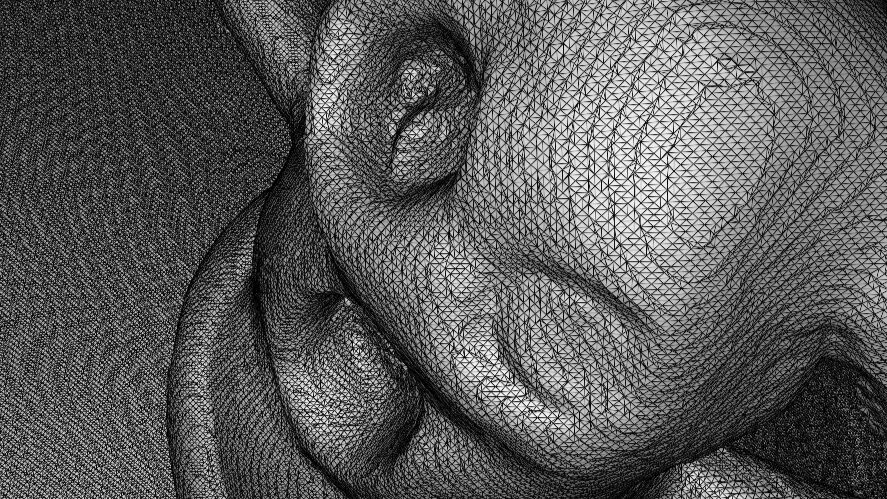
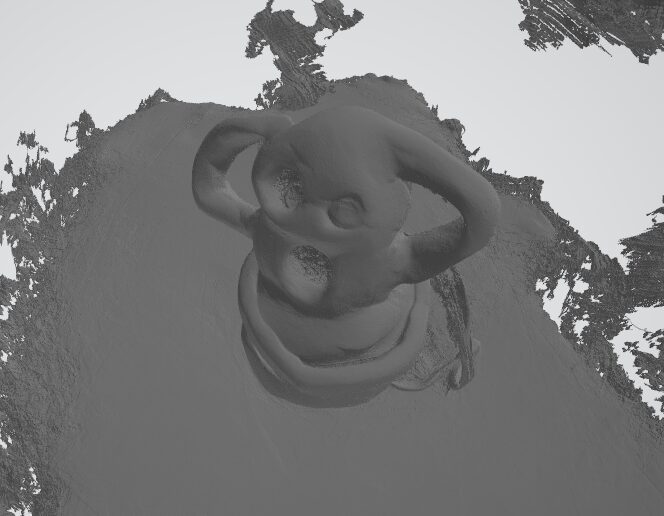
The meshed model was also output successfully.
▼I confirmed it in the Windows 3D Viewer.
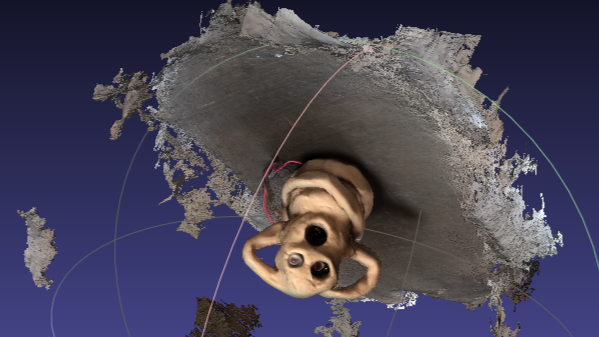
▼When I imported it into MeshLab, it was displayed with vertex colors.
Finally
I have now successfully rebuilt and executed the system within a fresh WSL2 Ubuntu environment. This will be very helpful for future environment setups.
The mesh models output by GS2Mesh are in .ply format, but for game engines like Unreal Engine, .obj or .fbx formats are more convenient. Next, I want to try importing the model while ensuring the colors are correctly reflected.