Object Detection with YOLO Part 4 (GPU Setup, CUDA 12.6)
 管理人
管理人Introduction
In this post, I tried object detection with YOLO using a GPU.
According to the Ultralytics documentation, it seemed possible to switch between devices using options, but since I was getting errors when using the GPU, I had been running it on the CPU.
I decided to set it up so that it can run on the GPU as well, and if the processing speed is faster, I plan to utilize it actively.
▼There is an NVIDIA article regarding object detection with YOLOv5 using a GPU:
NVIDIA の GPU に最適化された YOLOv5 の実装で物体検出アプリケーションを高速化する - NVIDIA 技術ブログ
物体検出というと、コンピューター ビジョンの伝統的なアプローチは、検出したいオブジェクトの種類に応じたサイズのスライディング ウィンドウを使用して、画像の左から…
▼Previous articles are here:
Object Detection with YOLO Part 1 (Ultralytics, YOLO11)
Info This article is translated from Japanese to English. Introduction In this post, I tried using YOLO, a well-known object detection algorithm.Since this is …
 趣味的ロボット研究所
Object Detection with YOLO Part 3 (Integration with ROS, WSL2 Ubuntu 18.04)
Info This article is translated from Japanese to English. Introduction In this post, I tried integrating YOLO with ROS on Ubuntu 18.04 via WSL2.This setup is c…
Checking the Environment
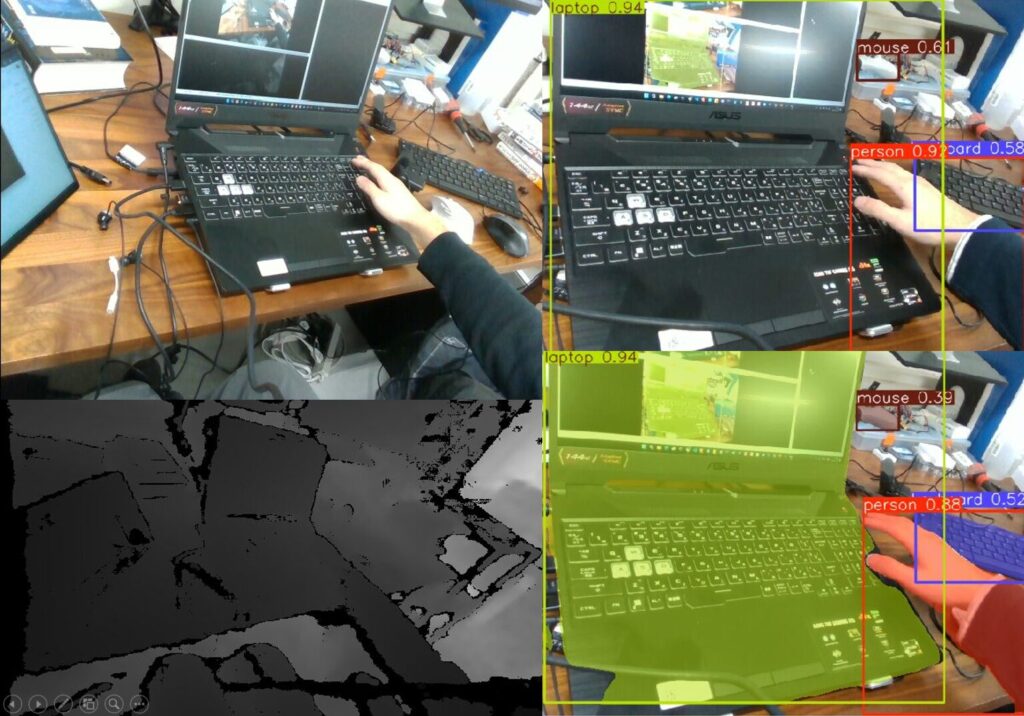
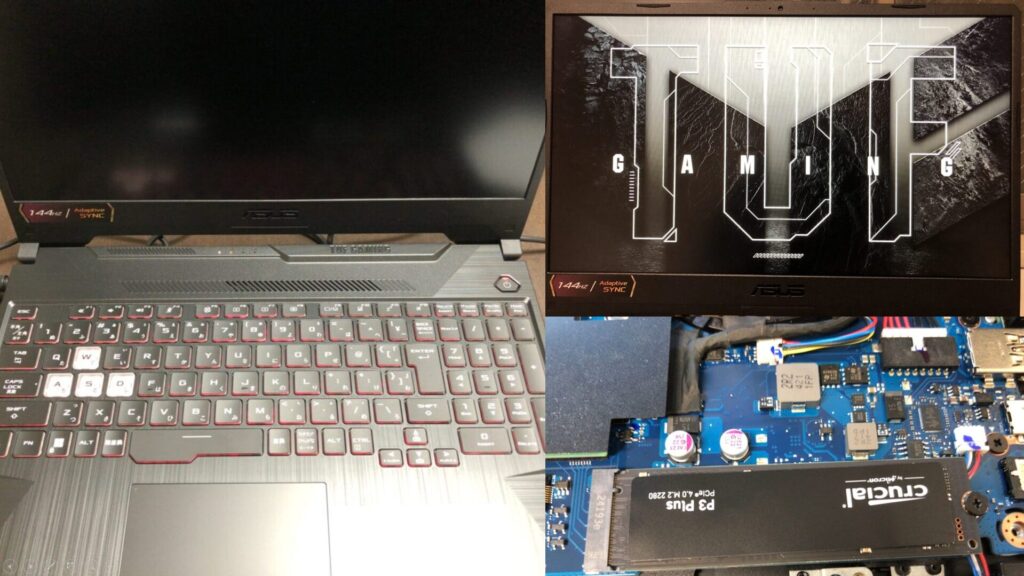
I am using a gaming laptop I recently purchased.
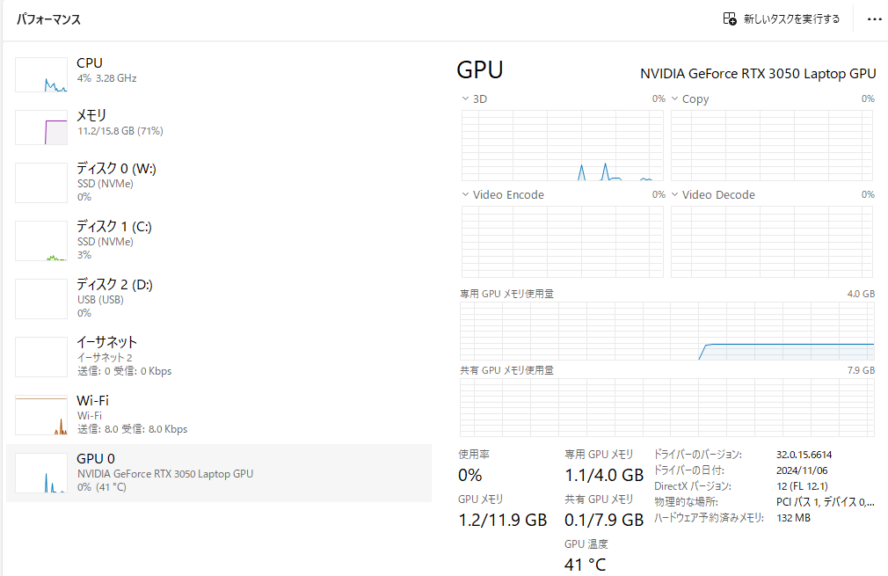
The CPU is a Ryzen 7, and the GPU is an RTX 3050 Laptop GPU.
▼I am using a gaming laptop purchased for around 100,000 yen, running Windows 11.
Shopping: New Laptop and SSD Expansion (ASUS TUF Gaming A15)
Info This article is translated from Japanese to English. Introduction In this post, I’ll be talking about replacing my PC after my previous one broke down. I …

 ポチップ
ポチップ
▼I confirmed this in the Task Manager.
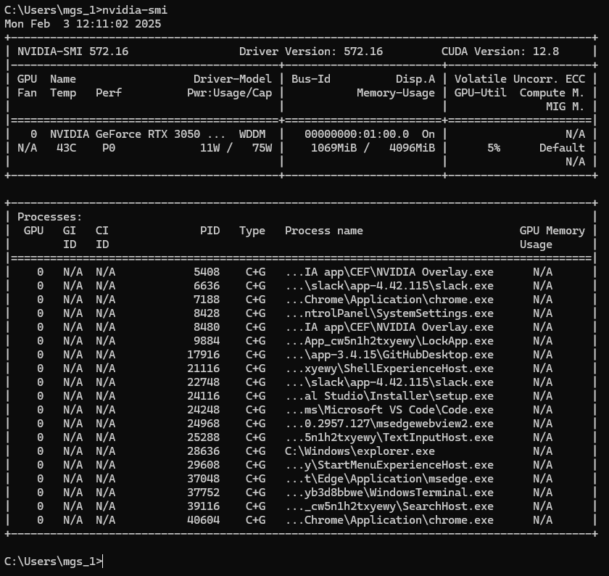
I ran some commands to check the setup.
▼nvcc is not recognized.

▼nvidia-smi displayed the following information:
Installing CUDA
Upon researching, it appeared that there are specific CUDA versions compatible with PyTorch.
▼I confirmed this on the following page:
https://pytorch.org/get-started/locally
▼The commands to be executed seem to differ depending on the CUDA version.
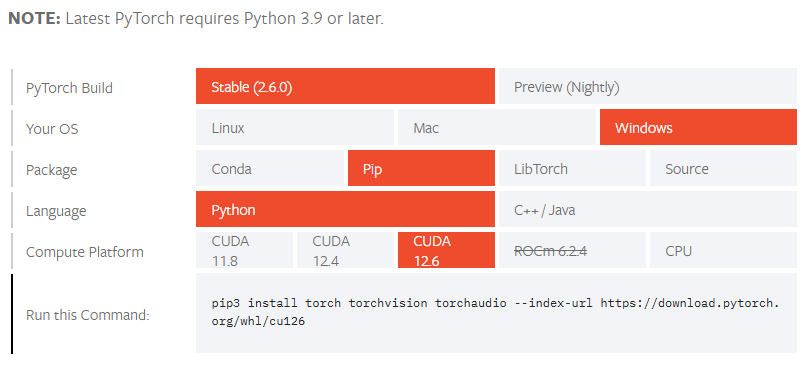
While the latest version seems to support CUDA 12.8, I decided to install CUDA 12.6 as listed on the PyTorch page.
▼I selected my environment on the following page and downloaded the installer:
https://developer.nvidia.com/cuda-12-6-0-download-archive
▼I selected Windows 11, x86_64, and downloaded the exe(local) version.
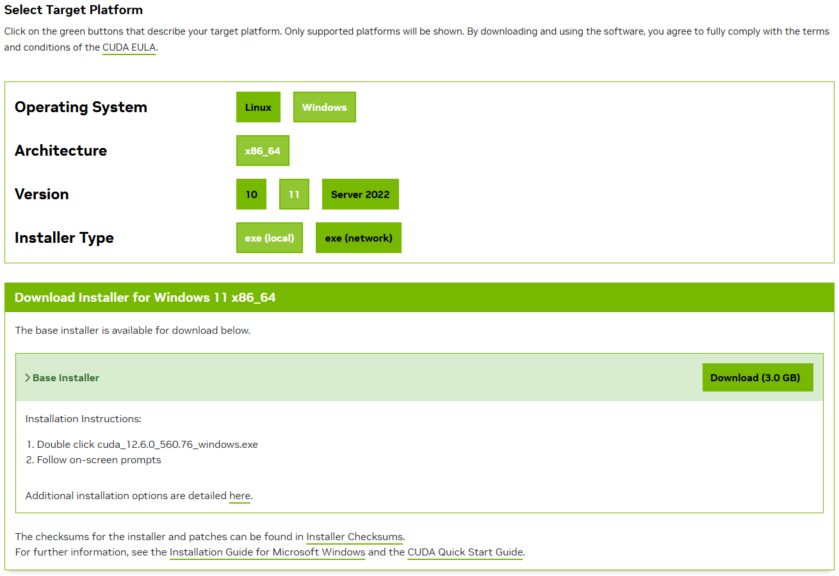
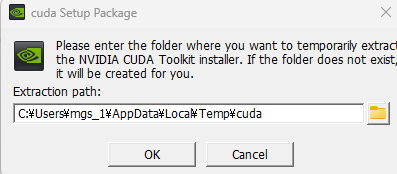
▼After running the installer, the installation began.
▼A message appeared stating that it was trying to install an older version of the driver, but I proceeded anyway.
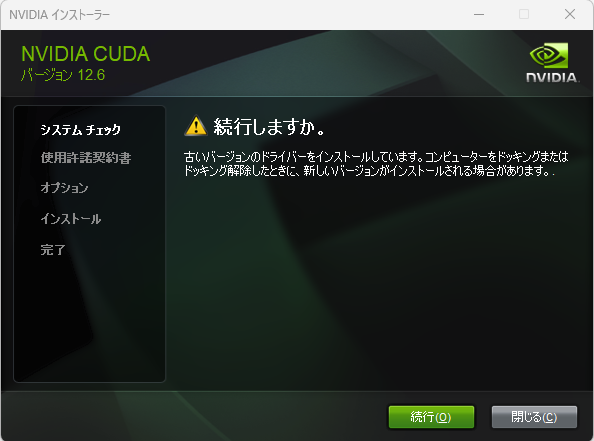
The installation then finished without any major issues.
▼Running nvcc -V after this displayed the version information.
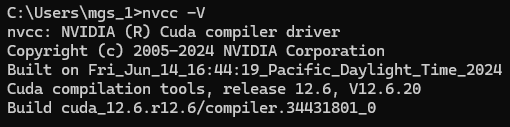
▼The terminal in VS Code did not recognize it until I restarted VS Code.

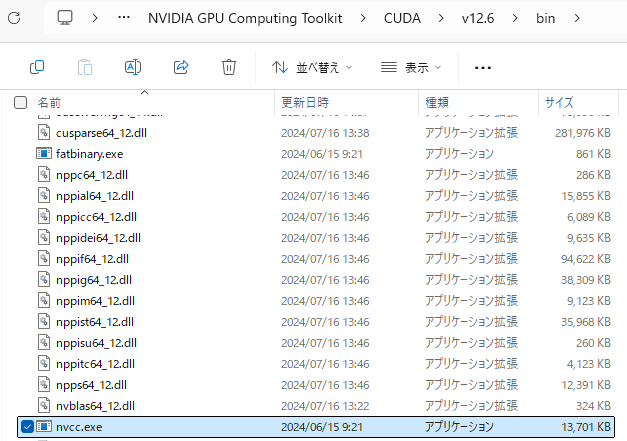
▼Navigating through Program Files, I found nvcc.exe. Running it by directly specifying the absolute path with -V worked as well. If the path has not been added yet, specifying it this way might be more reliable.
Trying Object Detection with YOLO
Now that the CUDA installation is complete, I built a Python environment and tried object detection.
▼The page regarding Predict in Ultralytics YOLO is here:
https://docs.ultralytics.com/ja/modes/predict
▼I based my test on the Python object detection program I tried in a previous article:
Object Detection with YOLO Part 2 (Python, Node-RED)
Info This article is translated from Japanese to English. Introduction In this post, I tried running YOLO using Python.When I tried YOLO in my previous article…
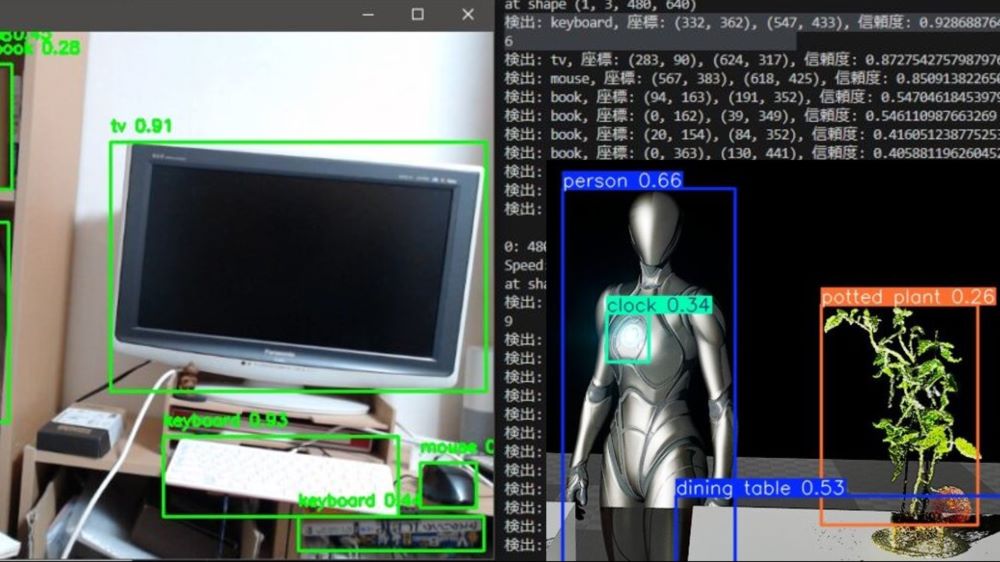
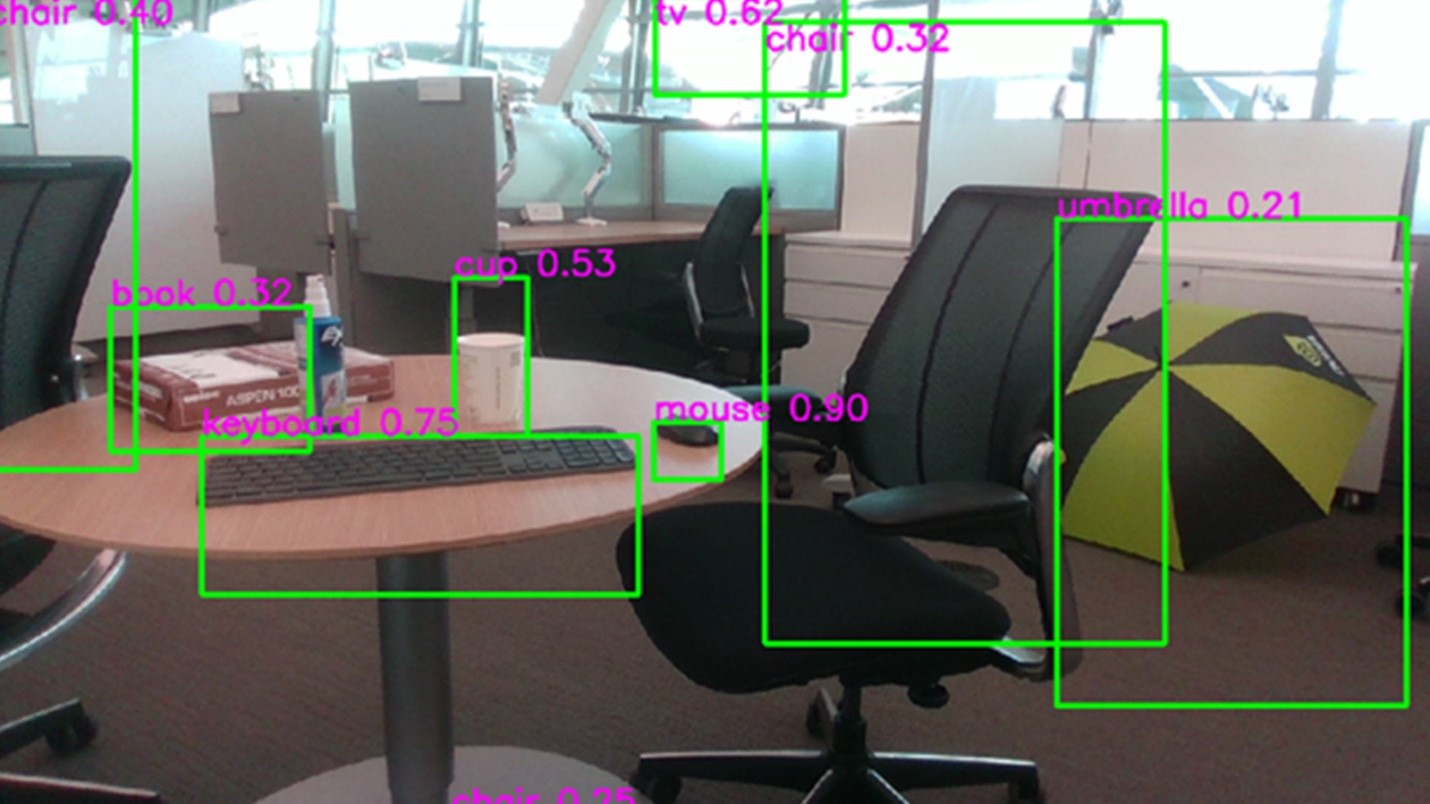
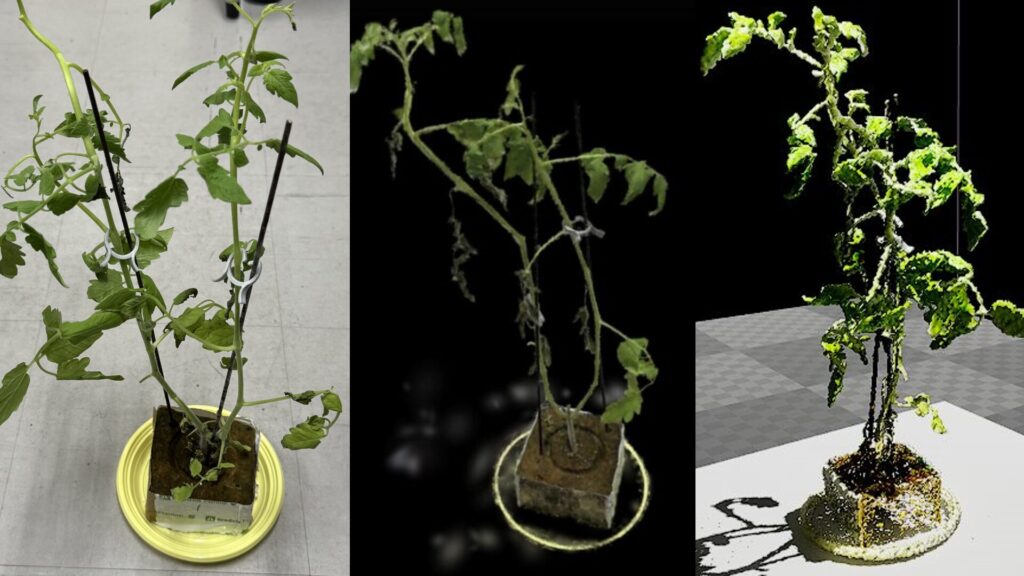
▼This is an Unreal Engine screen, and I performed object detection on this image.
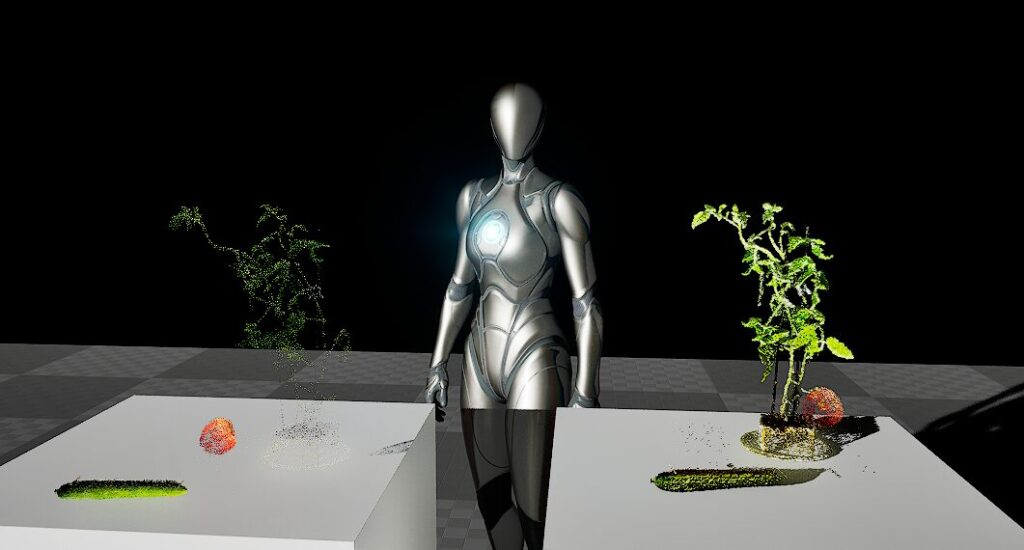
Unreal Engine 5を使ってみる その10(Scaniverse、点群データの取り込み)
はじめに 今回はiPhone 15 ProでScaniverseというアプリを使って3Dスキャンしたデータを、Unreal Engine 5(UE5)に取り込んでみました。 データを取り込むにあたって…
I created a virtual environment for Python 3.10 and installed ultralytics.
py -3.10 -m venv yolo310
cd yolo310
.\Scripts\activate
pip install ultralytics
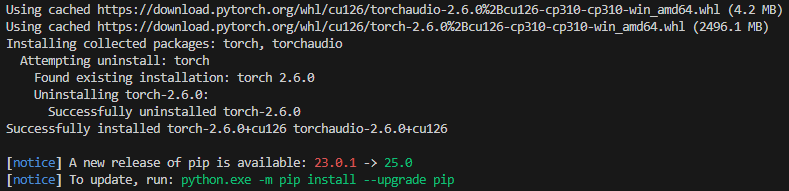
I then installed the necessary packages using the command confirmed on the PyTorch page.
pip3 install torch torchvision torchaudio --index-url https://download.pytorch.org/whl/cu126▼The installation is complete.
I then ran the program.
▼Here is the program for object detection from an image file. Please change the image file path accordingly.
from ultralytics import YOLO

model = YOLO("yolov8n.pt")
results = model.predict(source="<absolute path of an image file>", save=True, device='cuda:0')
▼An error appeared: "NotImplementedError: Could not run 'torchvision::nms' with arguments from the 'CUDA' backend."
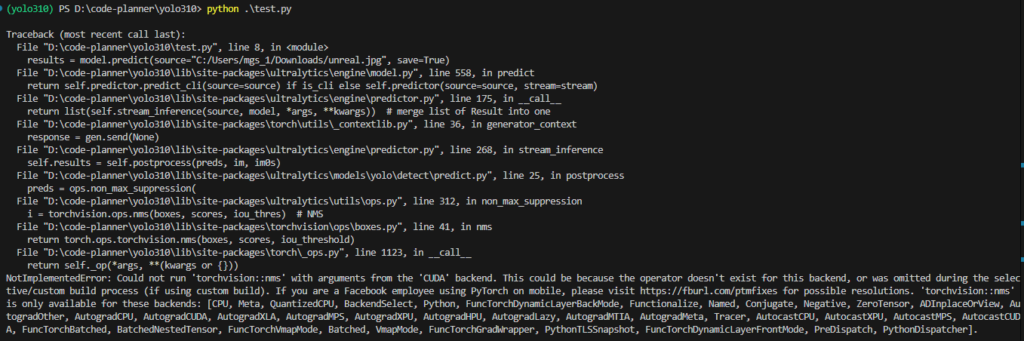
▼It worked when I set device='cpu'.
I checked if torch was actually enabled using Python's interactive mode.
python
import torch
torch.cuda.is_available()
▼It displays True.

Note that interactive mode can be exited using exit().
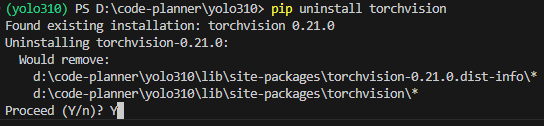
I consulted ChatGPT about the previous error, and it suggested uninstalling and then reinstalling torchvision, so I tried that.
pip uninstall torchvision
pip3 install torch torchvision torchaudio --index-url https://download.pytorch.org/whl/cu126
▼A prompt appeared during uninstallation asking whether to proceed.
After that, I ran the program again.
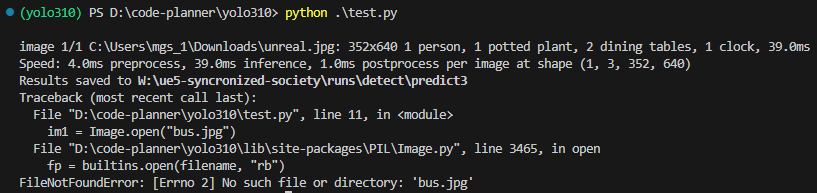
▼It worked!

▼Detection is also working.
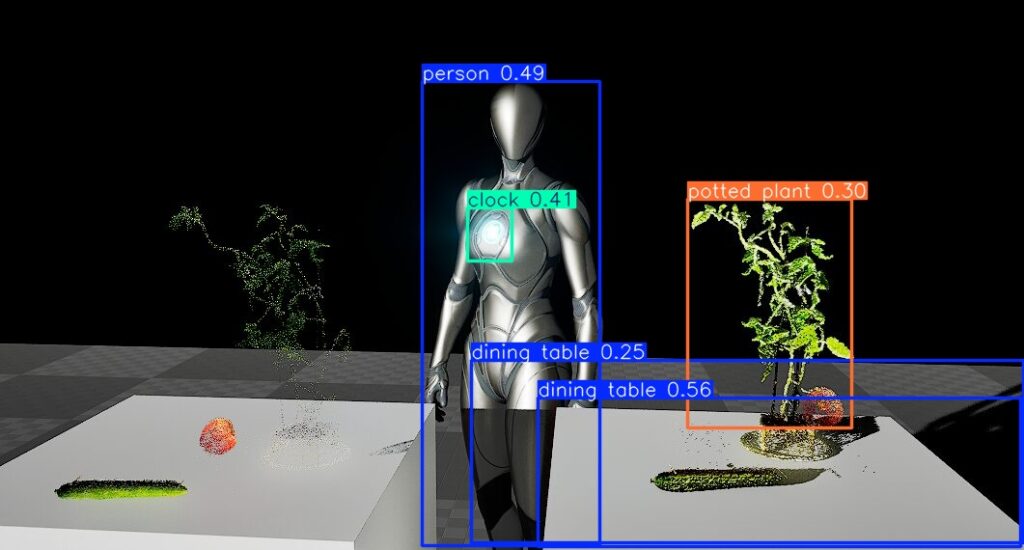
▼Comparing the time with execution on device='cpu', it seems the GPU is slower?

Since this was only a single image, the results might change if I increase the number of images or perform detection in real-time.
Trying Training with YOLO
I had been training datasets on the CPU until now, but I also tried it on the GPU.
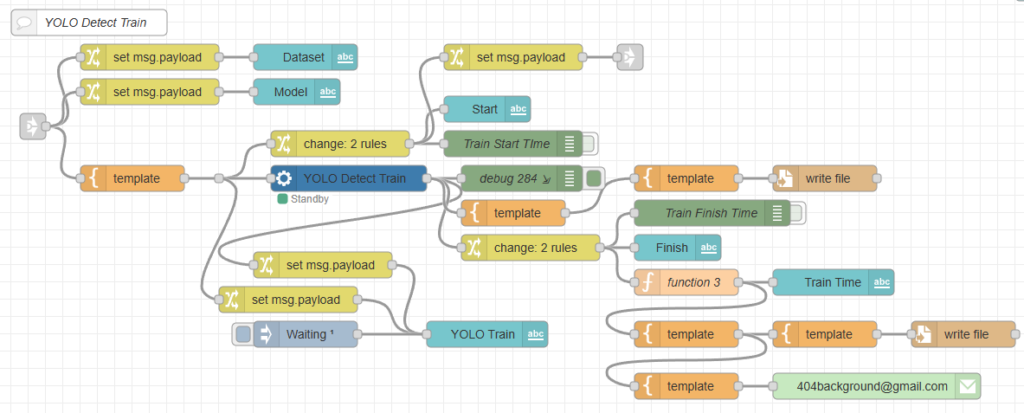
I have automated YOLO training using Node-RED, and I perform training using commands with yolo.exe instead of Python code.
▼I am performing training with a flow like this. Among the python-venv nodes I developed, I am using the venv-exec node which executes files in the virtual environment.
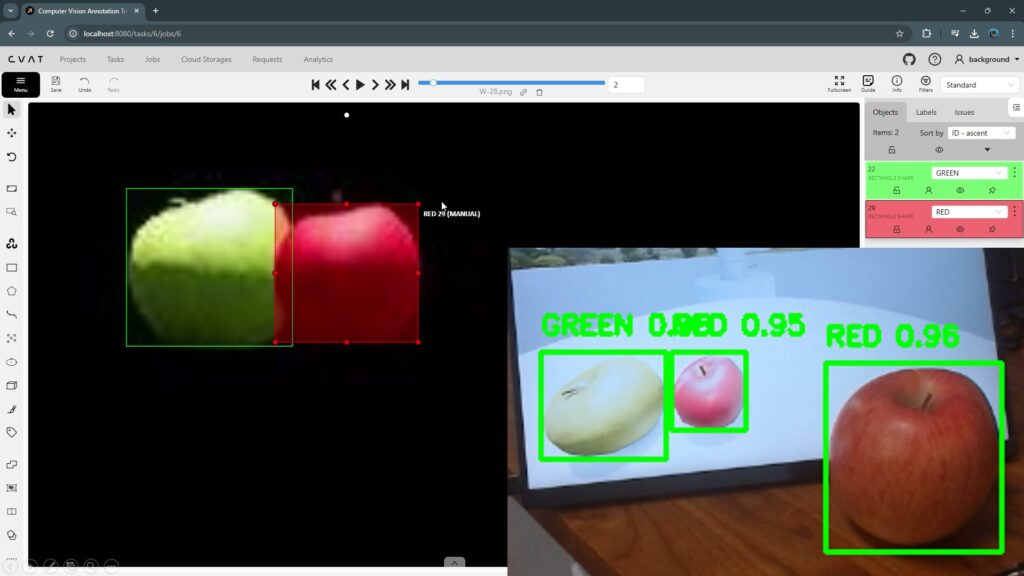
▼I also tried annotating the dataset required for training in the following article:
Annotation with CVAT (YOLO v8, Object Detection)
Info This article is translated from Japanese to English. Introduction In this post, I tried performing annotation using CVAT (Computer Vision Annotation Tool)…
When I specified device='cuda:0' for the GPU, an error occurred.
▼It seemed it could run if I used device=0 instead.

I tried running it with device=0 using a command, but an error occurred.
yolo.exe detect train data=<data.yamlのパス> model=<モデルのパス> name=<保存先のパス> device="0"▼An OSError occurred.
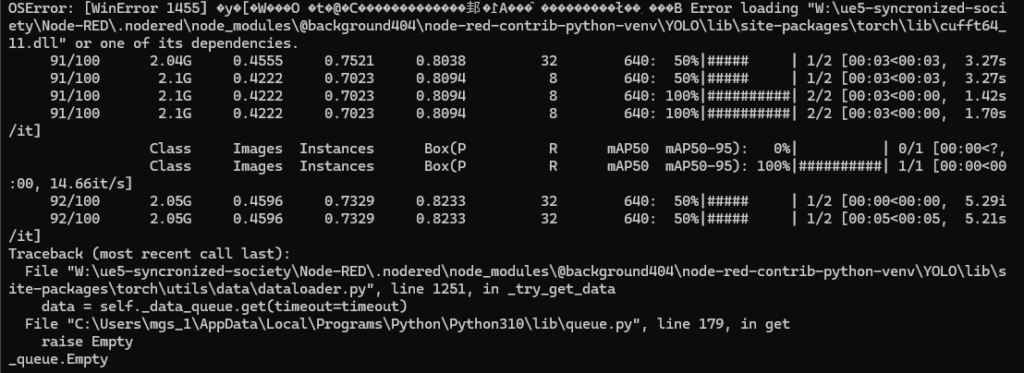
When I asked ChatGPT, it replied that adding workers=0 would resolve the issue.
I was able to train without any problems using that command.
yolo.exe detect train data=<data.yamlのパス> model=<モデルのパス> name=<保存先のパス> device="0" workers=0▼Inside the folder containing the training results, there is a results.csv file.
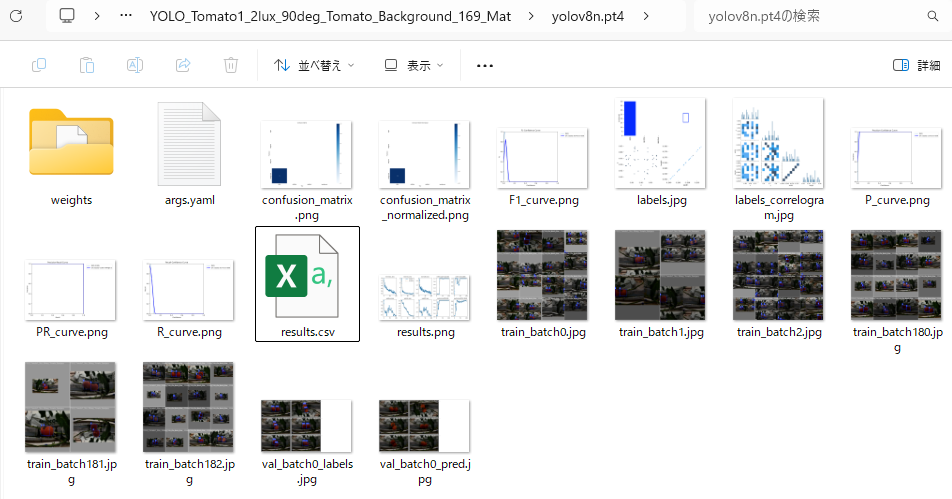
▼I compared the cumulative training time shown there.
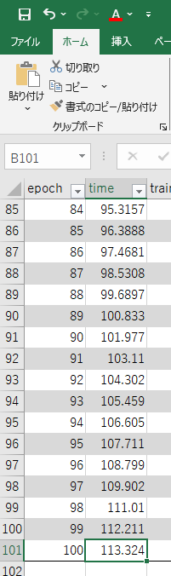
For a small dataset containing only 26 images, the CPU took 523.822 seconds, while the GPU took 113.324 seconds. That’s about 8 minutes 44 seconds for the CPU and 1 minute 53 seconds for the GPU.
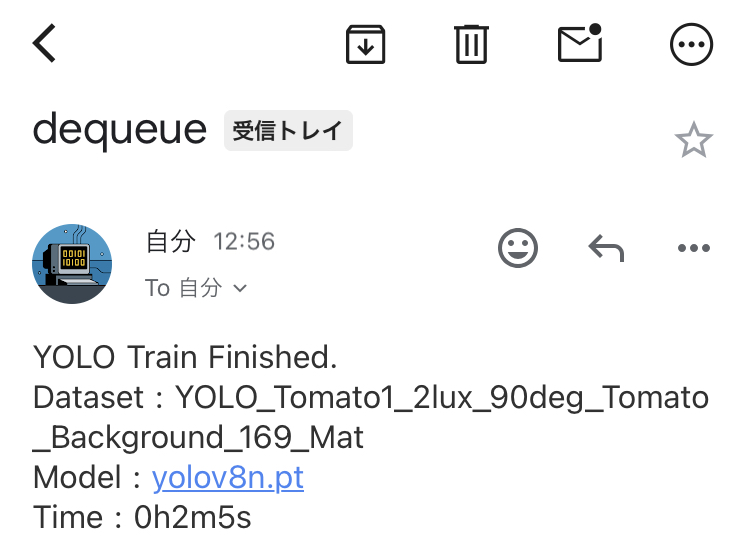
In my Node-RED flow, I calculate the time taken from pressing the button until the training finishes and have it sent via email. The numbers roughly matched.
▼The email arrives as follows:
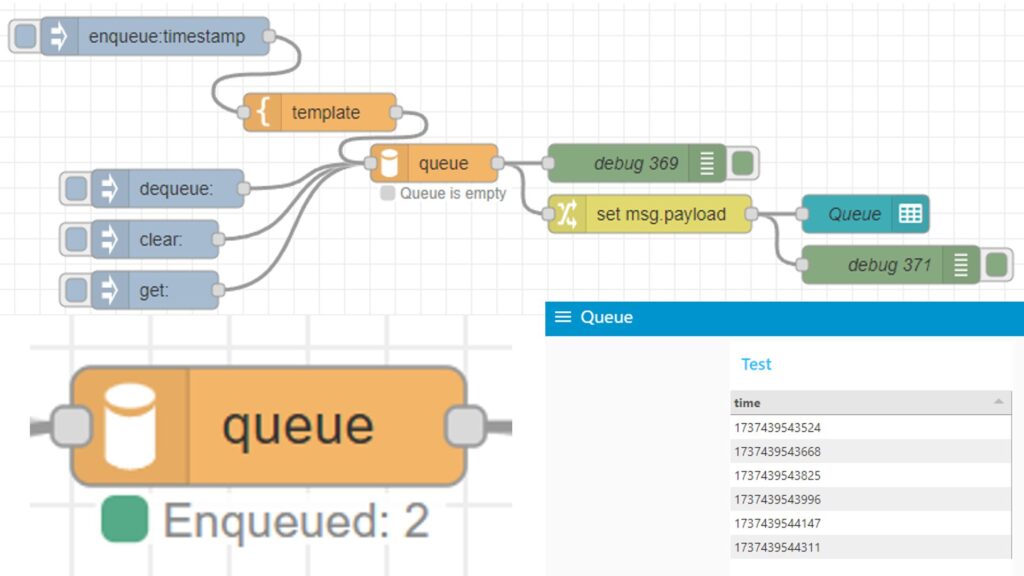
▼I also previously developed a queue node to allow for a training waiting list.
Node-REDのノードを開発してみる その3(queueノード)
はじめに 今回はNode-REDでキューを扱うことができるqueueノードを開発してみました。 普段から研究で物体検出をするためにYOLOを利用しているのですが、データセット…
Finally
It seemed to work well after removing torchvision via pip and then reinstalling it. I’ve heard that it runs without any major issues in a WSL Ubuntu environment, so that might be an easier route.
While the CPU seemed faster for detecting a single image, the GPU was about four times faster for training. I want to test what kind of differences appear in real-time detection as well.
Since I use this alongside Unreal Engine, the YOLO processing might slow down if GPU utilization is already high.