Shopping: Upgrading Laptop Memory (ASUS TUF Gaming A15, gpt-oss-20b)
 管理人
管理人Introduction
In this post, I’ll be sharing my experience upgrading the RAM in my daily-use laptop from 16GB to 64GB.
I decided to go for the upgrade because I ran out of memory while trying to run the newly released "gpt-oss-20b" locally.
▼Here is the error showing insufficient memory.
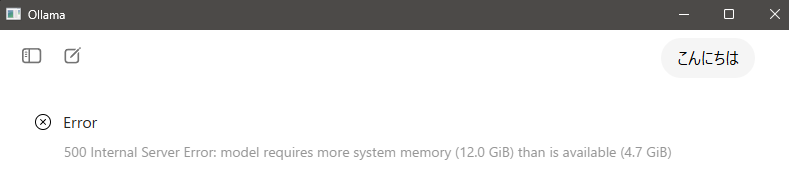
▼As mentioned in the gpt-oss news article, it requires at least 16GB of RAM.
https://openai.com/ja-JP/index/introducing-gpt-oss
This was my first time replacing RAM, but just like when I upgraded the SSD, the process was quite simple.
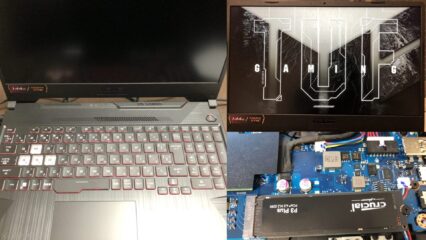
▼I am using a gaming laptop purchased for around 100,000 yen, running Windows 11.
Shopping: New Laptop and SSD Expansion (ASUS TUF Gaming A15)
Info This article is translated from Japanese to English. Introduction In this post, I’ll be talking about replacing my PC after my previous one broke down. I …
 趣味的ロボット研究所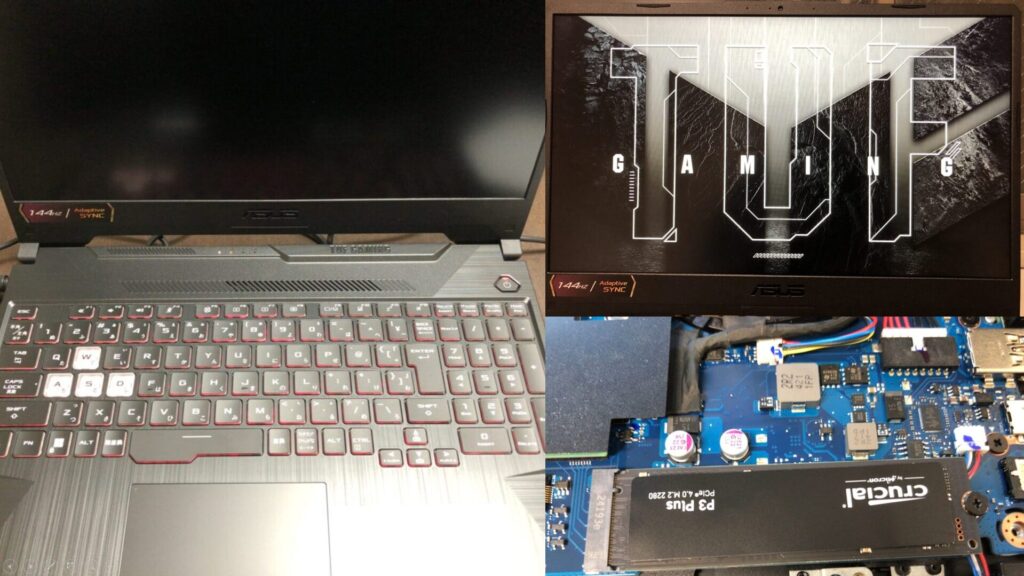

 ポチップ
ポチップ
System Check
When I expanded my SSD previously, I went with Crucial, so I decided to stick with them for the RAM as well.
▼I used the Crucial System Scanner tool to identify my PC's model and find compatible memory options.
https://www.crucial.jp/store/systemscanner
▼After running the scanner with administrator privileges, it displayed my current setup and a list of compatible upgrades.
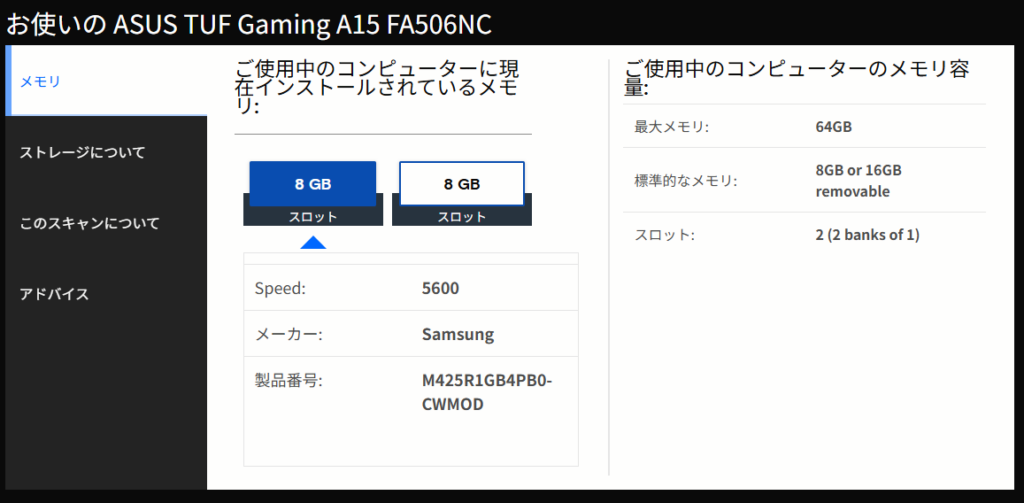
▼In my case, I was able to select the compatible parts from the following page.
ASUS ASUS TUF Gaming A15 FA506NC | メモリとSSDのアップグレード | Crucial JP
Since the maximum supported capacity was 64GB, I decided to max it out with high-speed modules.
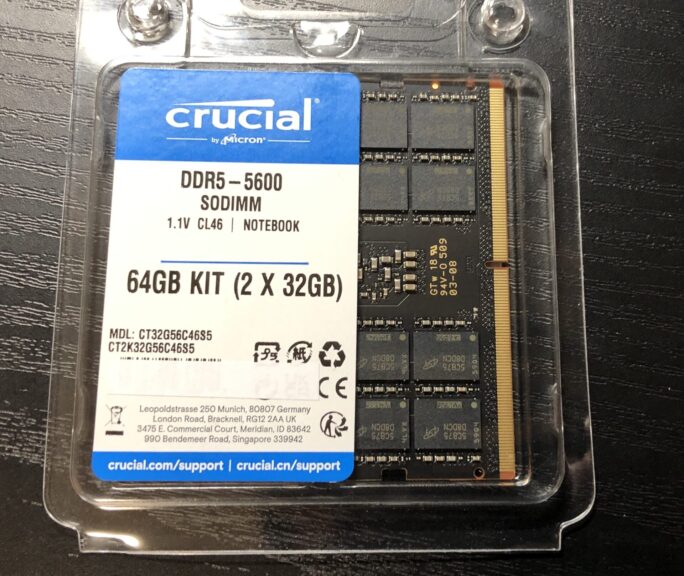
▼I purchased this product. It's a set of two 32GB sticks for a total of 64GB.
 ポチップ
ポチップ
▼There is also an option for a 32GB set (two 16GB sticks).

Replacing the Memory
Time to swap out the old RAM for the new ones.
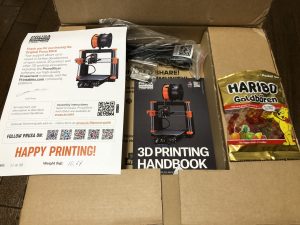
▼Here is what it looked like unboxed.
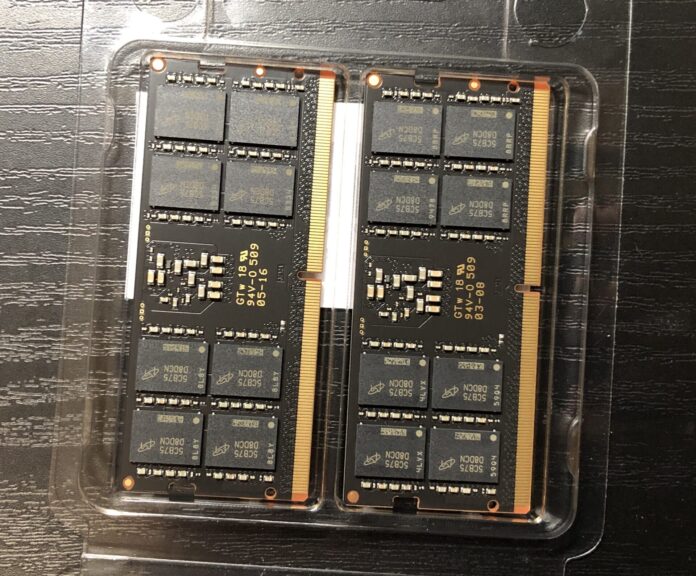
The replacement process is similar to adding an SSD.
▼I hadn't opened the bottom of the laptop in six months, and quite a bit of dust had accumulated. I took this opportunity to give it a good cleaning.
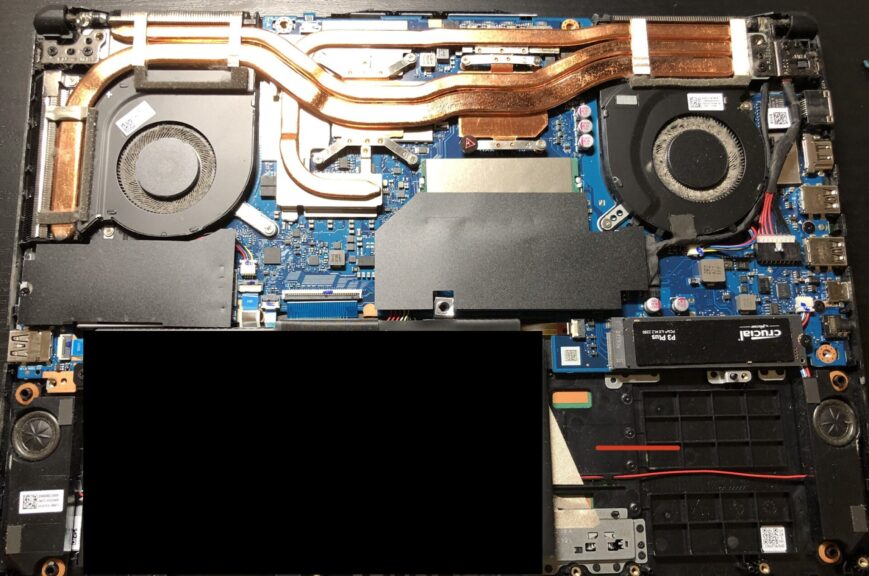
▼Dust was especially heavy around the fans. It looks like I need to clean this out more regularly.
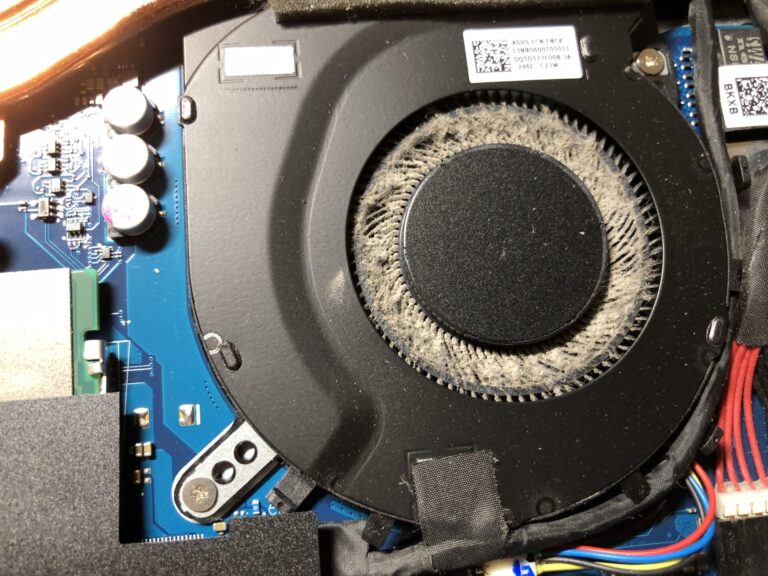
▼I removed the dust using a standard air duster. I try to disassemble and clean it about once every one to two months.
 ポチップ
ポチップ
The RAM slots were located right in the center.
▼The old modules came out easily by releasing the clips.
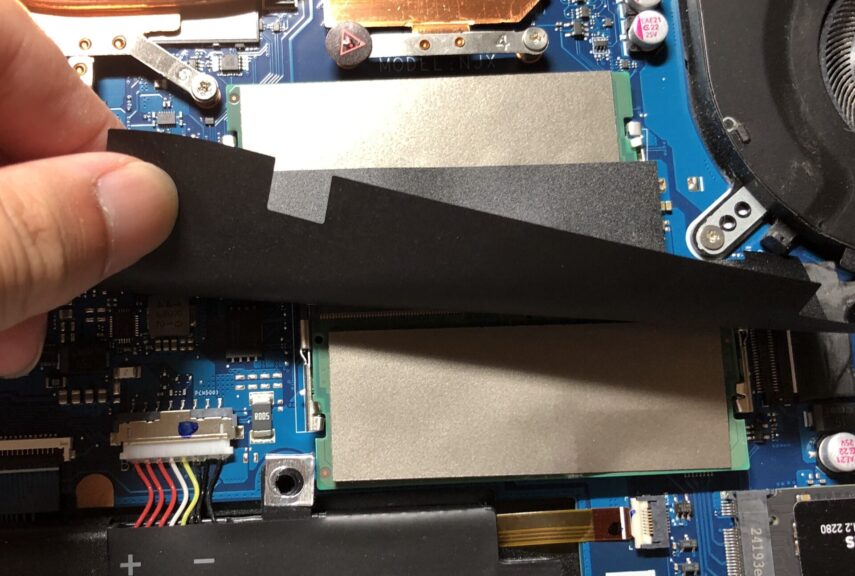
▼I swapped them with the new RAM modules.
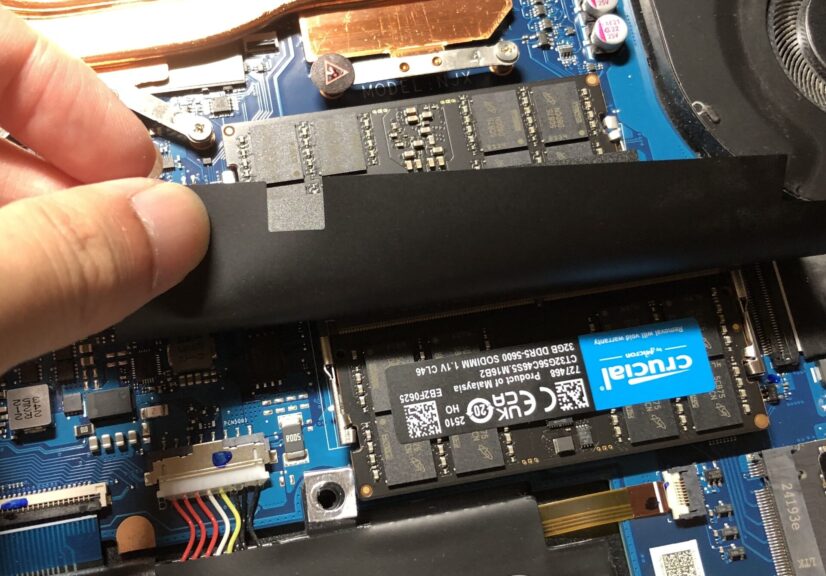
After the replacement, I powered it on.
▼It took a bit longer than usual to boot up, but once it did, Task Manager correctly recognized the full 64GB of RAM.
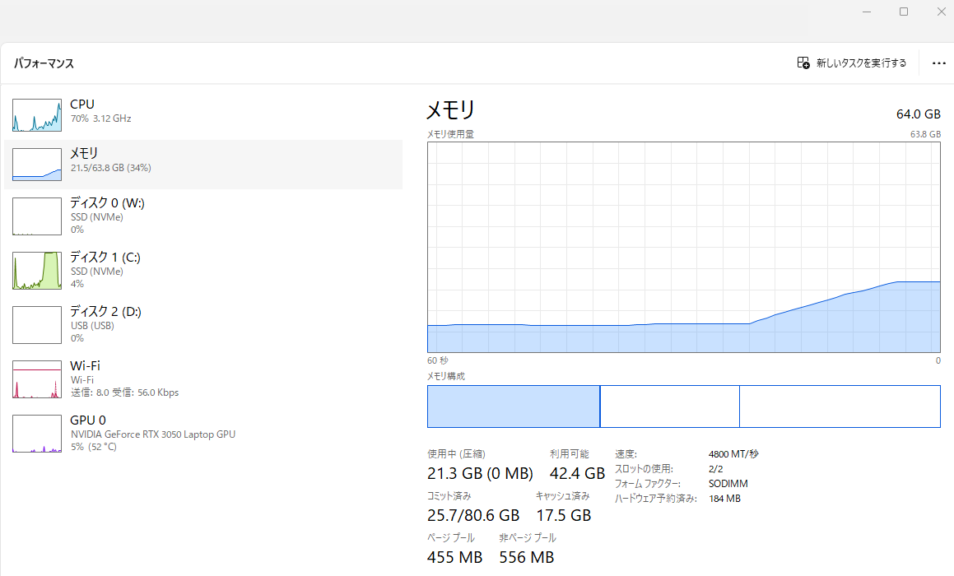
No special configuration was needed; it was a simple plug-and-play upgrade.
Running gpt-oss-20b
I tried running gpt-oss-20b using Ollama.
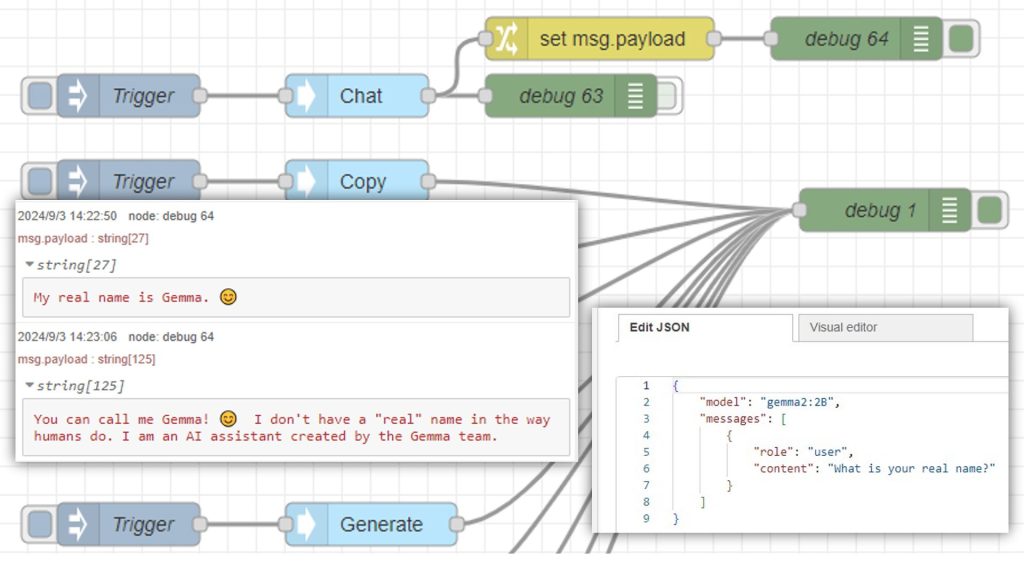
▼I covered the Ollama installation in the following article.
Using Ollama Part 1 (Gemma2, Node-RED)
Info This article is translated from Japanese to English. Introduction This time, I tried using Ollama, a tool that lets you run LLMs locally. You can install …
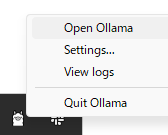
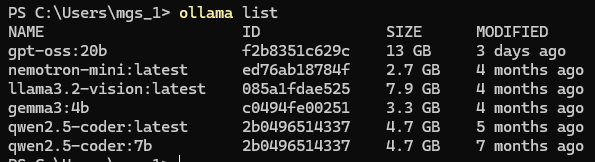
▼I recently discovered that there is a GUI app for Ollama. You can open it via "Open Ollama."
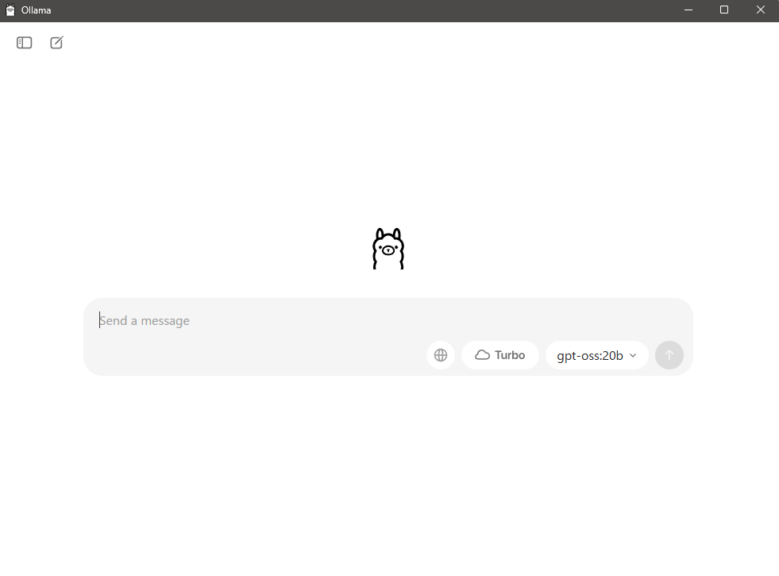
▼I often use gemma3:4b because its Japanese output is very natural, but this model is significantly larger.
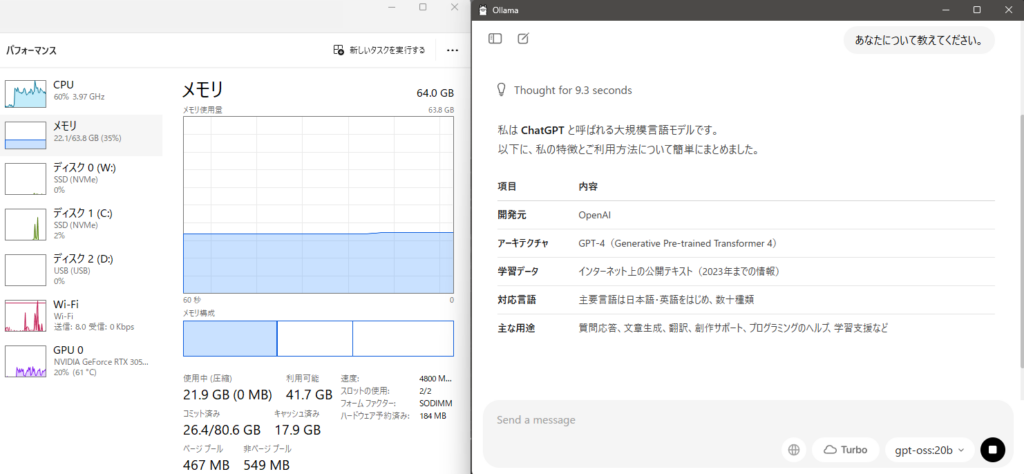
When I asked a question, I received an answer within a few seconds. The Japanese language support seems solid.
▼There is enough memory available.
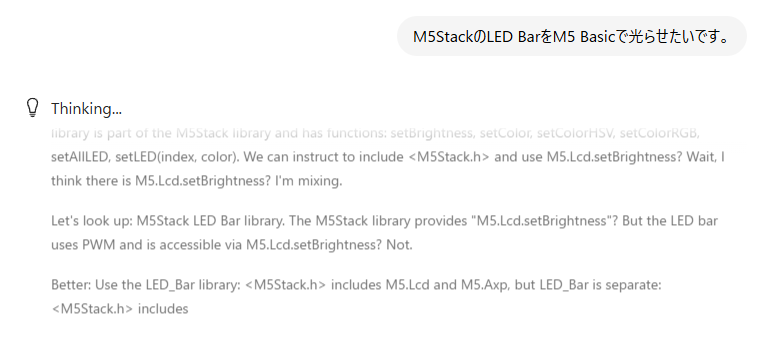
I asked it to write some code for a microcontroller, but it included non-existent libraries, so the code wouldn't actually run.
▼As expected, it takes more time compared to the browser version of ChatGPT.
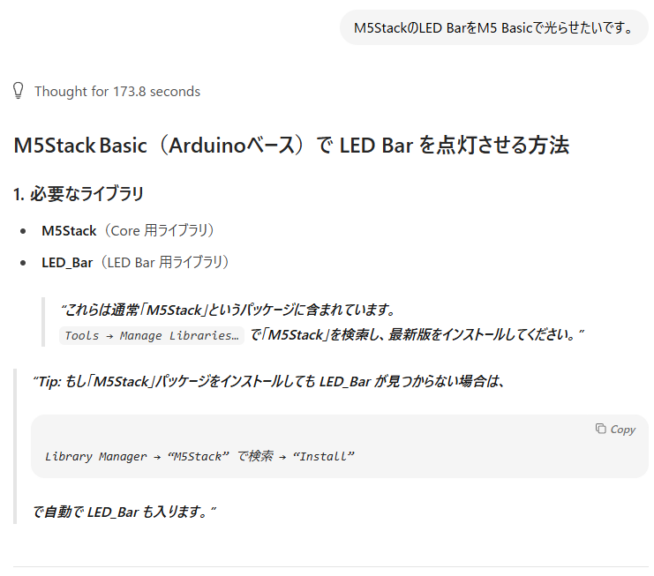
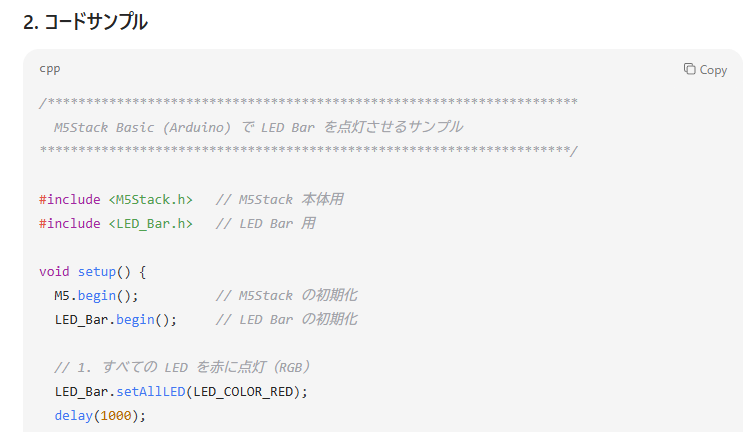
▼I also asked GPT-5, which became available around the same time, but it confirmed those libraries don't exist.
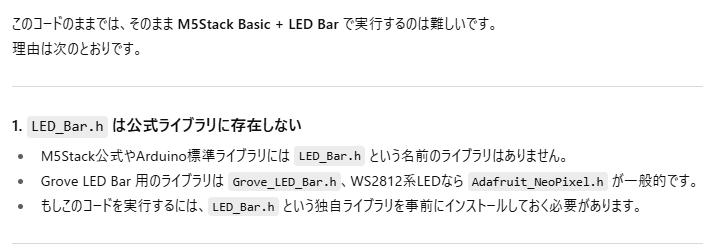
Even with GPT-5, the code provided didn't support the latest M5Stack libraries. I only got it to work after doing some manual searching. It seems local LLMs still struggle with microcontroller-related code where libraries are updated frequently.
I tried enabling the search function on gpt-oss-20b as well, but it felt like it would never finish. It seems like a good fit for tasks like summarization or drafting text locally.
Finally
I had noticed that Fusion 360 had been feeling sluggish lately. It turns out that when I have multiple apps open, my memory usage exceeds 32GB. Trying to run all that on 16GB was clearly pushing it too far.
Now everything runs smoothly. I'm really glad I upgraded the RAM.
Since the CPU and GPU remain the same, I don't expect a huge jump in AI processing speed, but I hope to utilize local LLMs for automated tasks where I don't mind the processing taking a little while.
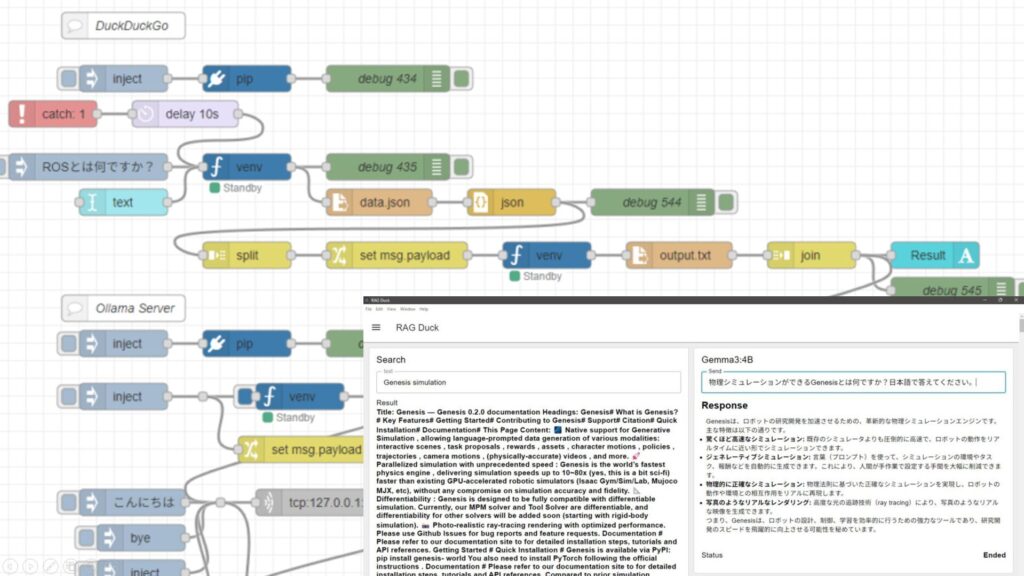
▼I have previously built a RAG-like system using Node-RED.
Ollamaを使ってみる その6(ネットでの検索結果との併用、Node-RED)
はじめに 今回は以前試していたPythonによる検索と、ローカルLLMを組み合わせてみました。 LLMが学習していないデータを、ネット上の最新の情報で補うというやり方に…