Trying Out Jetson Xavier Part 4 (Sending and Receiving Image Data using ROS and Tailscale)
 管理人
管理人Introduction
In this post, I tried sending and receiving image data over the internet using ROS and Tailscale. In my previous article, I tested this within a local network. This time, I am communicating between my home and the university. I hope to utilize this for remote robot operation.
▼The ROS environment on Jetson Xavier was set up in the following article:
Trying Out Jetson Xavier Part 3 (ROS Environment Setup and Publishing USB Camera Video)
Info This article is translated from Japanese to English. Introduction In this post, I set up a ROS environment on the Jetson Xavier and tried publishing video…
 趣味的ロボット研究所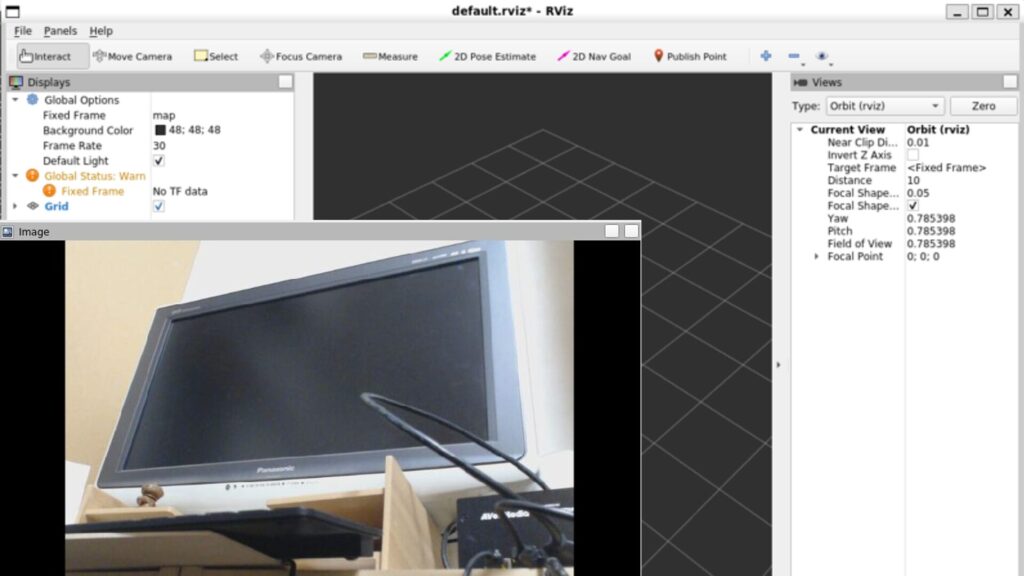
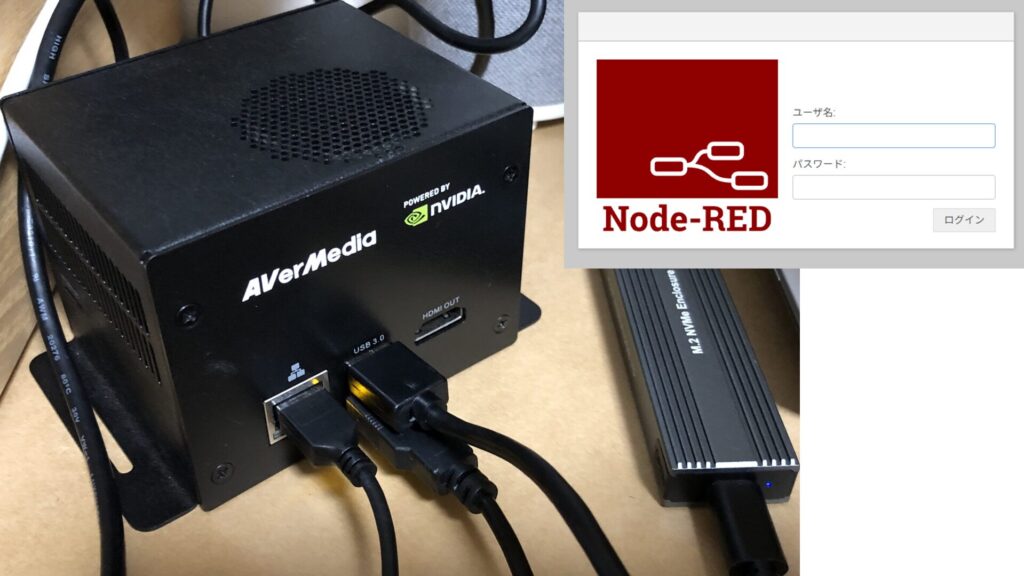
▼Tailscale was also previously installed in this article:
Trying Out Jetson Xavier Part 2 (Communication Settings, Node-RED, and Tailscale)
Info This article is translated from Japanese to English. Introduction In this post, I configured the communication settings for the Jetson Xavier, following t…
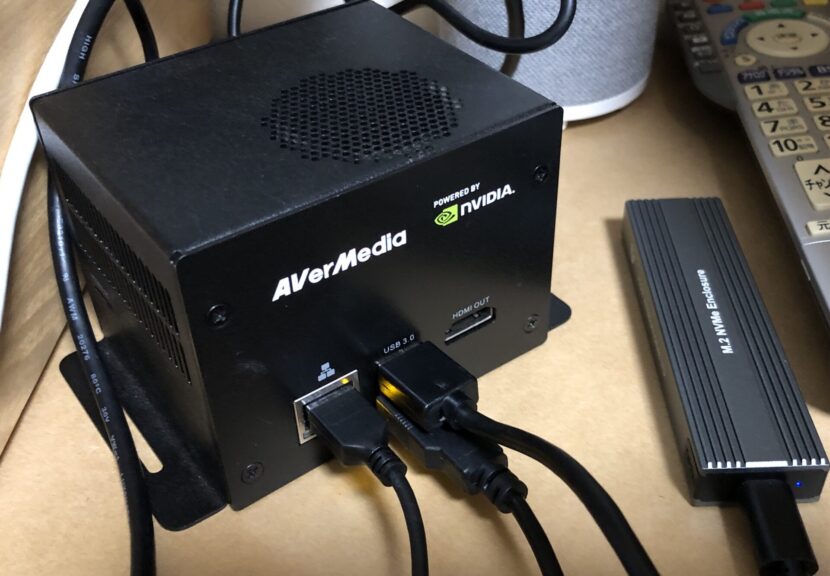
▼Previous articles are here:
Trying Out Jetson Xavier Part 1 (JetPack 5.1.5 Setup)
Info This article is translated from Japanese to English. Introduction I’ve been participating in the TechSeeker Hackathon 2025 recently, and as a participant …
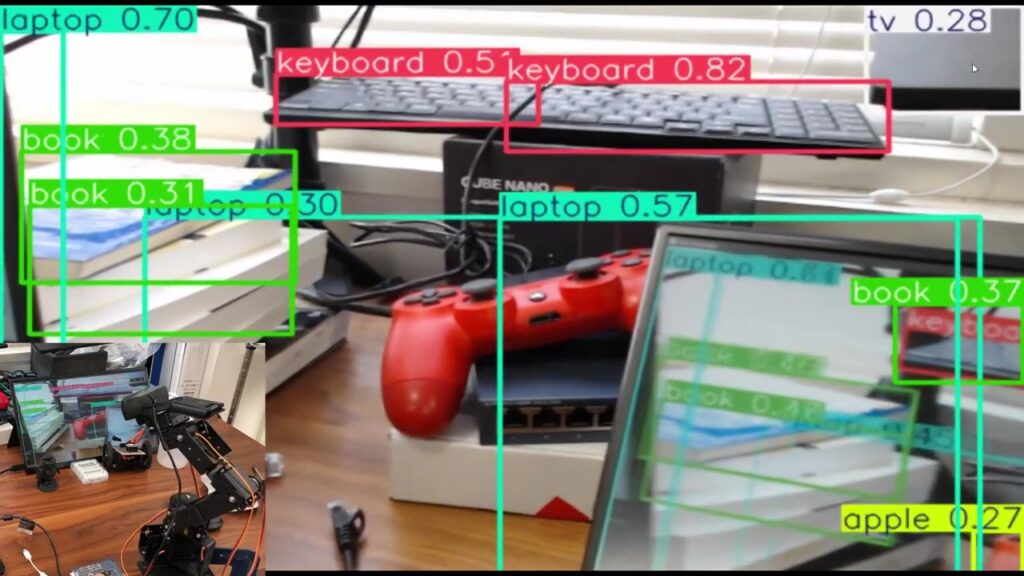
Attaching a Camera to a Robotic Arm and Checking the Video Feed (YOLO)
Info This article is translated from Japanese to English. Introduction A while back, I tried attaching a camera to the robotic arm I purchased on Amazon and se…
Installing Tailscale in the WSL2 Environment
In the previous article, I was able to verify the video feed within the local network, but I found that it couldn't be verified when communicating over the internet. While I had Tailscale installed on my Windows PC, I hadn't installed it within the WSL2 environment on that same PC, so I proceeded with the installation.
▼The method for installing Tailscale in a WSL2 environment is described here:
https://tailscale.com/kb/1295/install-windows-wsl2
This time, I installed Tailscale in a WSL2 Ubuntu 20.04 environment.
▼The ROS environment is already set up as well.
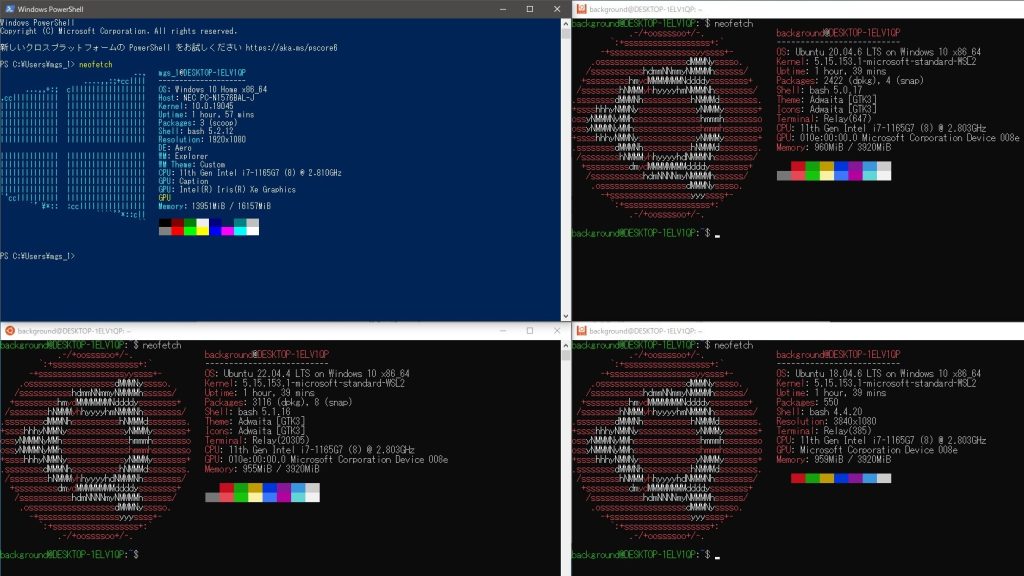
Trying Out WSL2 Part 3 (Ubuntu 20.04, ROS Noetic, Open Manipulator)
Info This article is translated from Japanese to English. Introduction In this post, I tried installing ROS on Ubuntu 20.04 within WSL2.The environment I built…
The installation only required running a single command:
curl -fsSL https://tailscale.com/install.sh | sh▼After installation, run "sudo tailscale up" and log in with your account.

After logging in, running "tailscale ip" displayed the Tailscale IP address.
For this setup, I set the Jetson Xavier as the ROS Master. I edited the .bashrc files on both the Jetson and WSL2 sides, changing ROS_MASTER_URI to the Jetson's Tailscale IP address and setting ROS_IP to each device's respective Tailscale IP.
After that, I ran "source .bashrc" and executed the ROS commands.
Checking the Video Feed
You can publish the camera video using the following command:
rosrun usb_cam usb_cam_node _video_device:=/dev/video0 _pixel_format:=yuyv _image_width:=640 _image_height:=480 _framerate:=30I connected a USB camera to the Jetson Xavier at home, placed a radio-controlled clock in front of it, and checked the feed from the university using RViz.
▼I am using this USB camera.

 ポチップ
ポチップ
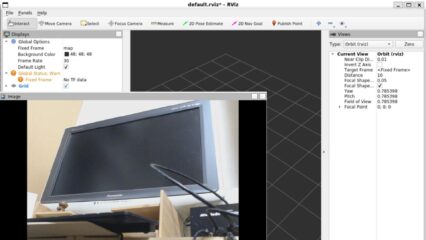
▼I was able to confirm the video feed!
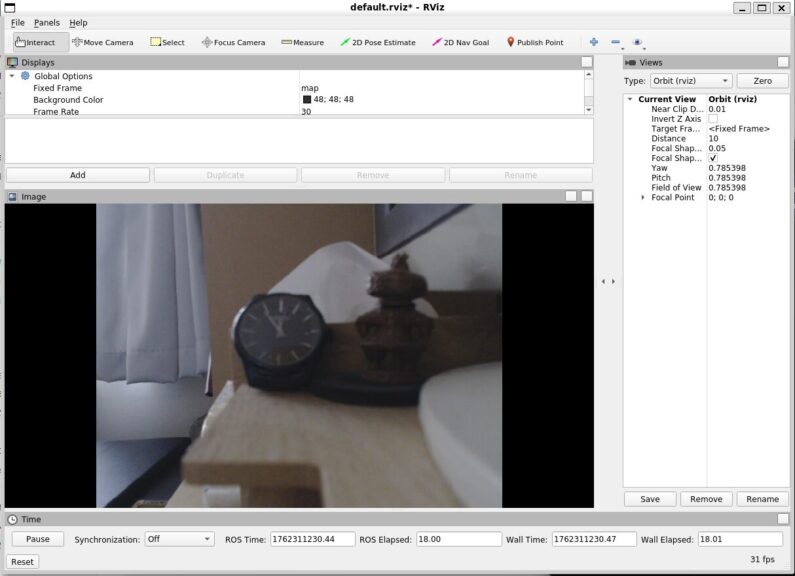
Since the amount of data sent and received changes depending on the resolution, I tried changing the resolution in the command.
▼Here is the result for 320x240. The second hand appears to move without any noticeable lag.
▼Here is the result for 1920x1080. Occasionally, the second hand stops for about 3 seconds.
The second hand is a bit hard to see, but I felt there was a slight lag at higher resolutions. I did this as a simple test, but I realized that with this method, I can't check the clock if the room is dark.
Finally
Using Tailscale, I was able to check the camera video feed over the internet. This seems useful for remote-controlling robots. It appears that communication is not possible unless Tailscale is installed in each environment sending and receiving data. I remember having trouble viewing the feed with VR goggles before, and I suspect it was because Tailscale wasn't installed.
▼There was a discussion on Reddit about wanting to use Tailscale on Meta Quest 3. I’d like to try that out.
I want to confirm the actual data volume and communication lag numerically, so I’m planning to use analysis tools like Wireshark to investigate further.