Converting 3D Gaussian Splatting Data with Python
 管理人
管理人Introduction
In this post, I’ve made it possible to convert 3D Gaussian Splatting (3DGS) data using Python. Note: I’m using the term "3DGS format" for convenience, but 3DGS is actually the method; I am referring to the 3D model data format reconstructed via 3DGS.
Up until now, I have been using 3D scan data from Scaniverse within Unreal Engine 5 for my research. While I used SuperSplat to edit 3DGS data, it is a GUI-based tool, and I wanted to automate the process using code. This time, I developed a tool to convert 3DGS data in Python with the help of AI.
▼The tool I developed is available on GitHub. AI wrote about 99% of the code.
https://github.com/404background/3dgs-edit-tools
▼I also published it on PyPI. It can now be installed via pip.
https://pypi.org/project/3dgs-edit-tools
▼Previous articles are here:
Unreal Engine 5を使ってみる その15(Scaniverseのデータ取り込み2回目、SuperSplat)
はじめに 今回はScaniverseで3DスキャンしたデータのUnreal Engine 5 (UE5)への取り込みについて、再び試してみました。 以前の取り込み方だとScaniverseでの見た目と…
 趣味的ロボット研究所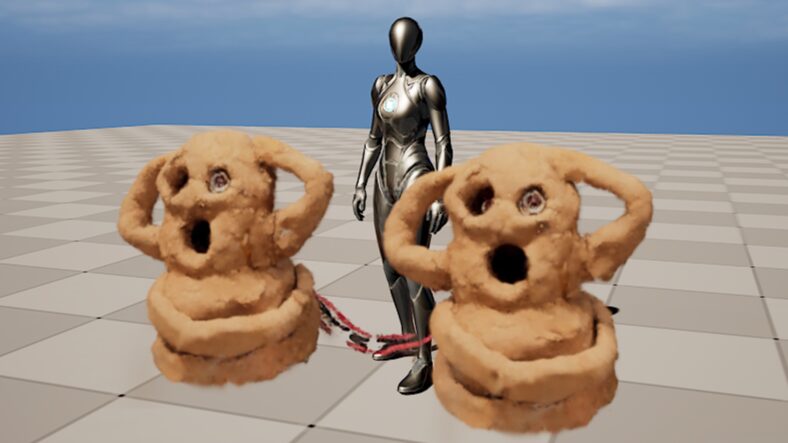
Trying Out 3D Gaussian Splatting Part 1 (Environment Setup, WSL2 Ubuntu 20.04)
Info This article is translated from Japanese to English. Introduction In this post, I set up the environment to use 3D Gaussian Splatting.I have been creating…
About the 3D Gaussian Splatting Data Format
▼The following article by someone who developed a plugin to import 3DGS data into Unreal Engine is extremely helpful:
https://zenn.dev/akiya_souken/articles/render-gaussian-splat-with-niagara
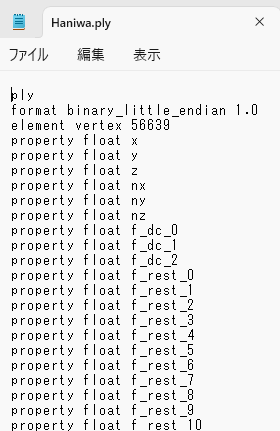
Even if the file extension is .ply, the data format can differ. A standard .ply file for point cloud data contains the coordinates and color information of points. While the files exported from Scaniverse's "Splat" mode also use the .ply extension, they include terms for ellipsoidal representation rather than just points. You can see this by looking at the header section of the files.
▼For example, if you open a .ply file exported from Scaniverse in Notepad, you will see a list of variable names.
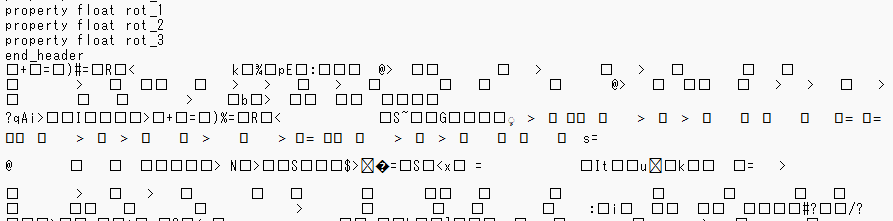
▼The header is followed by binary data. In Notepad, this appears as garbled text.
Furthermore, if the color columns differ, you may need to specify them when importing the data into certain software.
▼Depending on the plugin, I had to specify these when importing into Unreal Engine.
Unreal Engine 5を使ってみる その10(Scaniverse、点群データの取り込み)
はじめに 今回はiPhone 15 ProでScaniverseというアプリを使って3Dスキャンしたデータを、Unreal Engine 5(UE5)に取り込んでみました。 データを取り込むにあたって…
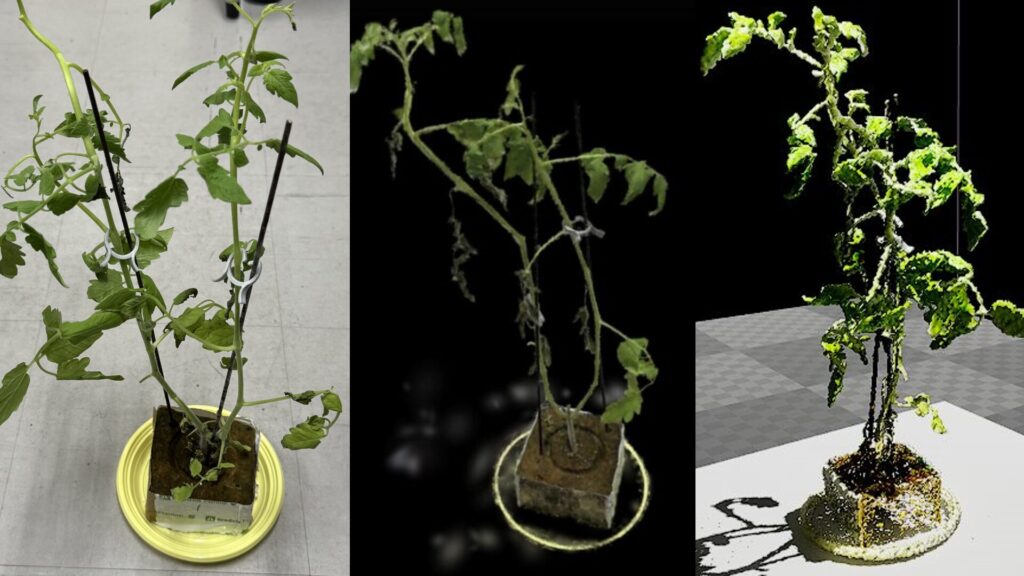
Since the binary section cannot be deciphered as is, it needs to be converted. Based on this information, I had ChatGPT create code to convert a .ply file exported from Scaniverse into a CSV format and then back again.
Tools for Debugging
Since it's difficult to debug without being able to see the binary data, I used "Stirling," a binary editor I learned about while studying security.
▼You can download it here:
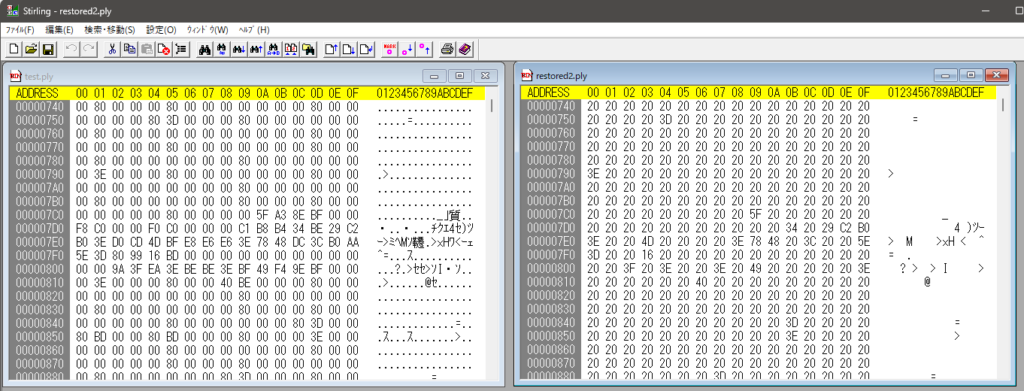
When comparing the original file with the output from the code ChatGPT suggested, I was able to confirm errors using Stirling.
▼In some cases, Null characters were incorrectly turned into spaces. You can compare the differences between two files.
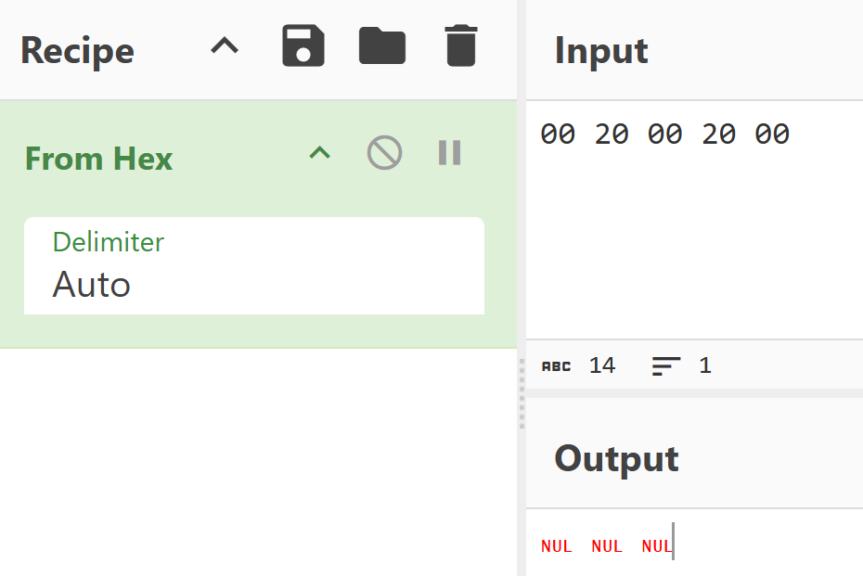
▼For character code conversion, "CyberChef" is very convenient.
https://gchq.github.io/CyberChef
▼When converting from hexadecimal, "00" is a Null character, and "20" is a space.
I proceeded with development while utilizing these tools.
Conversion/Reversion with CSV Format
When importing 3DGS data into Blender, I noticed the data was displayed in a way similar to a CSV format. Since it should be convertible in a similar fashion, I performed the conversion based on the data format mentioned above.
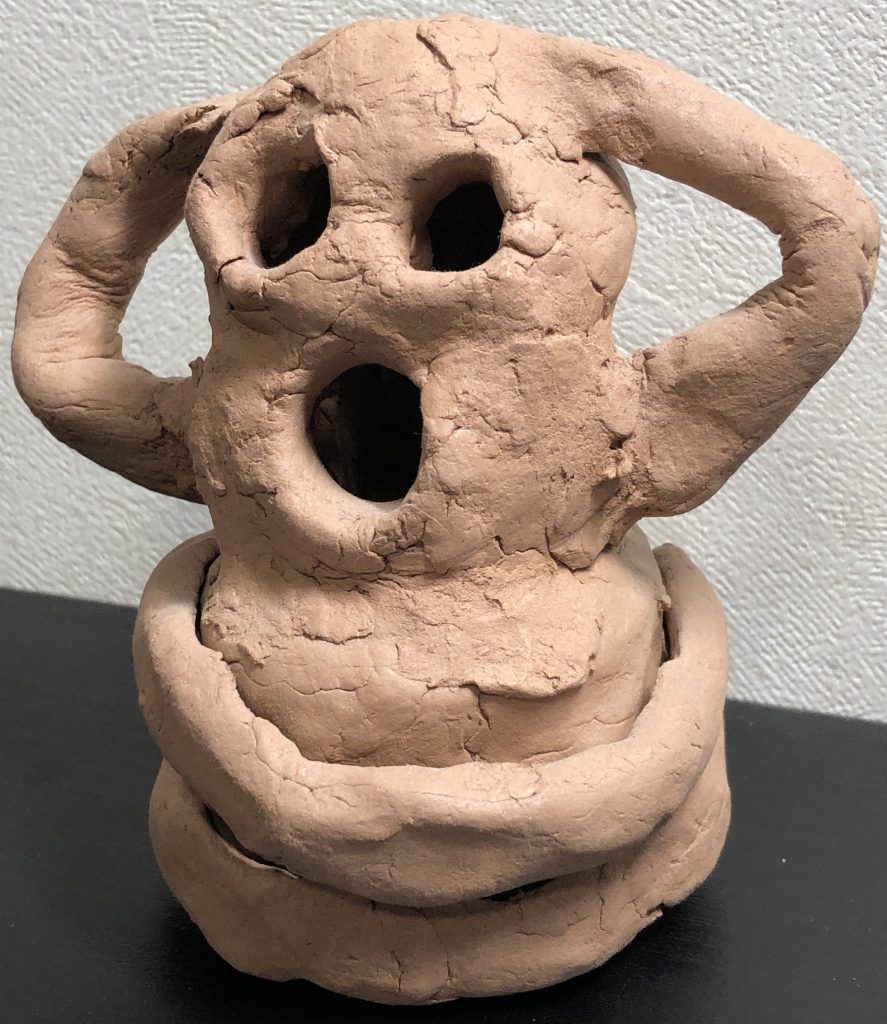
▼I tested this using 3D scan data of this Haniwa figure, captured with an iPhone 15 using Scaniverse.
The code and samples are in the GitHub repository mentioned above, so please check there for details.
▼You can download the .ply file here:
I actually tried converting to and from the CSV format.
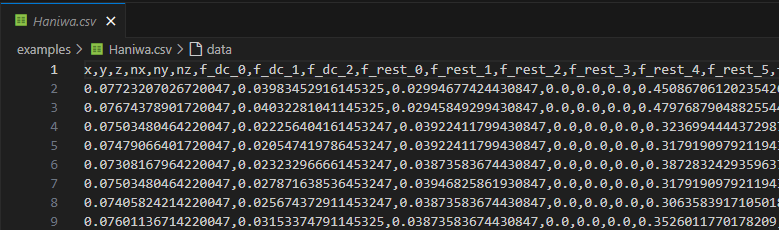
▼The data is converted to a CSV file, with the header information in the first row.
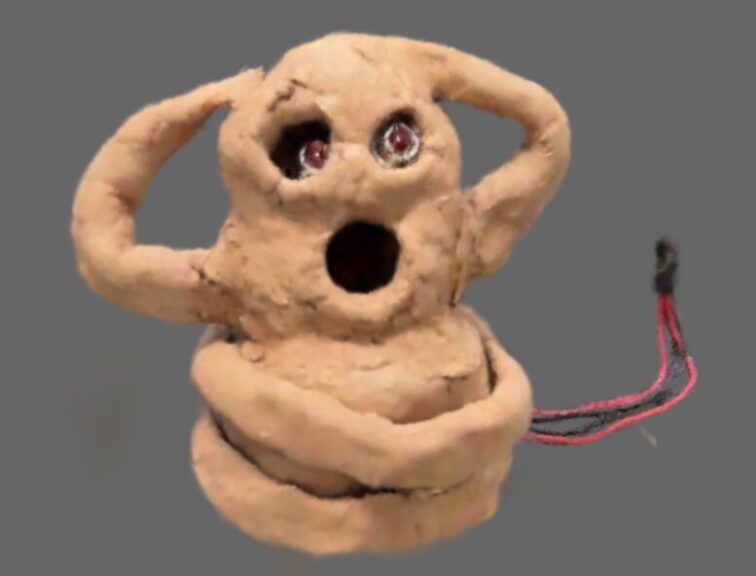
I was able to import the data without any changes between the original and the reverted versions.
▼I confirmed this in SuperSplat.
Conversion/Reversion with PointCloud Format
I also tried converting to the PointCloud format. Methods for classifying point cloud data have been researched for a long time, and the PointCloud format is more convenient for utilizing those existing techniques.
▼Here is the state confirmed in CloudCompare.
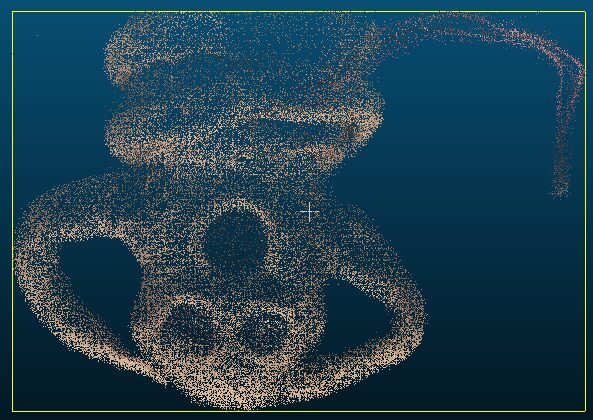
▼About CloudCompare:
Of course, the appearance isn't as high-definition as 3DGS, but the conversion seemed to work without any problems.
Conversion to Mesh
Since 3DGS and PointCloud formats save the positional information of point groups, I figured it would be possible to mesh them as well, so I gave it a try. When importing into game engines, having a mesh is convenient because environmental lighting effects can be calculated natively.
Adjusting the parameters to create a mesh that closely resembles the actual object is a field currently being researched.
▼The appearance is a bit rough; it seemed difficult to make it any smoother than this.
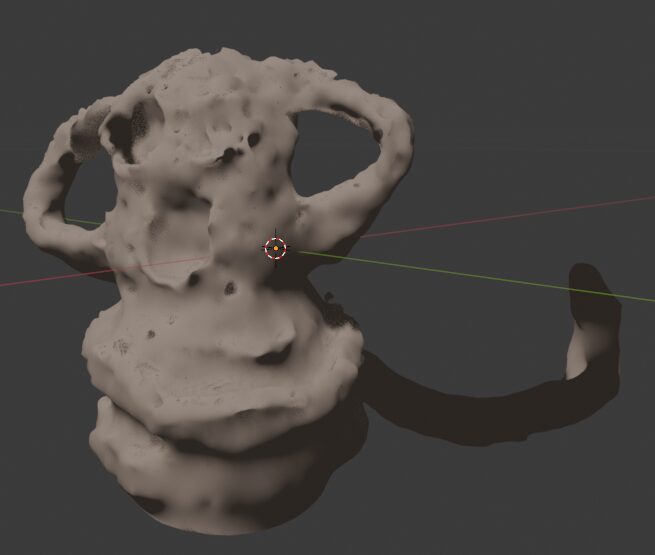
When I used the same meshing parameters from this Haniwa for a larger model, I sometimes found strange connections between parts. This is likely due to the large differences in distances between point groups.
Finally
3DGS data can be difficult to handle because it is in binary format, but now it can be converted using Python. Tasks such as changing colors can easily be performed if the data is in CSV format.
After this, I tried a different method for meshing, which I plan to introduce in another article.