Trying Out 3D Gaussian Splatting Part 2 (Reconstructing 3D Models from Image and Video Data, WSL2 Ubuntu 20.04)
 管理人
管理人Introduction
In this post, I tried reconstructing 3D models using 3D Gaussian Splatting (3DGS) from image and video data.
In my previous post, I used the provided COLMAP data, but this time I am using data captured with my iPhone 8. My iPhone is too old to use Scaniverse, but it seems like I can run the process on a PC.
I encountered and fixed errors with almost every command, but I have listed the steps that ultimately worked for me.
▼The environment setup was done in the following article:
Trying Out 3D Gaussian Splatting Part 1 (Environment Setup, WSL2 Ubuntu 20.04)
Info This article is translated from Japanese to English. Introduction In this post, I set up the environment to use 3D Gaussian Splatting.I have been creating…
 趣味的ロボット研究所
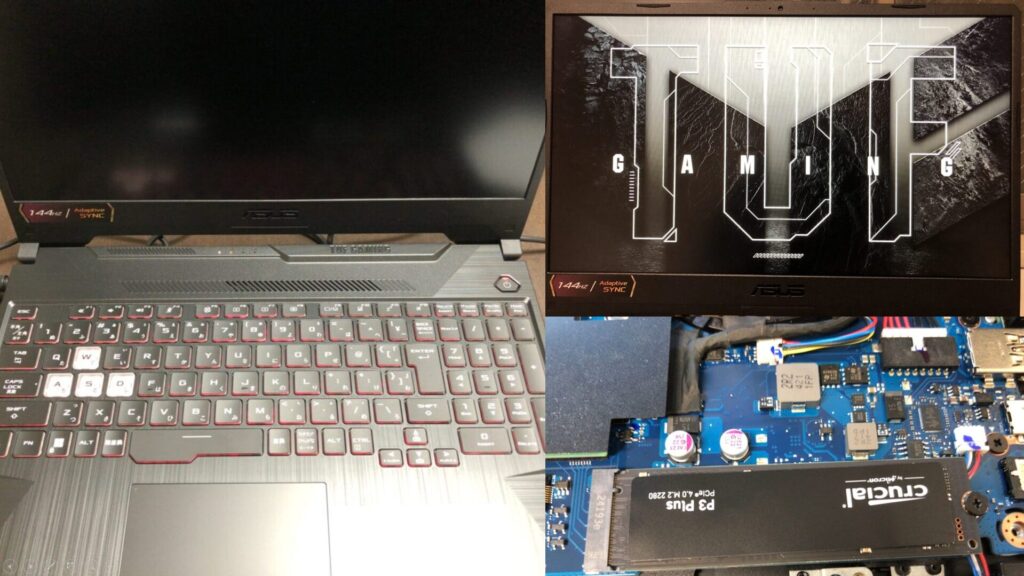
▼I am using a gaming laptop purchased for around 100,000 yen, running Windows 11.
Shopping: New Laptop and SSD Expansion (ASUS TUF Gaming A15)
Info This article is translated from Japanese to English. Introduction In this post, I’ll be talking about replacing my PC after my previous one broke down. I …

 ポチップ
ポチップ
▼Previous articles are here:
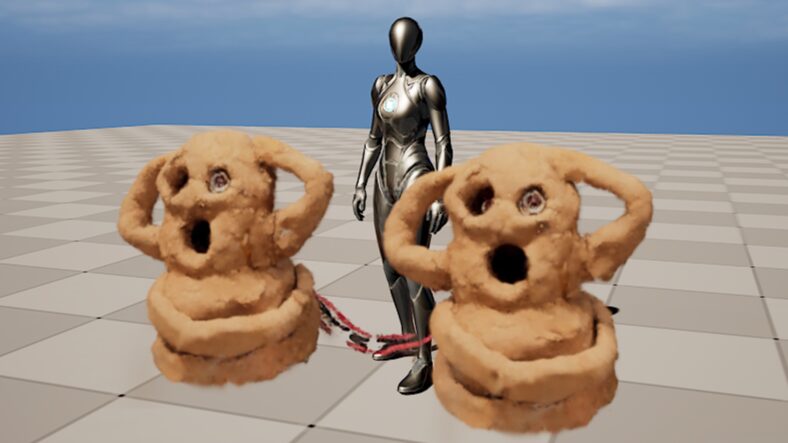
Unreal Engine 5を使ってみる その15(Scaniverseのデータ取り込み2回目、SuperSplat)
はじめに 今回はScaniverseで3DスキャンしたデータのUnreal Engine 5 (UE5)への取り込みについて、再び試してみました。 以前の取り込み方だとScaniverseでの見た目と…
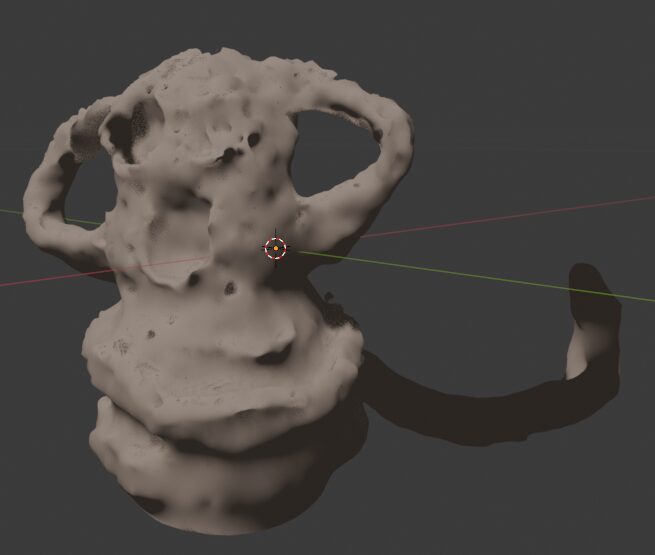
3D Gaussian Splatting形式のデータをPythonで変換する
はじめに 今回は3D Gaussian Splatting(3DGS)形式のデータをPythonで変換できるようにしてみました。 ※便宜上3DGS形式と呼称していますが、3DGSは手法で、3DGSにより…
Reconstruction from Images
First, I tried using images of a houseplant that I had taken randomly with my smartphone.
▼The dataset contains 20 images like these:


▼The required data format is described on the following page. You just need to put the images in an "input" folder.
https://github.com/graphdeco-inria/gaussian-splatting?tab=readme-ov-file#processing-your-own-scenes
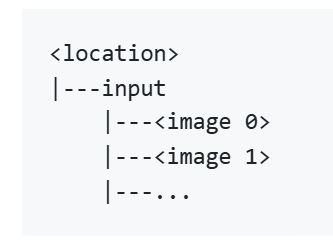
In this case, I used "plant" as the location name. Please change it according to your own environment.
I attempted to convert the data using "convert.py" found in the Gaussian Splatting repository, but it resulted in an error.
▼The error stated that COLMAP was missing.

I installed COLMAP using the following command:
sudo apt install -y colmapAfter the installation, I ran "convert.py" again, but this time I got an error saying that SiftGPU is not supported.
▼The message appeared as follows:
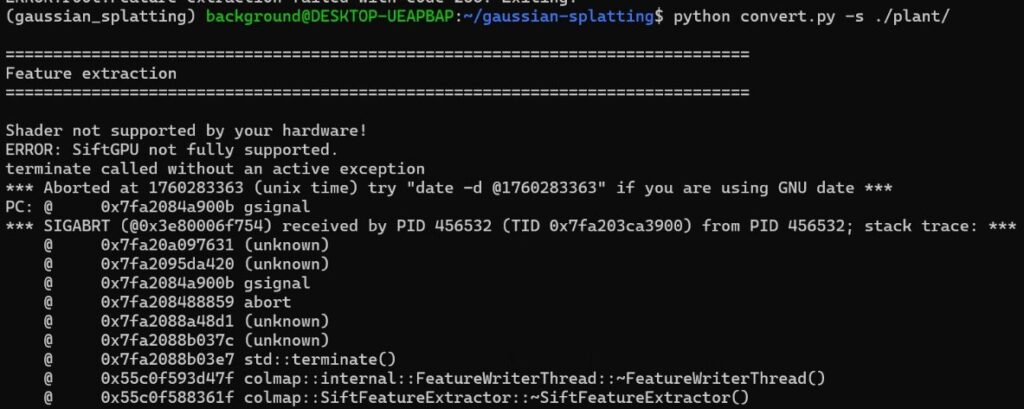
Since I am running this in a WSL2 Ubuntu environment, that might be a contributing factor.
▼There seems to be a solution for this issue in Docker environments:
https://github.com/colmap/colmap/issues/1289
This time, I decided to perform the conversion using COLMAP commands while consulting with ChatGPT.
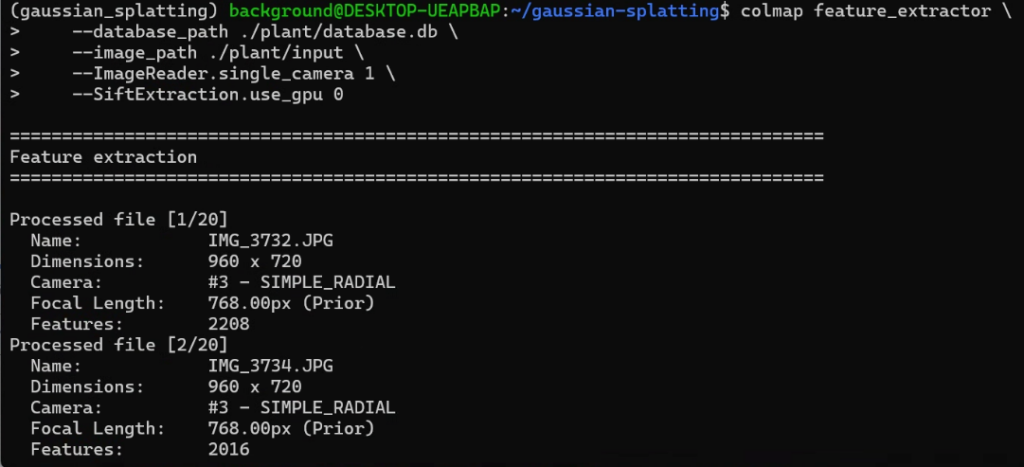
colmap feature_extractor \
    --database_path ./plant/database.db \
    --image_path ./plant/input \
    --ImageReader.single_camera 1 \
    --SiftExtraction.use_gpu 0
▼The command starts, but the process was being "Killed."

I suspected the image size was too large to process, so I resized them before trying again.
sudo apt install imagemagick
mogrify -resize 1280x720 ./plant/input/*.jpg
When I ran the COLMAP command again, the process moved forward.
▼Processing was completed for the 20 images.
Next, I performed the matching process.
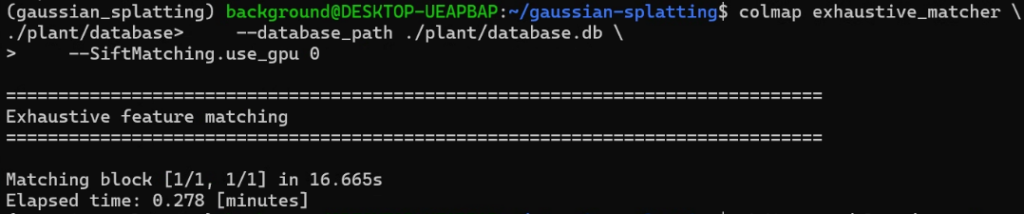
colmap exhaustive_matcher \
    --database_path ./plant/database.db \
    --SiftMatching.use_gpu 0
▼This executed without any issues.
Then, I ran the Mapper process.
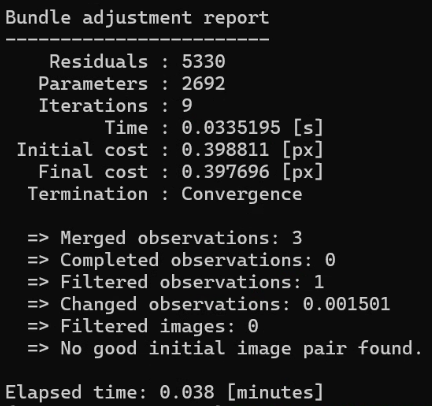
mkdir -p ./plant/sparse

colmap mapper \
    --database_path ./plant/database.db \
    --image_path ./plant/input \
    --output_path ./plant/sparse
▼This also worked fine.
Since I was able to process this far, I skipped the Gaussian Splatting matching steps and proceeded with the conversion.
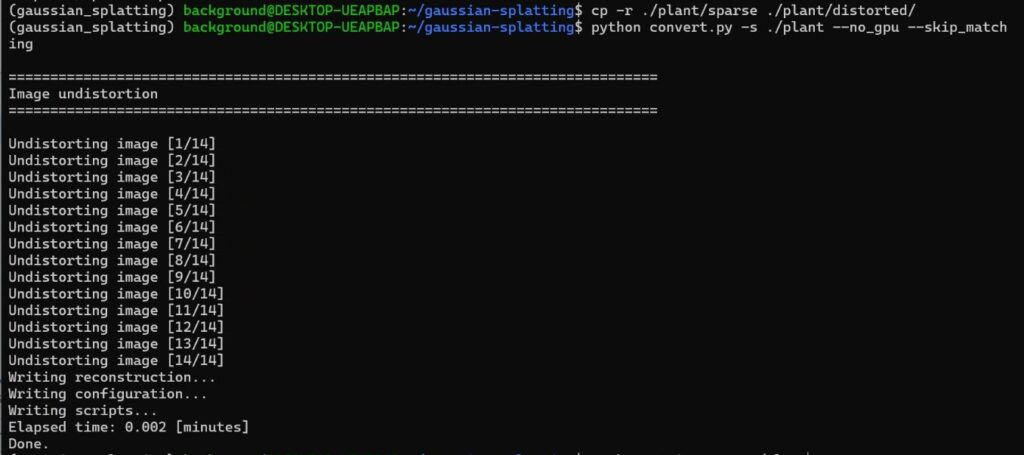
cp -r ./plant/sparse ./plant/distorted
python convert.py -s ./plant --no_gpu --skip_matching
▼The conversion was successful.
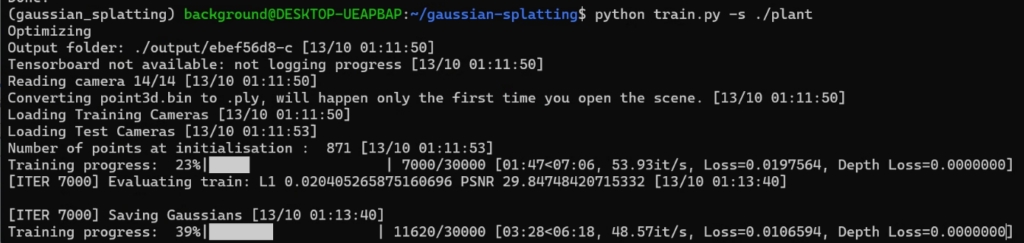
Now that the data is ready, I ran the Train command.
▼The training process progressed.
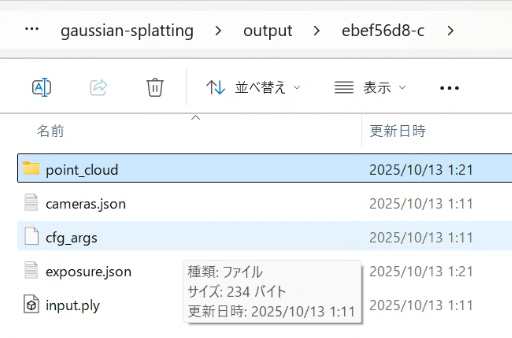
The processed data was saved.
▼It can be found in the "output" folder.
I checked the result using SuperSplat.
▼It was displayed like this:
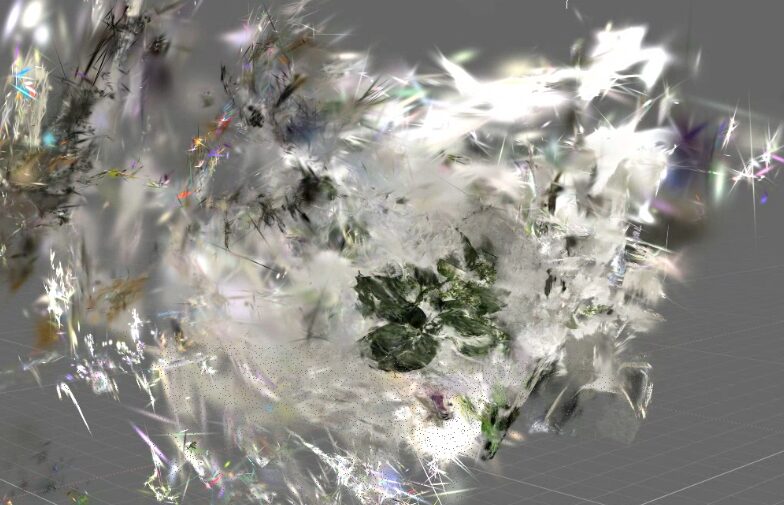
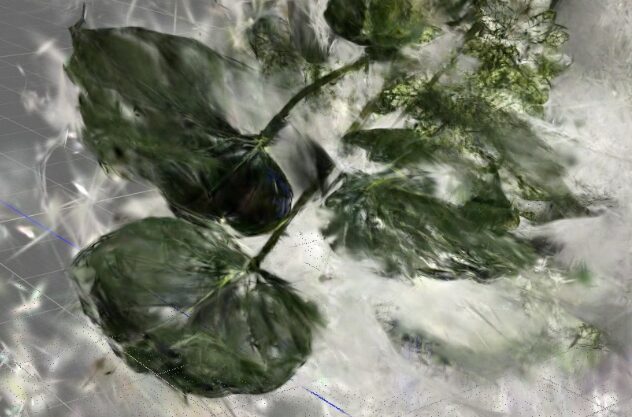
Instead of a volumetric 3D model, it turned out to be flat. It’s possible that the matching failed because the image angles were too inconsistent. Although the process completed, it felt like a failure.
Reconstruction from Video
I recorded a video with my iPhone 8, extracted image frames from it, and tried the 3DGS reconstruction again.
▼I used a video like this:
I created an "input/haniwa" directory beforehand, made an "input" folder inside it, and placed the video file there.
Using ffmpeg, I extracted 5 frames per second from the approximately 30-second video.
sudo apt install ffmpeg
ffmpeg -ss 0 -i IMG_5199.MOV -t 60 -r 5 -q:v 1 -f image2 input/%06d.jpg
▼157 images were extracted.
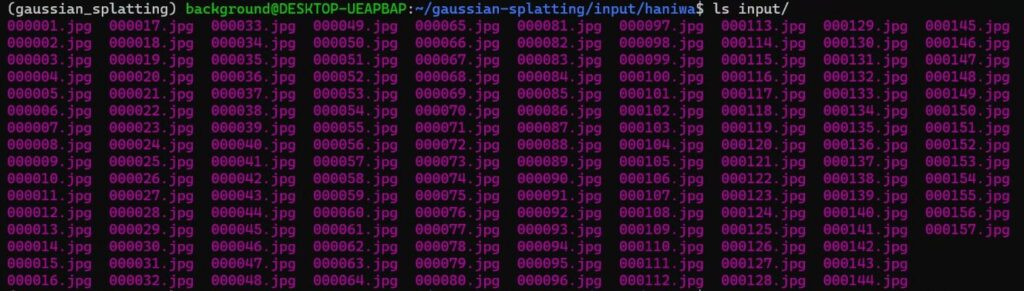
Once the image data is ready, the remaining steps are the same as before. I executed the commands.
First, I proceeded with the COLMAP processing.
colmap feature_extractor \
    --database_path ./input/haniwa/database.db \
    --image_path ./input/haniwa/input \
    --ImageReader.single_camera 1 \
    --SiftExtraction.use_gpu 0 \
colmap exhaustive_matcher \
--database_path ./input/haniwa/database.db \
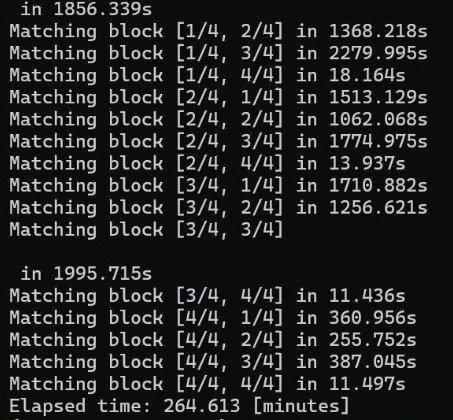
--SiftMatching.use_gpu 0▼Everything was processed smoothly.
mkdir -p ./input/haniwa/sparse
colmap mapper \
    --database_path ./input/haniwa/database.db \
    --image_path ./input/haniwa/input \
    --output_path ./input/haniwa/sparse \
    --Mapper.init_min_tri_angle 4 \
    --Mapper.num_threads 8 \
    --Mapper.multiple_models 0
With the COLMAP processing complete, I performed the conversion using "convert.py".
cp -r ./input/haniwa/sparse ./input/haniwa/distorted/
python convert.py -s ./input/haniwa --no_gpu --skip_matching
Then, I ran the Training.
python train.py \
    --source_path ./input/haniwa \
    --images ./input \
    --iterations 50000 \
    --resolution 2 \
    --feature_lr 0.01 \
    --opacity_lr 0.01 \
    --scaling_lr 0.01 \
    --rotation_lr 0.01 \
    --densification_interval 5000 \
    --white_background \
    --data_device cuda
I checked the output in SuperSplat.
▼The background looks like a misty haze.
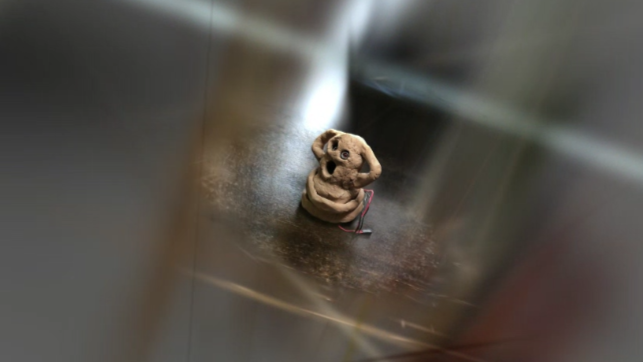
I used SuperSplat to remove the unnecessary parts.
▼Here is the result for iteration_7000:
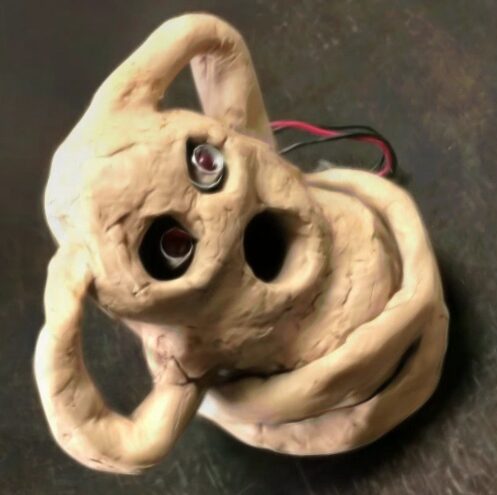
▼Here is the result for iteration_50000:
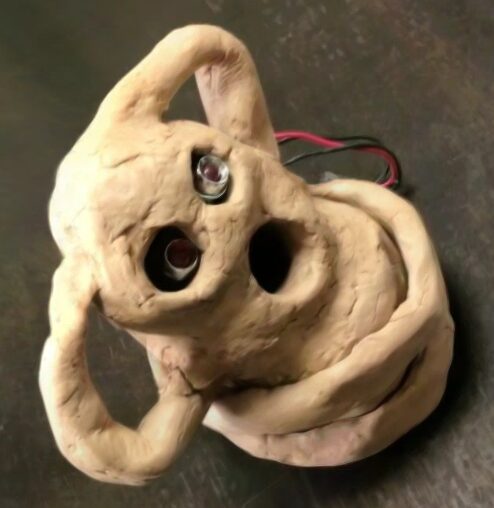
I was able to reconstruct a 3D model just like when scanning with Scaniverse. Similar to the train sample data from before, there was no significant difference in appearance between iteration_7000 and iteration_50000.
Finally
By using images extracted from a video, I was able to successfully reconstruct a 3D model using 3DGS. Since the image data lacks information like camera positions, it needs to be estimated; I believe extracting continuous frames from a video made this estimation much easier.
Now that I have the data ready for 3DGS training, I plan to try meshing using GS2Mesh next.