Trying Out Gymnasium Part 1 (Environment Setup, Running Sample Code)
 管理人
管理人Introduction
In this post, I tried out a software called Gymnasium, which is used for reinforcement learning.
I was originally aware of a software called OpenAI Gym, but there were times when I couldn't get it to run. Upon investigating, it seems that it was migrated to Gymnasium in 2021.
▼The OpenAI Gym GitHub repository states that it is moving to Gymnasium.
▼I remember trying to follow the book below but being unable to run the sample code. The software introduced in this book is Gym.

▼The Gymnasium GitHub repository is here:
https://github.com/Farama-Foundation/Gymnasium
Personally, I perform robot simulations by integrating Unreal Engine and ROS, but recently I have been trying out other simulation software as well. Among them, Gymnasium seems very useful for reinforcement learning.
▼Previous articles are here:
Trying Out Genesis Part 1 (Environment Setup and Running Sample Programs)
Info This article is translated from Japanese to English. Introduction In this post, I tried out a physics simulation software called Genesis.It was released o…
 趣味的ロボット研究所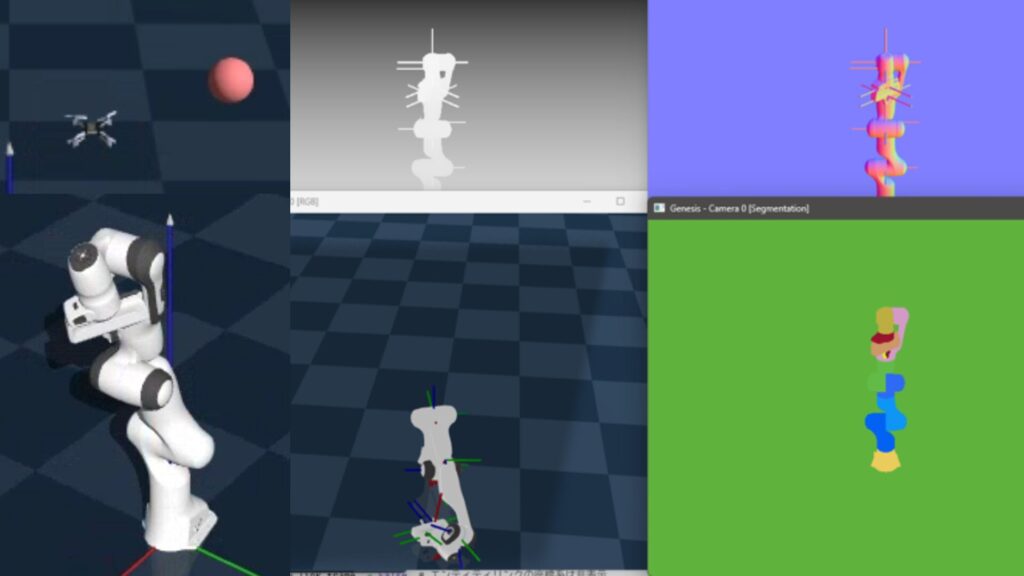
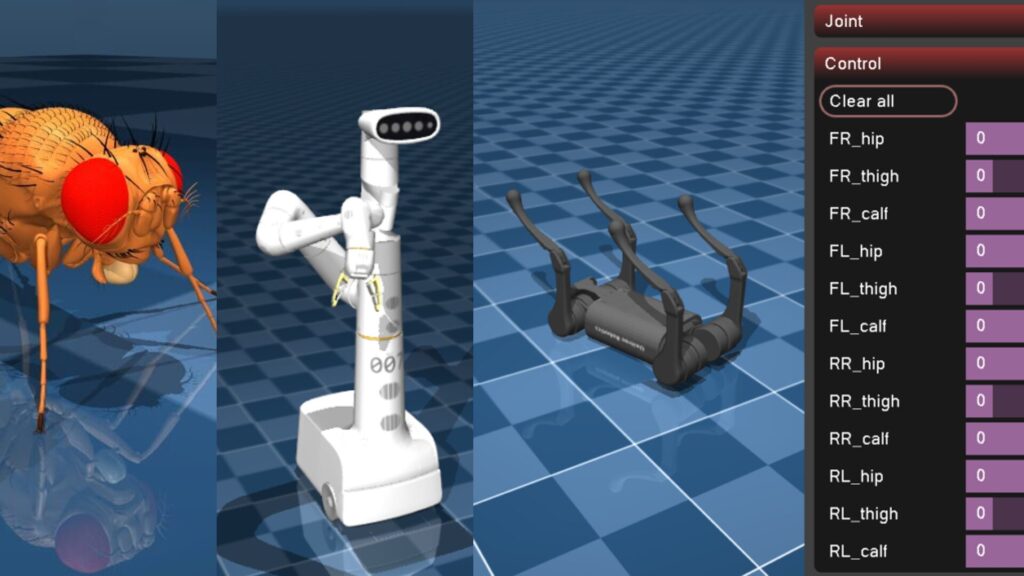
Trying Out MuJoCo Part 1 (Environment Setup and Running Sample Programs)
Info This article is translated from Japanese to English. Introduction In this post, I tried out a software called MuJoCo, which can perform physics simulation…
Related Information
▼The Gymnasium documentation page is here:
I had seen the word "Atari" several times, and it turns out to be based on the Arcade Learning Environment.
▼The Atari page is here:
https://pettingzoo.farama.org/environments/atari
▼Information on the Arcade Learning Environment is here. It is a framework for developing AI agents for games.
https://github.com/Farama-Foundation/Arcade-Learning-Environment
Several libraries related to Gymnasium were also introduced.
▼The CleanRL (Clean Implementation of RL Algorithms) repository is here:
https://github.com/vwxyzjn/cleanrl
▼The PettingZoo repository is here:
https://github.com/Farama-Foundation/PettingZoo
I plan to try out each of these repositories in separate articles.
Setting Up the Environment
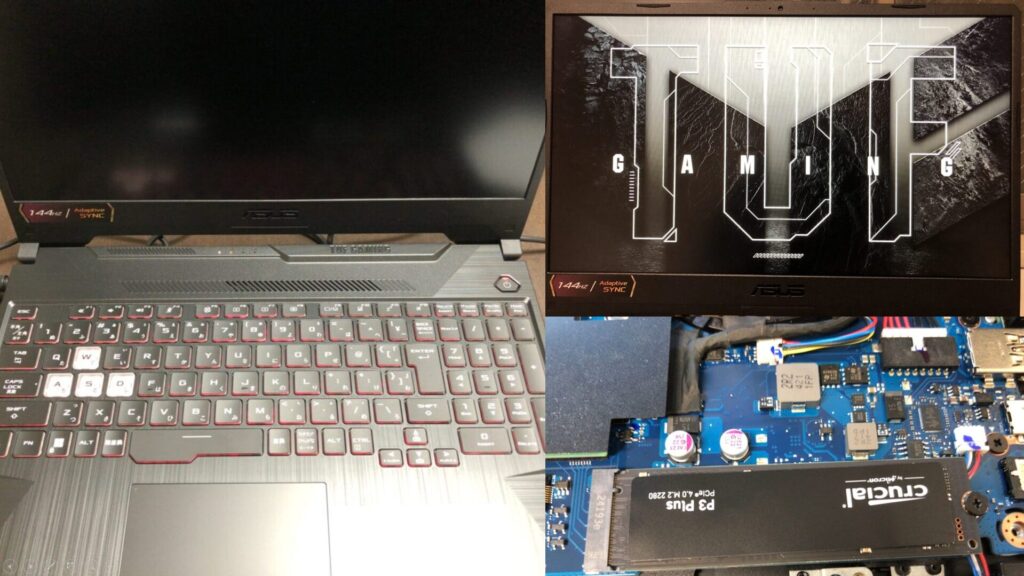
▼I am using a gaming laptop purchased for around 100,000 yen, running Windows 11.
Shopping: New Laptop and SSD Expansion (ASUS TUF Gaming A15)
Info This article is translated from Japanese to English. Introduction In this post, I’ll be talking about replacing my PC after my previous one broke down. I …

 ポチップ
ポチップ
First, I will create a Python virtual environment.
py -3.10 -m venv pyenv-gymnasium
cd .\pyenv-gymnasium
.\Scripts\activate
▼For more details on creating Python virtual environments, please see the following article:
Create Python Virtual Environments (venv, Windows)
Info This article is translated from Japanese to English. Introduction In this post, I have summarized how to create a Python virtual environment.I was researc…

It seems that the basic package installation only requires the following. Additional installations are needed depending on what you plan to use.
pip install gymnasiumI also cloned the GitHub repository in advance.
git clone https://github.com/Farama-Foundation/Gymnasium.gitRunning Sample Code
Lunar Lander
First, I tried the sample code from the Gymnasium documentation.
▼Sample code can be found on the following page. It uses a model called LunarLander-v3.
https://gymnasium.farama.org/index.html
I saved it to a file and tried to run it, but a package was missing.
▼An error occurred stating that Box2D is not installed.
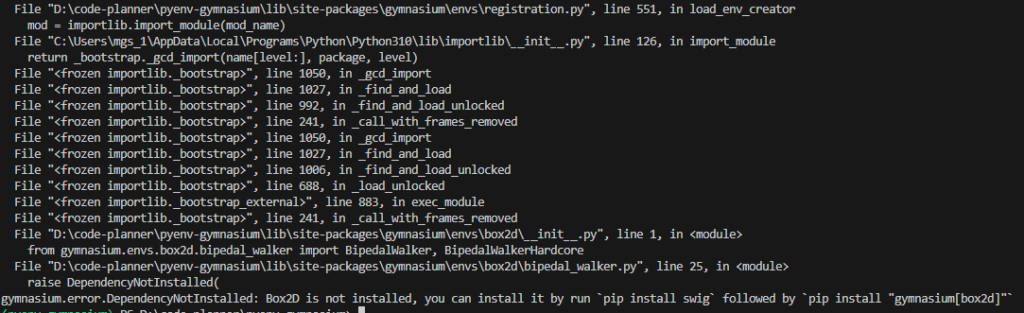
I needed to install additional packages with the following command:
pip install "gymnasium[box2d]"▼It launched successfully! After landing, the terrain changed randomly, and it repeated the landing sequence.
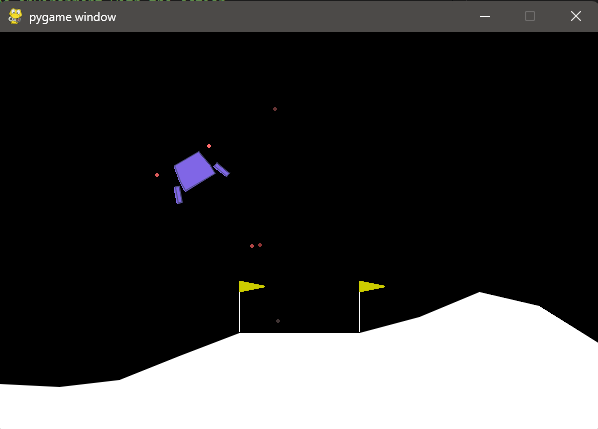
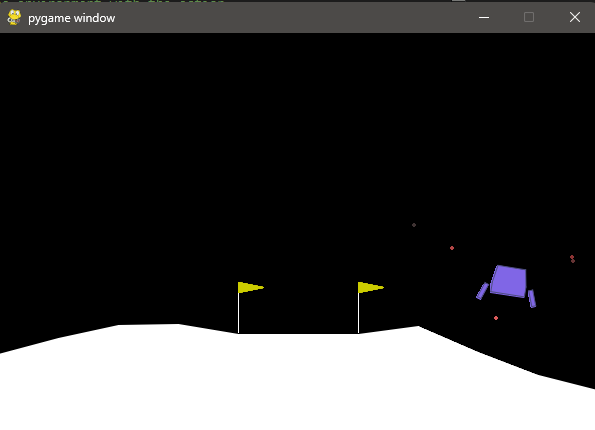
▼Detailed explanation of LunarLander can be found on the following page. It seems rewards and actions are predefined.
https://gymnasium.farama.org/environments/box2d/lunar_lander
Bipedal Walker
There was a bipedal walking simulation, so I gave it a try.
▼Documentation is here:
https://gymnasium.farama.org/environments/box2d/bipedal_walker
I ran it with the following command:
python .\Gymnasium\gymnasium\envs\box2d\bipedal_walker.py▼A window opened, and it started walking.
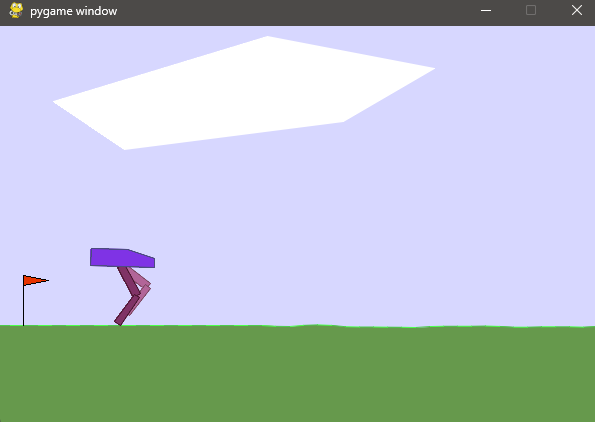
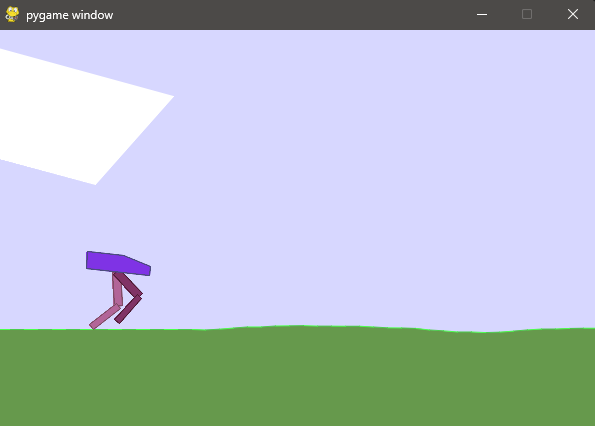
▼When it stumbles and falls, the window closes.
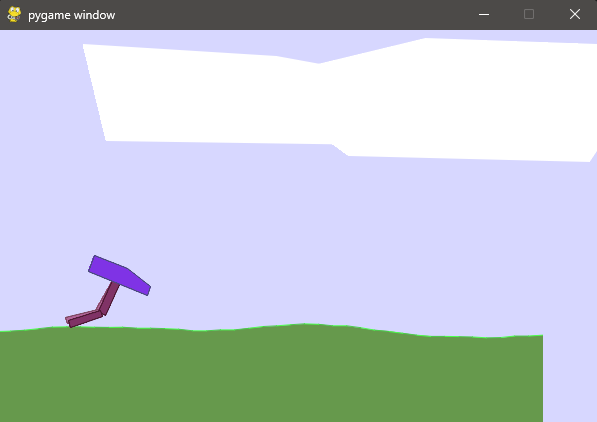
▼Data was being output to the terminal.
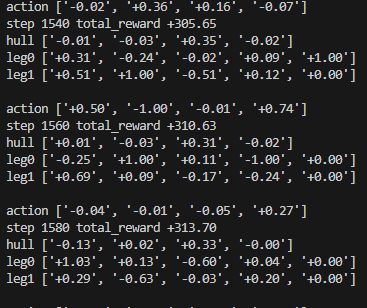
It starts with random conditions each time. When it went well, it walked all the way to the end.
Cart Pole
I also tried the CartPole-v1 code from the GitHub README, but nothing was displayed at first.
▼The code from the following link:
https://github.com/Farama-Foundation/Gymnasium?tab=readme-ov-file#api
Compared to the Lunar Lander code, it was missing render_mode="human", so I was able to run it after adding that.
The modified code is as follows:
import gymnasium as gym
env = gym.make("CartPole-v1", render_mode="human")

observation, info = env.reset(seed=42)
for _ in range(1000):
    action = env.action_space.sample()
    observation, reward, terminated, truncated, info = env.step(action)

    if terminated or truncated:
        observation, info = env.reset()
env.close()
▼This is an inverted pendulum simulation.
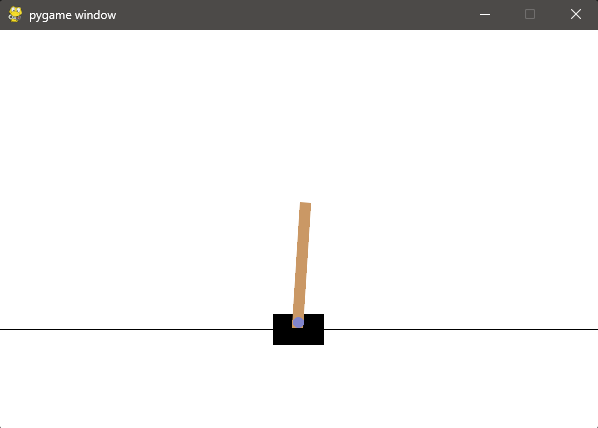
This also repeated many times under random conditions.
▼Documentation for Cart Pole can be found on the following page:
https://gymnasium.farama.org/environments/classic_control/cart_pole
Finally
In this post, I only tried setting up the environment and running sample code. I hope to use this for actual reinforcement learning projects in the future.
▼There was a tutorial for reinforcement learning using MuJoCo, so I'd like to try that as well.
https://gymnasium.farama.org/tutorials/training_agents/reinforce_invpend_gym_v26