Trying Out Unity Part 2 (ROS#, Subscribing to Camera Images)
 管理人
管理人Introduction
In this post, I installed ROS# in Unity and enabled subscribing to camera images being published by ROS.
I intend to use this for remote operation of robots. I'm particularly interested in aspects like communication lag.
▼Unity itself was already installed in the following article:
Trying Out Unity Part 1 (Installing Unity and Checking Tutorials)
Info This article is translated from Japanese to English. Introduction In this post, I installed Unity and checked out the tutorials.I have used Unreal Engine …
 趣味的ロボット研究所
▼Previous articles are here:
ロボットアームにカメラを取り付けて映像を確認する(YOLO)
はじめに 以前の話ですが、Amazonで購入して動かせるようにしたロボットアームにカメラを取り付けて試していました。 YOLOによるリアルタイム検出も併用して、視野や…
5軸のロボットアームを製作する その3(キャチロボ2025、ロボコンでの動作確認)
はじめに 今回はロボコンに向けて製作していた5軸のロボットアームの、当日の動作についての紹介です。 これまでキャチロボバトルコンテストに3年間はチームで参加し…
Installing the Package
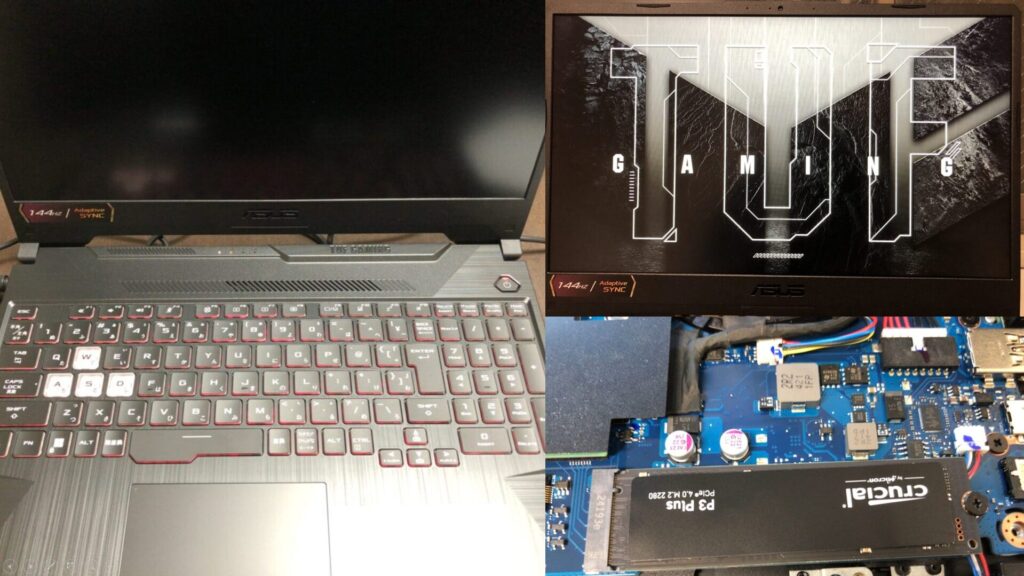
▼I am using a gaming laptop purchased for around 100,000 yen, running Windows 11.
Shopping: New Laptop and SSD Expansion (ASUS TUF Gaming A15)
Info This article is translated from Japanese to English. Introduction In this post, I’ll be talking about replacing my PC after my previous one broke down. I …

 ポチップ
ポチップ
Add the ROS# package to Unity.
▼The ROS# GitHub repository is here. I will proceed according to the README.
https://github.com/siemens/ros-sharp
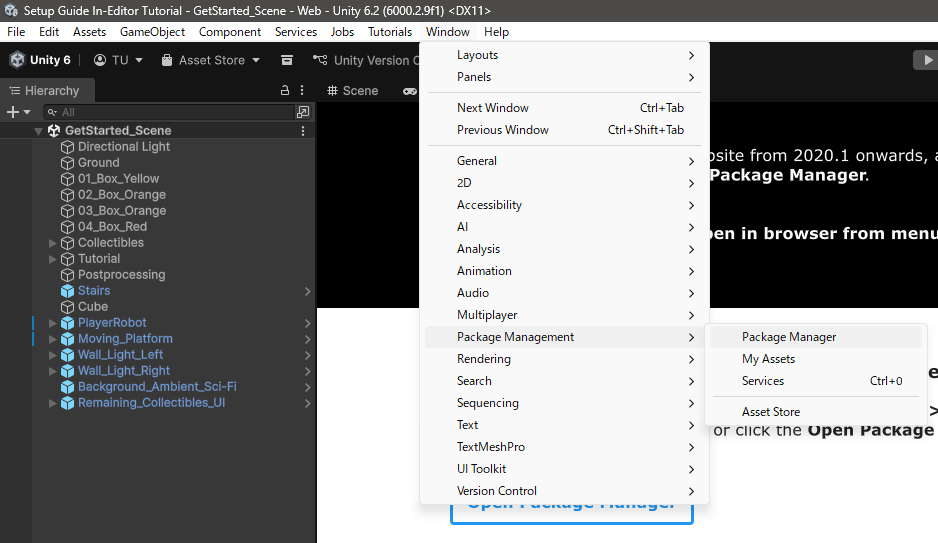
Open the Package Manager.
▼It was located under Window > Package Management.
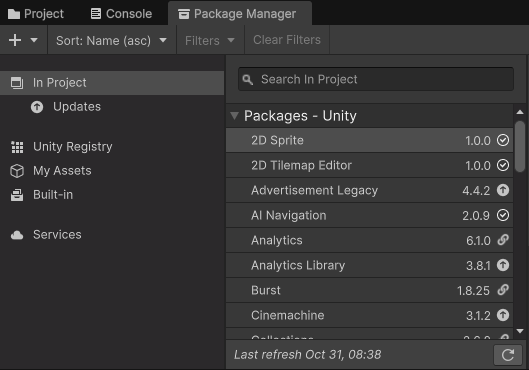
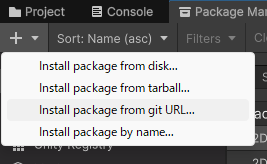
Add the package from the "+" icon.
▼This time, select "Install package from git URL."
▼I entered the following URL:
https://github.com/siemens/ros-sharp.git?path=/com.siemens.ros-sharp
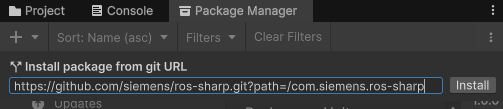
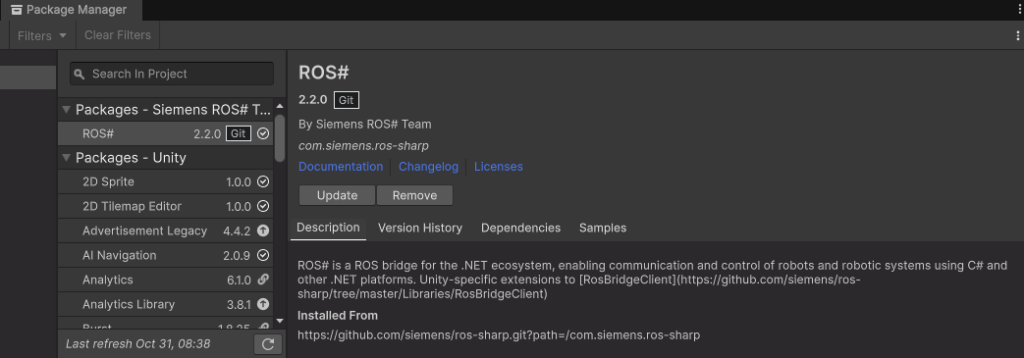
After selecting Install, the package was added.
▼It was installed without any particular problems.
Displaying Camera Images in Unity
Checking the USB Camera Image
I will proceed with a configuration where images from a USB camera connected to a Jetson Xavier are received by Unity running on a Windows PC.
▼The publishing of USB camera images is introduced in the following article:
Jetson Xavierを使ってみる その3(ROSの環境構築、USBカメラ映像のPublish)
はじめに 今回はJetson XavierでROSの環境を構築して、USBカメラの映像をPublishしてみました。 ROSの通信で画像を送信して、物体検出や遠隔操作などを試したいなと思…
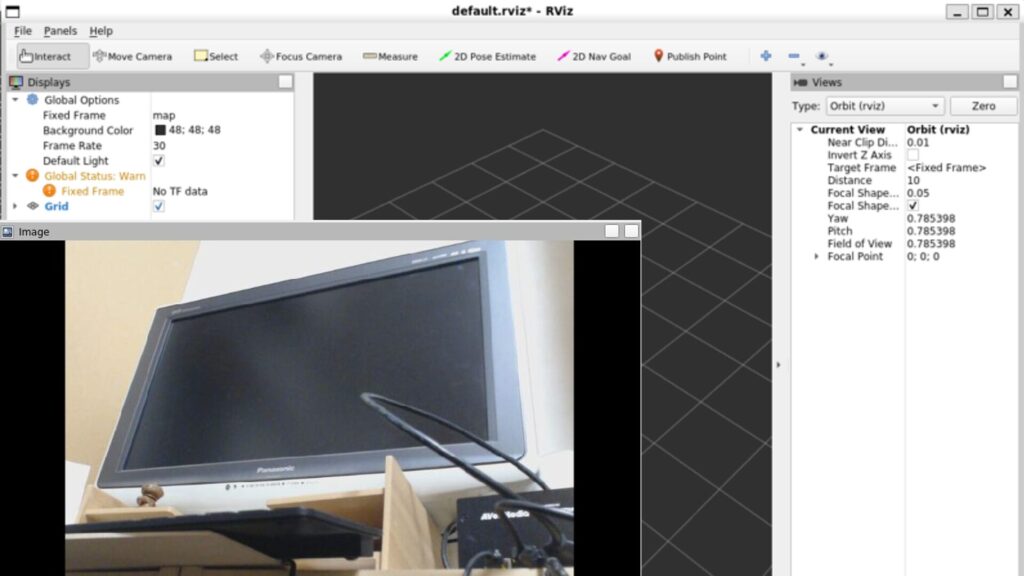
▼The camera used is a USB camera.
 ポチップ
ポチップ
I edited .bashrc so that the ROS Master is set to the ROS Noetic environment in WSL2 on the Windows side. The IP address used is from Tailscale.
▼For the introduction of Tailscale to WSL2/Ubuntu environments, see here:
Jetson Xavierを使ってみる その4(ROS、Tailscaleを利用した画像データの送受信)
はじめに 今回はROSとTailscaleを利用して、インターネットを経由した画像データの送受信を試してみました。 前回の記事ではローカルネットワークで試していました。…
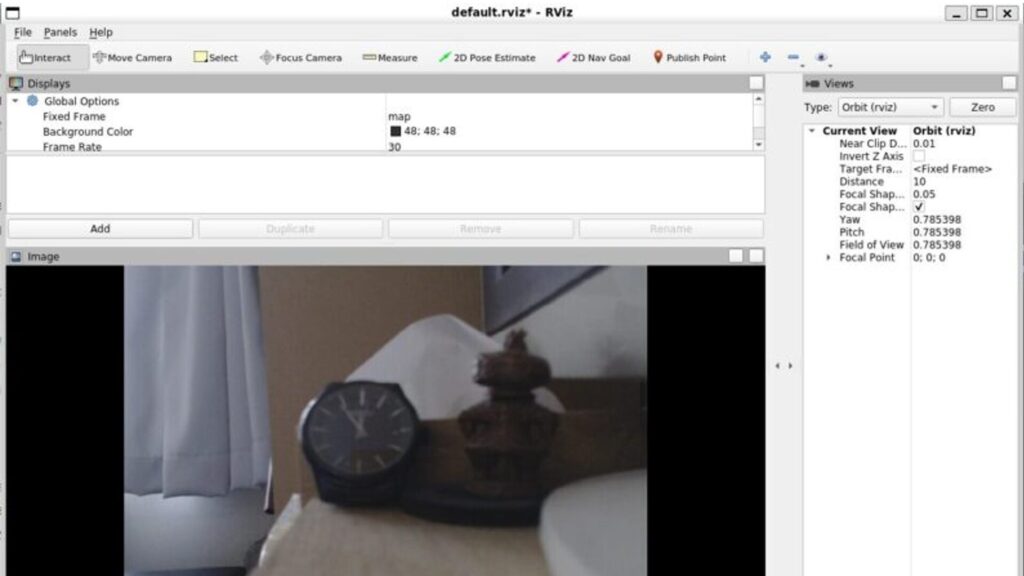
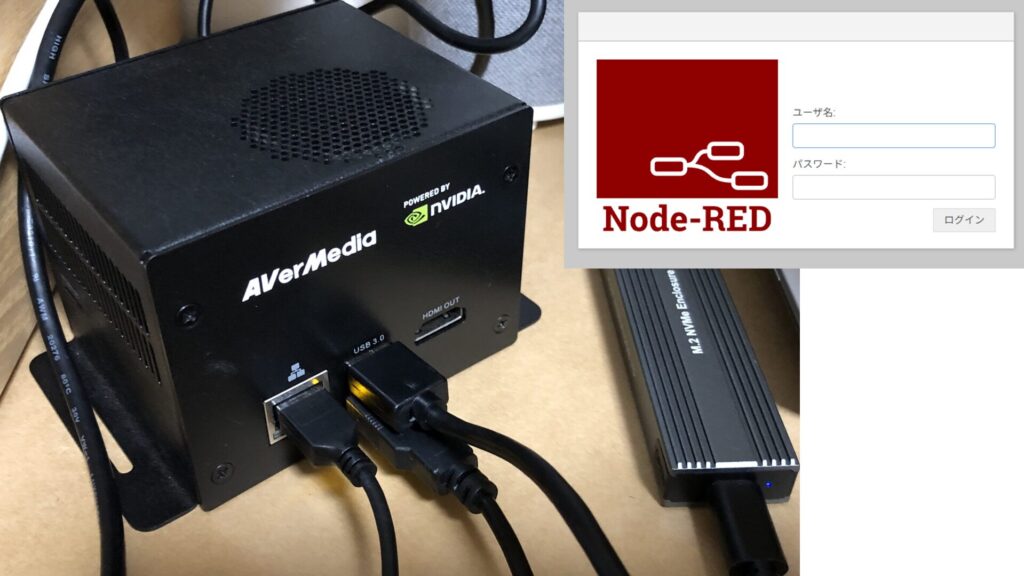
Trying Out Jetson Xavier Part 2 (Communication Settings, Node-RED, and Tailscale)
Info This article is translated from Japanese to English. Introduction In this post, I configured the communication settings for the Jetson Xavier, following t…
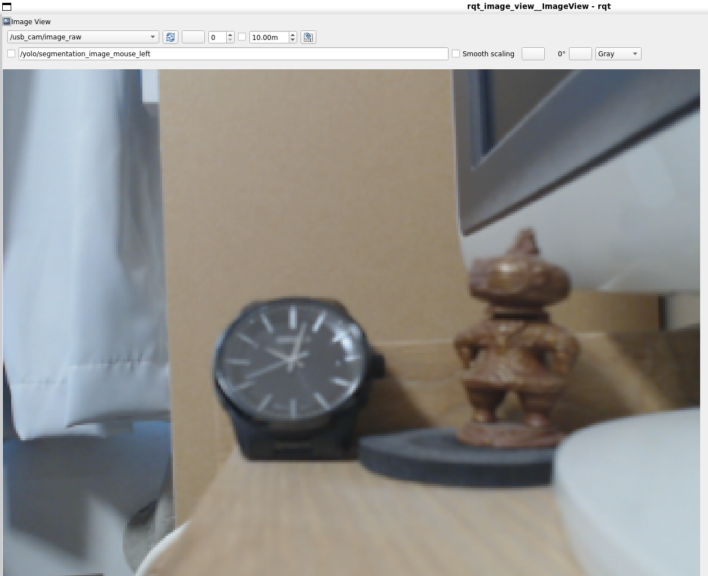
I previously confirmed that camera images could be received by running rqt_image_view on the WSL2 side.
▼The following camera image is being transmitted:
Launching ROS Bridge
Since ROS# communicates using ROS Bridge, I will launch ROS Bridge on the WSL2 side.
▼I also utilized this in the following article. In the case of WSL2, it is necessary to allow it through the firewall, etc.
WebSocket Communication with ROS on WSL2 (ROS Bridge, Node-RED, Gazebo)
Introduction In this article, I used ROS Noetic and Node-RED with WSL2 for WebSocket communication. I wanted to get the values calculated by ROS with Node-…
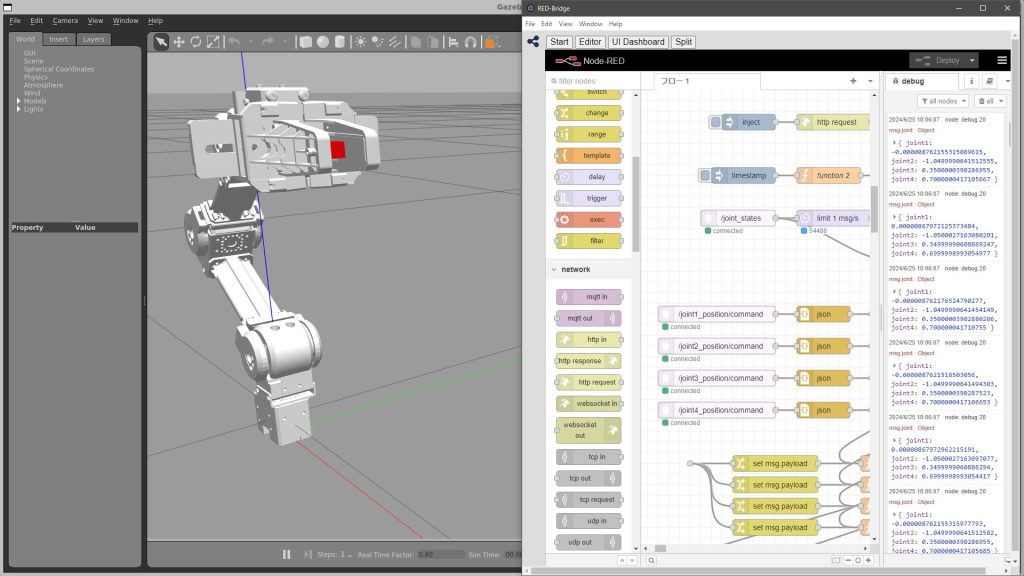
ROS Bridge can be launched with the following commands:
sudo apt install ros-noetic-rosbridge-server
roslaunch rosbridge_server rosbridge_websocket.launch
▼It launched on port 9090.

Unity Side Settings
I will use the ROS# implementation added to the Project.
▼Under ROS#/Runtime/RosBridgeClient/RosCommunication, there are CompressedImageSubscriber and RawImageSubscriber.
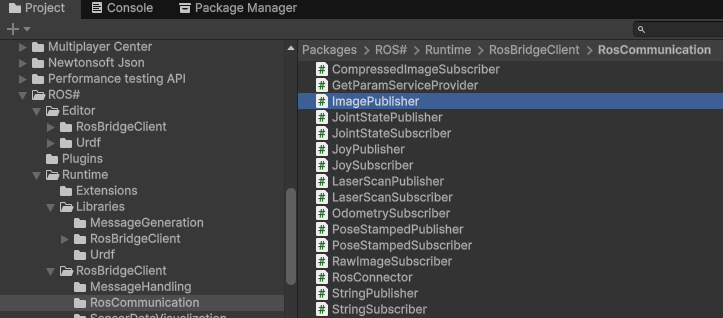
I tried both this time.
▼I added a Plane and a RawImageSubscriber in Unity.
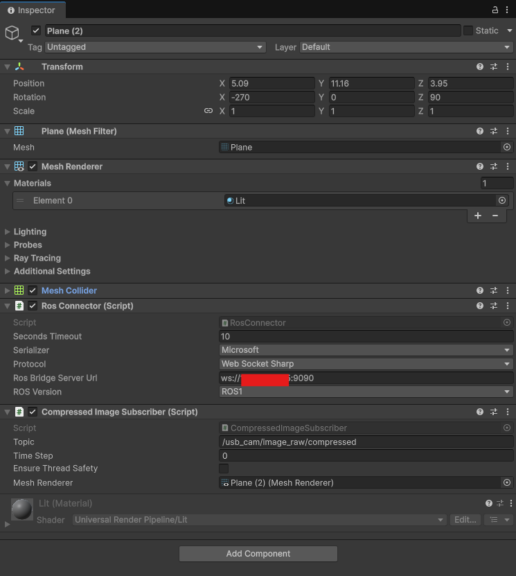
▼In the Inspector for RawImageSubscriber, you can select the ROS Bridge URI, topic, and the mesh for rendering.
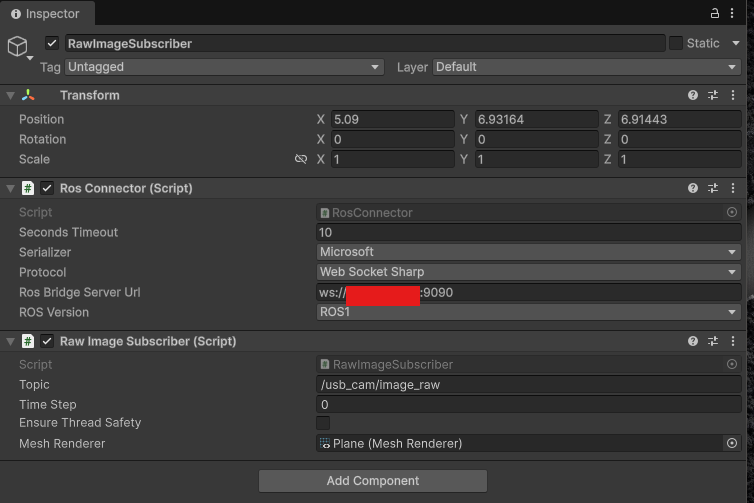
I added another Plane and added a Compressed Image Subscriber via Add Component.
▼This one seems easier to manage.
When I tried launching it in this state, the camera image was not displayed on the Plane.
▼It appears pink, possibly a default texture.
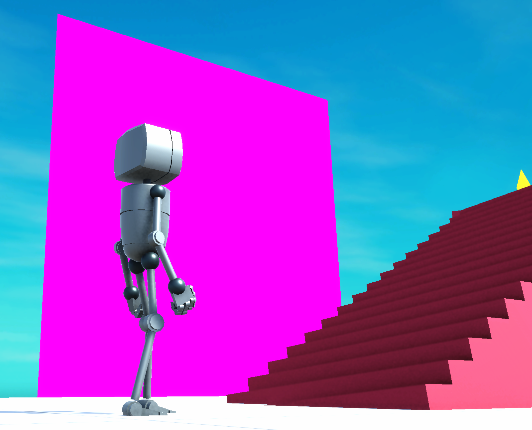
It didn't seem adjustable via Inspector parameters, so I handled it by modifying the code this time.
When opening the RawImageSubscriber and CompressedImageSubscriber files, there was the following code regarding the material:
meshRenderer.material = new Material(Shader.Find("Standard"));I changed "Standard" to "Unlit/Texture".
meshRenderer.material = new Material(Shader.Find("Unlit/Texture"));In this state, it was displayed without problems.
▼I was able to receive the camera image!
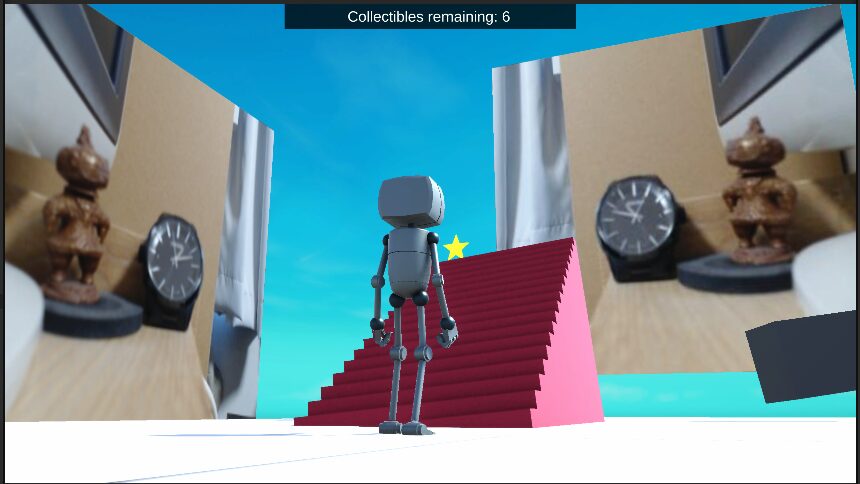
The left is the RawImageSubscriber and the right is the CompressedImageSubscriber image. For some reason it is flipped, but the right one is correct. I may need to review the code regarding this as well.
Perhaps partly because I am using a VPN connection via Tailscale, the lag was significant. On the other hand, it can be checked from anywhere as long as there is an internet connection. I'm curious about how much impact this will have when mounted on a robot.
Finally
I was able to receive camera images, but some modifications were necessary. Since it is not fully compatible with Unity 6, other issues may arise in the future.
It seems possible to use Unity Robotics Hub instead of ROS#, so I would like to try that as well.
▼The Unity Robotics Hub GitHub page is here:
https://github.com/Unity-Technologies/Unity-Robotics-Hub
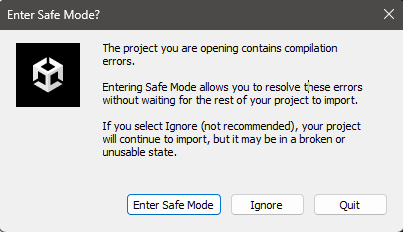
Additionally, an error occurred when I closed the project once and then launched it again.
▼I have figured out how to deal with it, so I plan to introduce it in the next article.