Trying Out MuJoCo Part 1 (Environment Setup and Running Sample Programs)
 管理人
管理人Introduction
In this post, I tried out a software called MuJoCo, which can perform physics simulations.
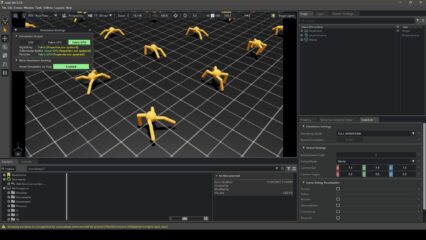
I discovered MuJoCo while experimenting with Genesis in a previous article. It seems that MuJoCo is also used in the development of Genesis. While I strongly associated robot simulation with ROS, it seems there are many other options available.
▼The MuJoCo page is here:
▼A simulation video is here. It certainly looks like the screens I saw in Genesis.
▼The article when I used Genesis is here:
Trying Out Genesis Part 1 (Environment Setup and Running Sample Programs)
Info This article is translated from Japanese to English. Introduction In this post, I tried out a physics simulation software called Genesis.It was released o…
 趣味的ロボット研究所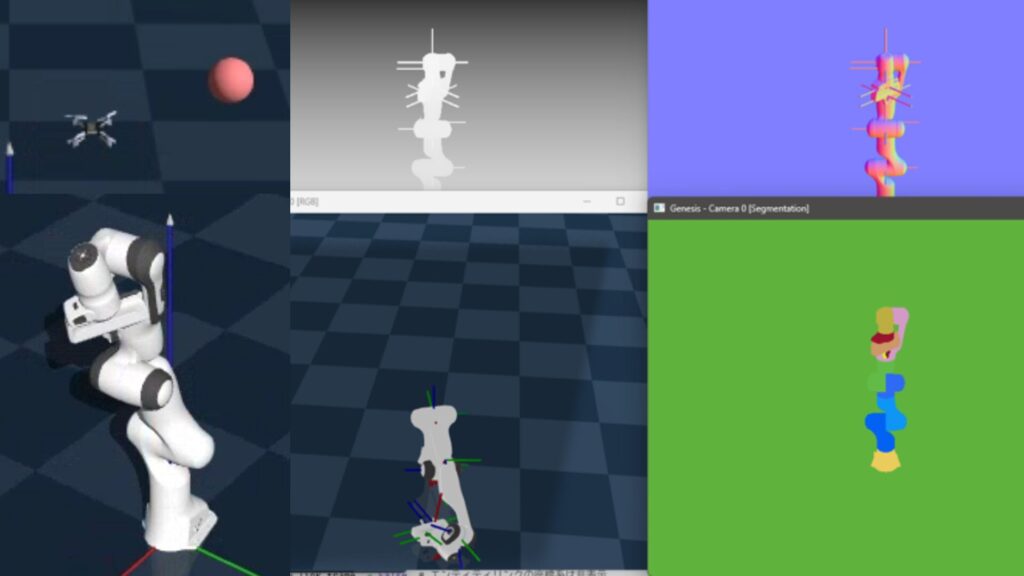
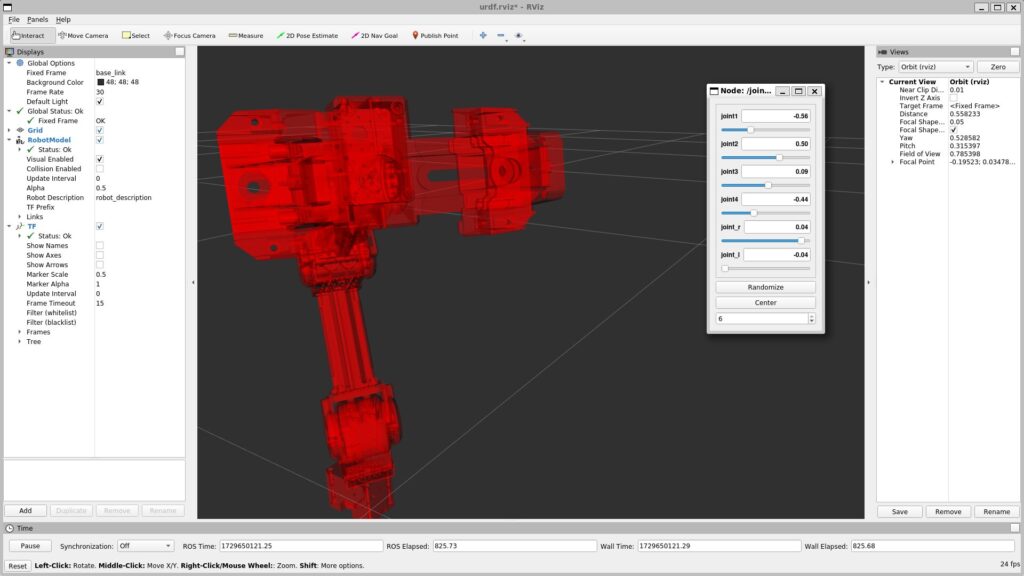
▼Previous articles are here:
Unreal Engine 5を使ってみる その7(Open Manipulator)
はじめに 前回、Unreal Engine 5(UE5)でロボットアームのようなものを作成しました。今回はROBOTIS社がオープンソースとして公開している、Open Manipulatorというロ…
ROS1を使ってみる その4(URDFファイルの作成、Open Manipulator)
はじめに 今回はOpen ManipulatorのURDFファイルを作成してみました。 これまではROSですでに用意されていたOpen Manipulatorのモデルを利用していましたが、URDFファ…
Setting Up the Environment
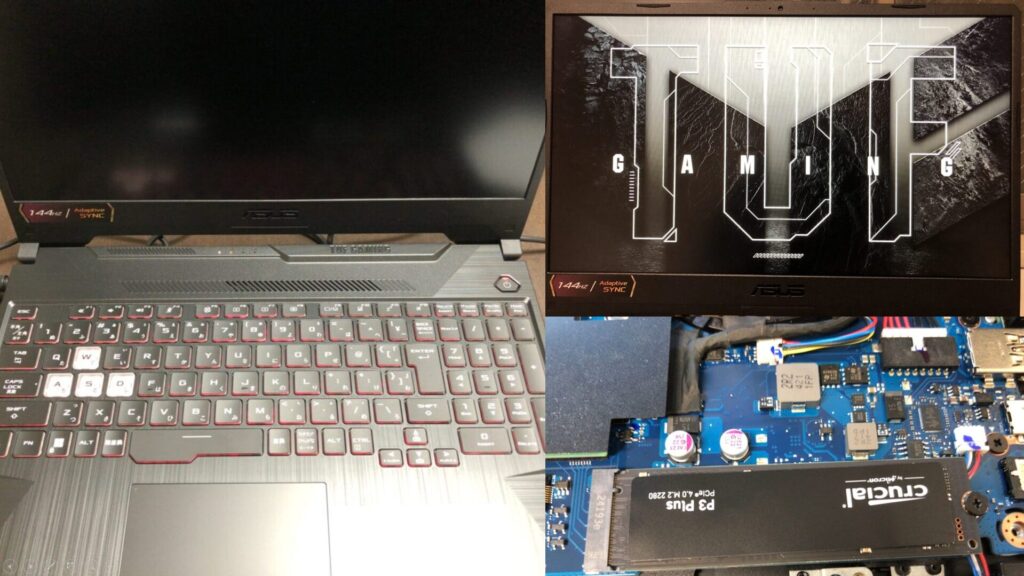
▼I am using a gaming laptop purchased for around 100,000 yen, running Windows 11.
Shopping: New Laptop and SSD Expansion (ASUS TUF Gaming A15)
Info This article is translated from Japanese to English. Introduction In this post, I’ll be talking about replacing my PC after my previous one broke down. I …

 ポチップ
ポチップ
First, I will create a Python virtual environment.
py -3.10 -m venv pyenv-mujoco
cd .\pyenv-mujoco
.\Scripts\activate
▼For more information on creating Python virtual environments, please see the following article:
Create Python Virtual Environments (venv, Windows)
Info This article is translated from Japanese to English. Introduction In this post, I have summarized how to create a Python virtual environment.I was researc…
It seems that the only package installation required is the following:
pip install mujocoI anticipated needing data such as robot models, so I cloned the GitHub repository in advance.
git clone https://github.com/google-deepmind/mujoco.gitLaunching the Viewer
I used the Viewer to display the models available in MuJoCo.
▼I'll proceed by referring to the page regarding execution with Python:
https://mujoco.readthedocs.io/en/latest/python.html
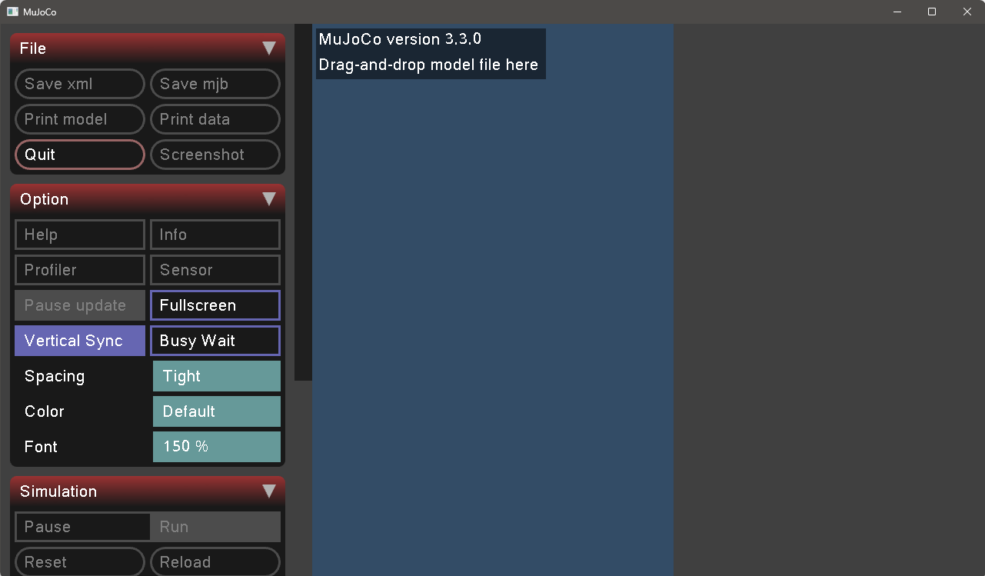
The Viewer launched with the following command:
python -m mujoco.viewer▼It appeared as follows. It seems you can upload model files by dragging and dropping them.
When I specified the path to a model file from the cloned GitHub repository as follows, the model appeared in the Viewer:
python -m mujoco.viewer --mjcf=./mujoco/model/humanoid/22_humanoids.xmlI am specifying a humanoid model.
▼As soon as it was displayed, it lost its balance and fell over.
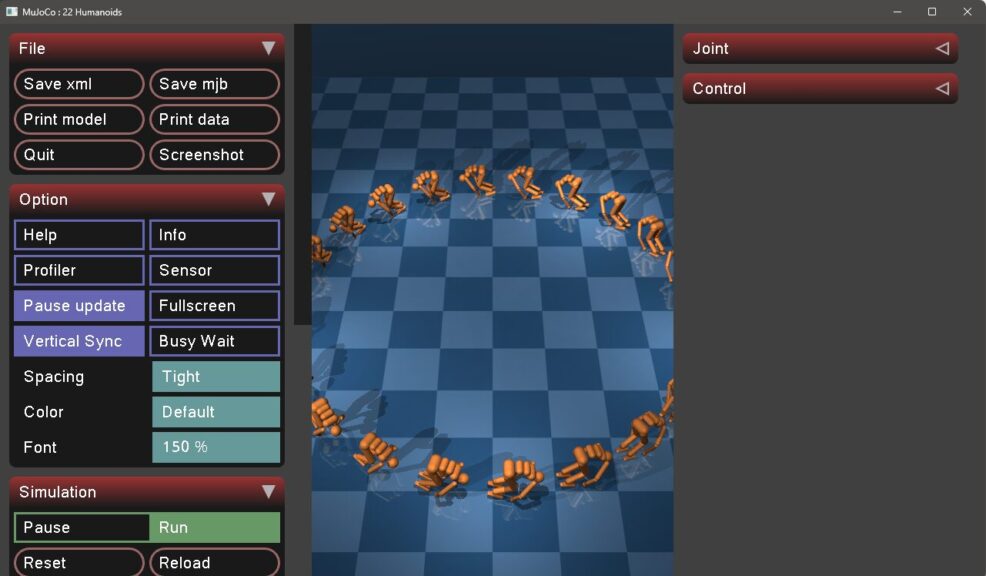
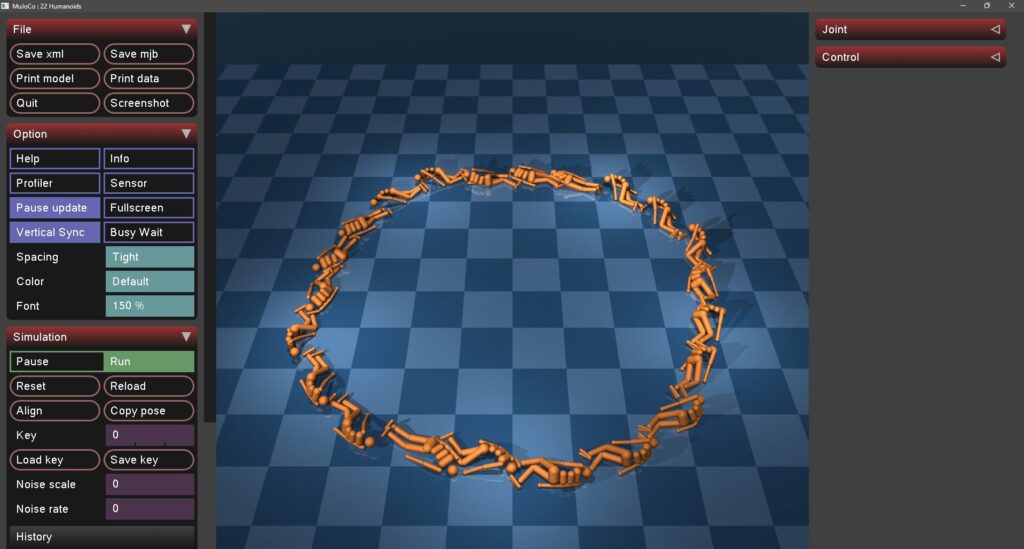
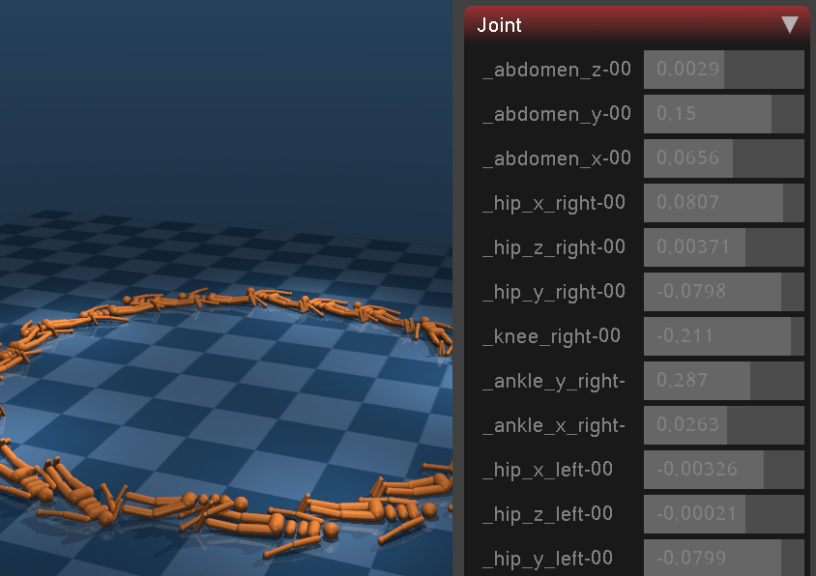
▼The values for each joint are displayed.
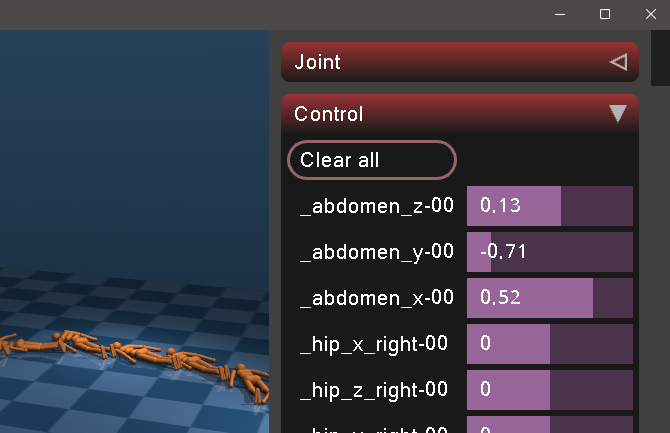
▼When I changed the parameters in the Control section, some humanoids started moving.
I tried other models as well.
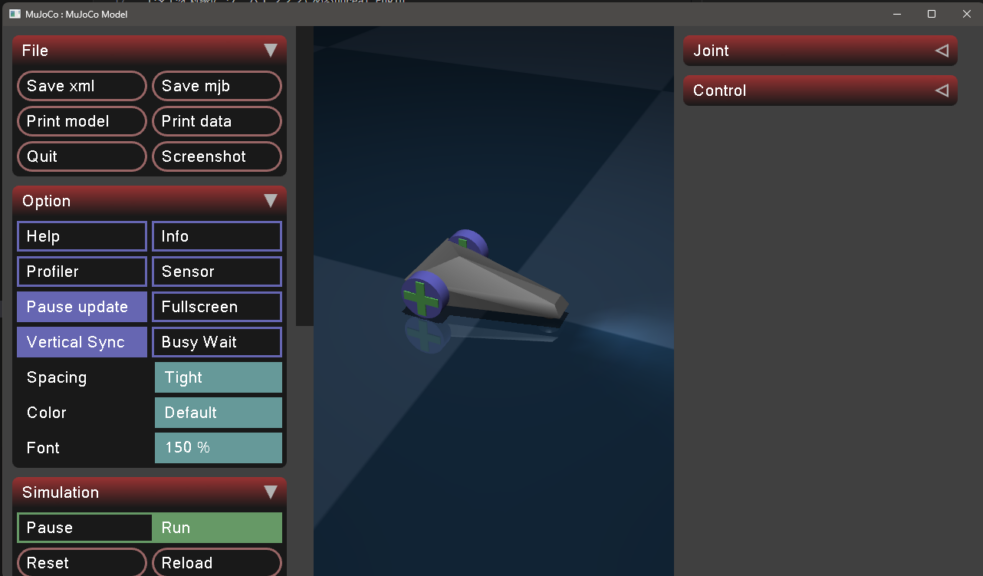
▼The car has a configuration of two wheels plus a caster.
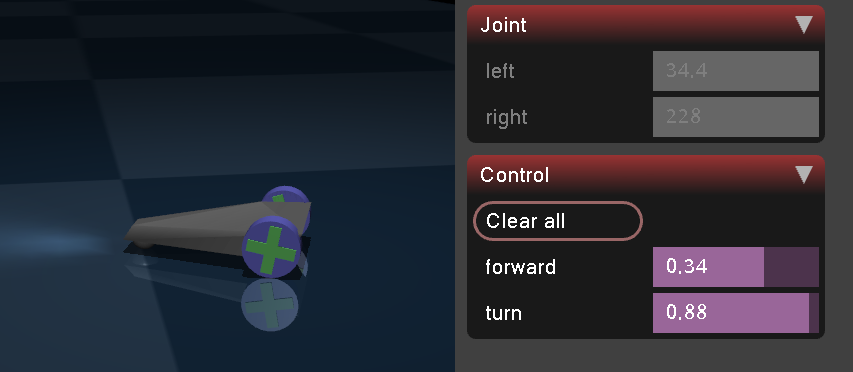
▼I was able to operate it via the Control section.
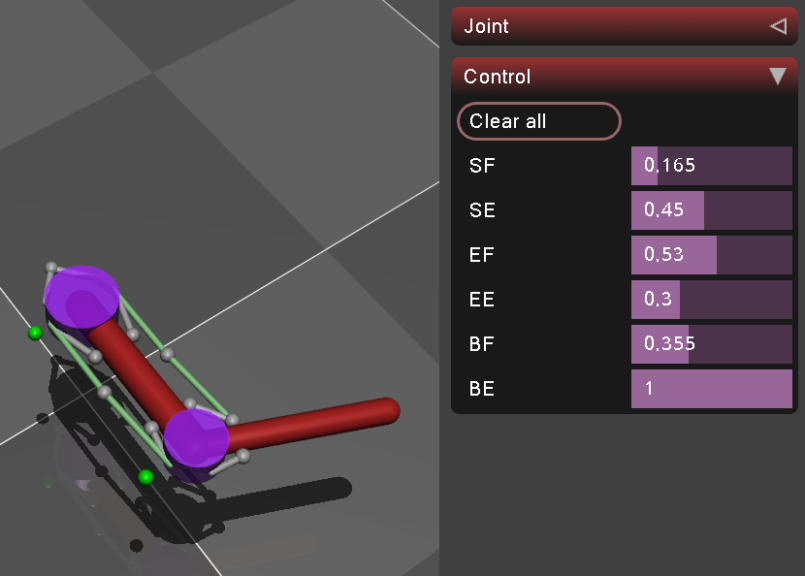
▼The tendon_arm was a model resembling the structure of human joints and muscles.
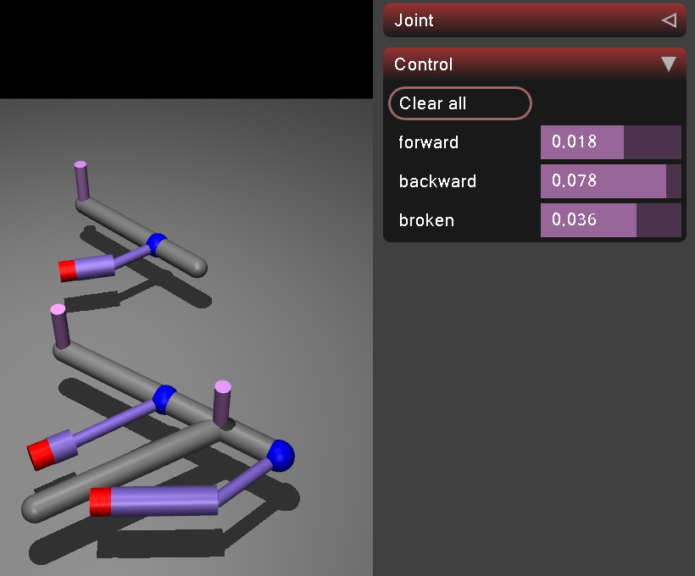
▼The slider_crank looks like this. It looked like an animation-style representation.
Displaying Models from the Model Gallery
Actual robot models found in the MuJoCo Model Gallery seem to be located in a separate repository called MuJoCo Menagerie.
▼The Model Gallery page is here. Bipedal, humanoid, canine, and robot arms are available.
https://mujoco.readthedocs.io/en/latest/models.html
▼The MuJoCo Menagerie repository is here:
https://github.com/google-deepmind/mujoco_menagerie
I cloned the MuJoCo Menagerie GitHub repository and displayed a model in the Viewer.
git clone https://github.com/google-deepmind/mujoco_menagerie
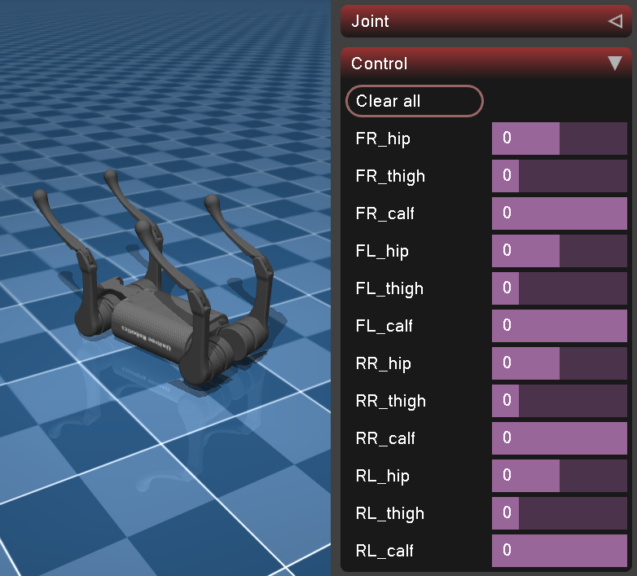
python -m mujoco.viewer --mjcf=./mujoco_menagerie/unitree_a1/scene.xml
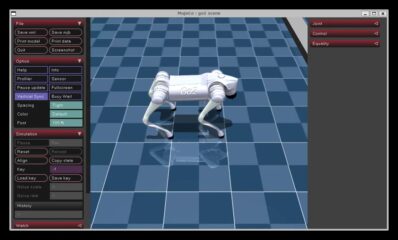
▼It's fallen over, but a canine robot was displayed! You can operate the legs using the Control section.
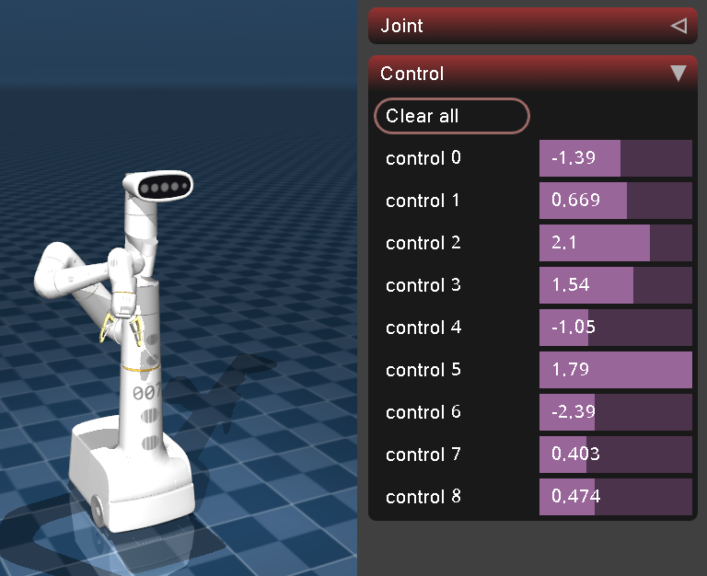
▼The google_robot looks like this. When the arm moves, inertia is at work.
▼The flybody, a fly model that exists for some reason, looks like this.
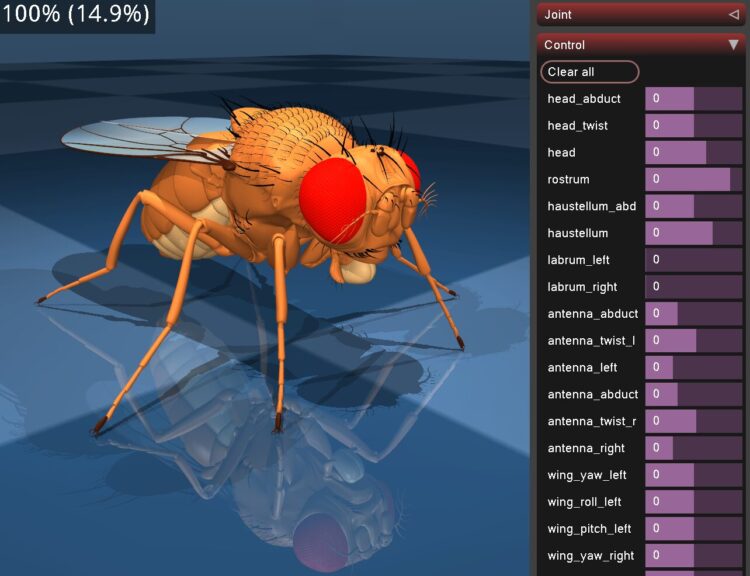
The fly model has an extremely large number of movable parts, and you can move not only the wings and joints but also fine details like the antennae and mouth. It has far more control parameters than a robot and is surprisingly well-crafted.
Executing the Notebook Tutorial
Since there was a tutorial available that can be run on Google Colaboratory, I tried it out.
▼You can run the Notebook code on Google Colaboratory from the following link:
https://colab.research.google.com/github/google-deepmind/mujoco/blob/main/python/tutorial.ipynb
I'll introduce just a part of the execution results here.
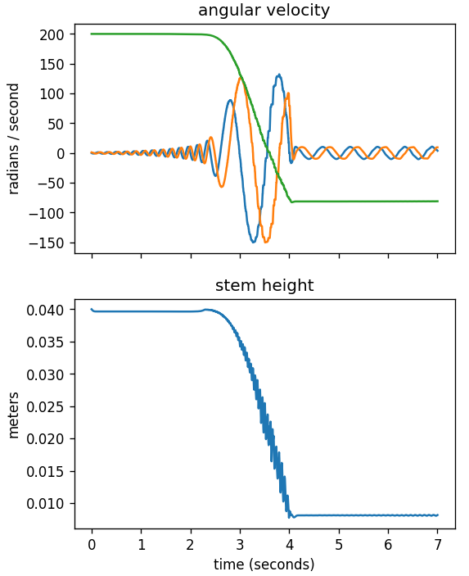
▼I found this interesting—it's a simulation of a tippe top. The data is also output as a graph.
▼Visualization of force vectors acting on an object is also possible.
▼A collision simulation for an object fixed with a string. The behavior looks realistic.
▼Rendering of depth images and segmentation images is also possible.
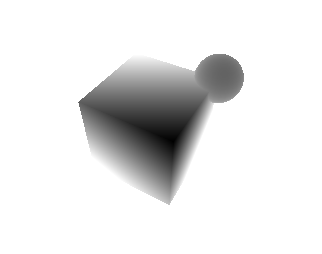
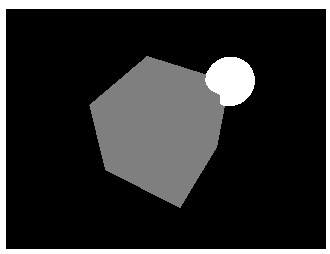
▼The very last one was dominoes. It was recorded while moving the camera.
I thought that placing objects by describing them in an xml file would result in long code, but that didn't seem to be the case. It looks like I could perform simulations if I had ChatGPT write the code based on the samples.
▼I had the impression that the number of lines was quite high when writing ROS URDF files. As seen in the Viewer, it might be a bit easier if there are plenty of samples.
ROS1を使ってみる その4(URDFファイルの作成、Open Manipulator)
はじめに 今回はOpen ManipulatorのURDFファイルを作成してみました。 これまではROSですでに用意されていたOpen Manipulatorのモデルを利用していましたが、URDFファ…
Finally
Having touched Genesis earlier, I could see traces of MuJoCo being used in its development. While I might end up using Genesis for development rather than MuJoCo, this would be fine for physics simulations alone.
Since I primarily use Unreal Engine for simulations, I'm currently thinking that I'd like to use various robot models like the ones in MuJoCo.